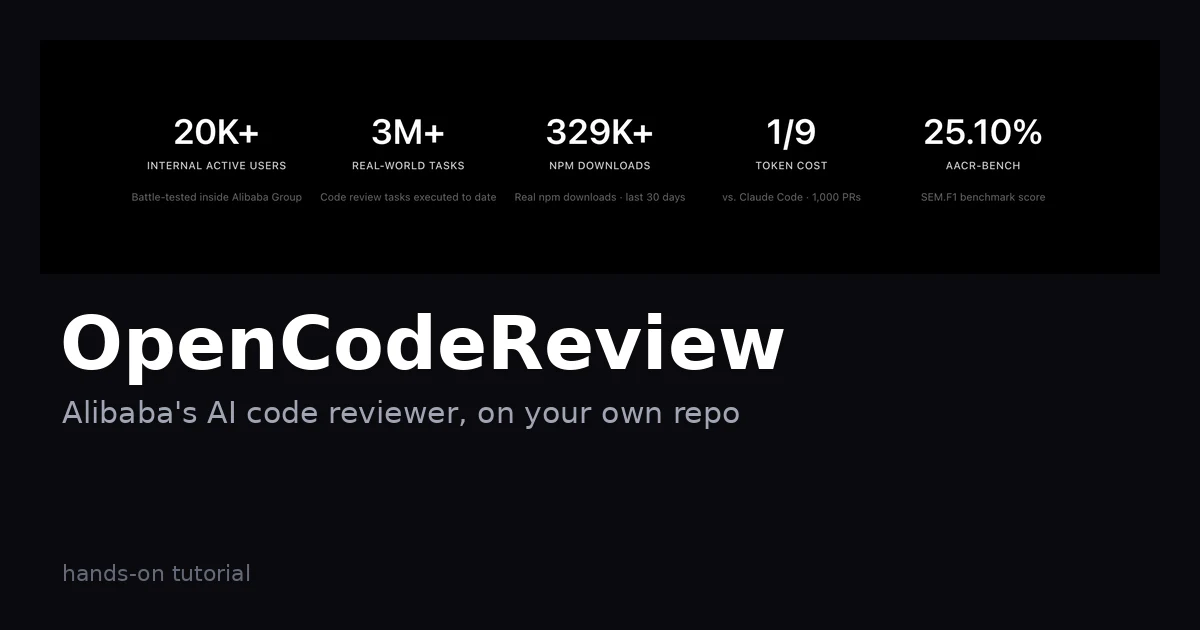
Most AI code reviews are a coin flip: ask a general-purpose agent to review a big diff and it skims files, cites line numbers that don't exist, and changes its mind with every prompt tweak. OpenCodeReview (alibaba/open-code-review) is Alibaba's answer, now open source: an AI code reviewer — past 46,000 GitHub stars, Apache-2.0 — built as a hybrid of deterministic engineering and an agent. The engineering picks exactly which files to review, bundles related files into review units, and pins each comment to the right line; the agent does the judgment calls. This tutorial installs it, points it at a model, and runs it on your own code.
One npm command installs it globally as ocr:
npm install -g @alibaba-group/open-code-reviewConfirm it landed:
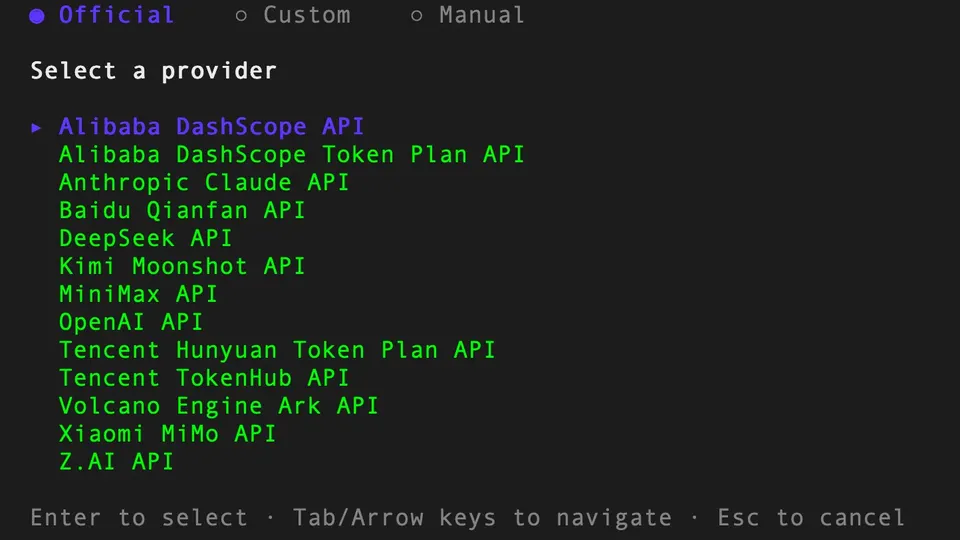
ocr --versionThe interactive setup walks you through provider selection, API key entry, and model choice, then tests the connection for you:
ocr config provider
ocr config model
For non-interactive setups — CI machines, scripts — the configuration docs list every environment variable the interactive UI would set.
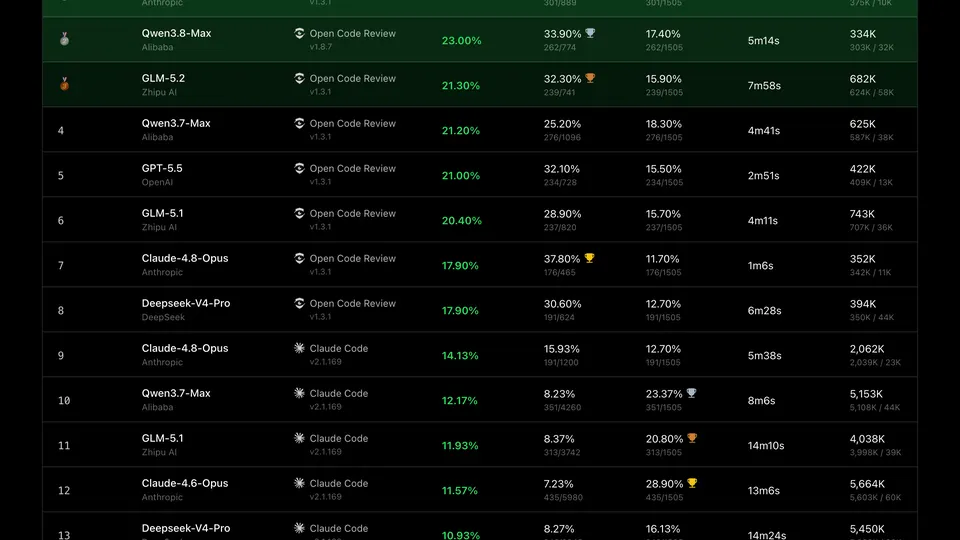
Workspace mode reviews everything you haven't committed — staged, unstaged, and untracked files:
cd your-project
ocr review
This is the loop to build into your pre-commit habit: write code, ocr review, fix what it flags, commit.
For a feature branch, review everything since it diverged from main (merge-base mode):
ocr review --from main --to feature-branchReviewing a single commit works the same way:
ocr review --commit abc123Interrupted a long review? Resume it instead of starting over:
ocr session list
ocr review --from main --to feature-branch --resume <session-id>Diff review needs Git. Full-file scan doesn't — point it at a directory and it reviews every file it finds:
ocr scan
ocr scan --path internal/agent
ocr scan --resume <session-id>
Useful for legacy code you just inherited and never want to diff against anything.
If you'd rather not configure a model, delegation mode splits the job: OCR handles file selection and rule resolution, and your own coding agent performs the review:
ocr delegate preview
ocr delegate rule src/main.go src/handler.go
Preview first to see which files and rules OCR selected, then hand those to your agent. The README also documents plugins for Claude Code, Codex, Cursor, Kimi Code, and OpenCode, plus a portable agent skill for anything compatible.
Machine-readable output turns the review from a chat transcript into a step in an automated loop:
ocr review --format json --output result.jsonHand result.json to your coding agent with “fix everything in here” and you've got a review-fix cycle that runs unattended. The docs cover GitHub Actions, GitLab CI, GitFlic CI, and Gerrit if you want the review on every PR, plus a session viewer that replays a review in the browser and lets you mark comments fixed or ignored as you triage.
A working AI code-review loop on your own repository: ocr review for daily changes, --from/--to for branch diffs, ocr scan for whole files, and delegation mode when you'd rather spend your agent's context than an API key.
ocr scan assumes a Git repo with real history; monorepo-scale diffs may need the session resume commands from Step 4.