
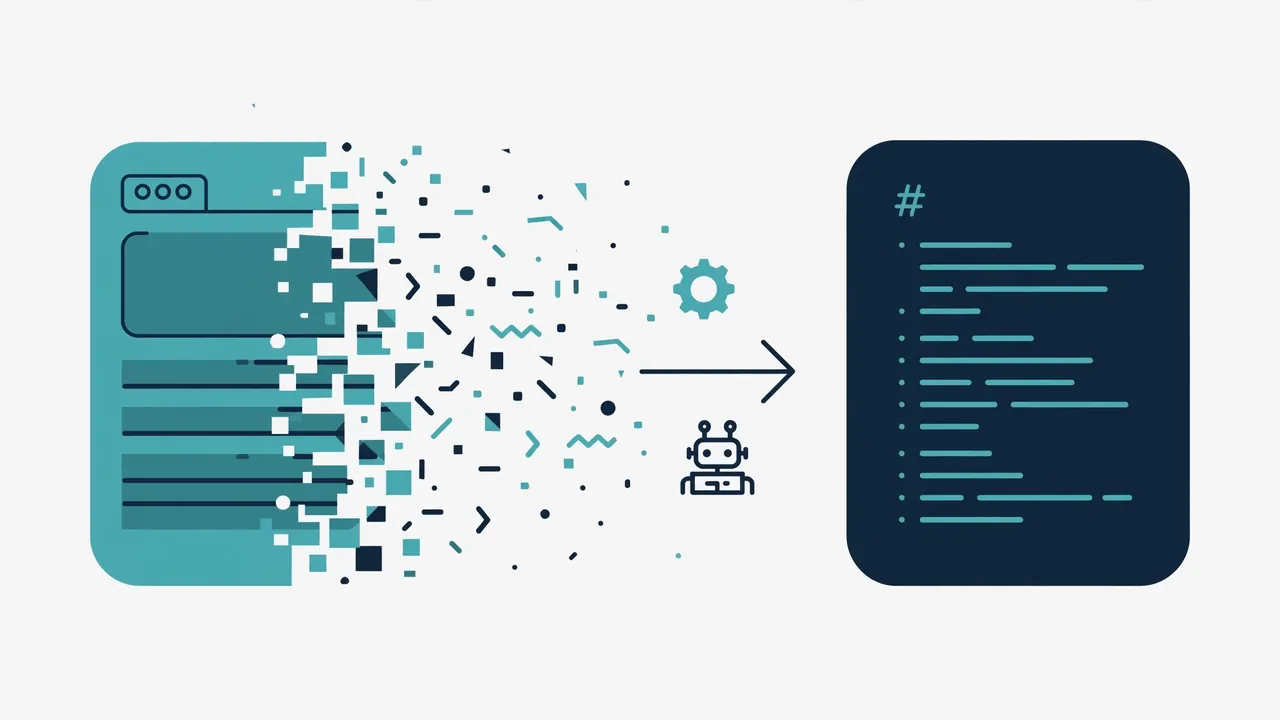
Most RAG pipelines die on document quality, not retrieval quality. Feed a chunker raw HTML and it stores menus, cookie banners, nav bars, and footer links as if they were content. Crawl4AI (unclecode/crawl4ai) exists for exactly this step: an open-source web crawler that turns any website into clean, LLM-ready Markdown — past 85,000 GitHub stars, Apache-2.0 — and then pulls structured JSON out of the page with no LLM call at all. This tutorial installs it, scrapes your first page, and extracts typed data you can drop straight into a pipeline.
Two commands. The second one downloads the browser, once:
pip install -U crawl4ai
crawl4ai-setupThe core loop is three lines: open the crawler, run it on a URL, read result.markdown. Save this as scrape.py:
import asyncio
from crawl4ai import AsyncWebCrawler

async def main():
    async with AsyncWebCrawler() as crawler:
        result = await crawler.arun(url="https://news.ycombinator.com")
        print(result.markdown)

asyncio.run(main())
Run it with python scrape.py. What you get is not HTML soup: it’s smart Markdown with headings, lists, tables, and code blocks in a structure an LLM reads well, and every page link becomes a numbered citation. Print just the first 2,000 characters and you’ll see why this output feeds a chunker better than anything you’d regex together yourself.
crwlThe same engine ships as a CLI for quick jobs. One page as Markdown:
crwl https://news.ycombinator.com -o markdownDeep crawl, breadth first, at most ten pages — useful when you want a whole docs site, not one page:
crwl https://docs.crawl4ai.com --deep-crawl bfs --max-pages 10There’s also a -q mode that answers a question about a page (crwl https://www.example.com/products -q "Extract all product prices"), but that one needs an LLM key configured via crwl config — skip it for now, because the next step gets you structured data without any model at all.
Markdown is for reading. For pipelines you want typed records. Crawl4AI’s JsonCssExtractionStrategy extracts them with CSS selectors — no LLM, no tokens. This example is straight from the project’s own docs and runs against quotes.toscrape.com, the canonical scraping test site:
import asyncio, json
from crawl4ai import AsyncWebCrawler, BrowserConfig, CrawlerRunConfig, CacheMode, JsonCssExtractionStrategy

schema = {
    "name": "Quotes",
    "baseSelector": "div.quote",
    "fields": [
        {"name": "text", "selector": "span.text", "type": "text"},
        {"name": "author", "selector": "small.author", "type": "text"},
        {"name": "tags", "selector": "a.tag", "type": "list", "fields": [{"name": "tag", "type": "text"}]},
    ],
}

async def main():
    run_config = CrawlerRunConfig(
        extraction_strategy=JsonCssExtractionStrategy(schema),
        scan_full_page=True,   # scroll to the end, so the page loads every quote
        scroll_delay=0.5,
        cache_mode=CacheMode.BYPASS,
    )
    async with AsyncWebCrawler(config=BrowserConfig(headless=True)) as crawler:
        result = await crawler.arun(url="https://quotes.toscrape.com/scroll", config=run_config)
        quotes = json.loads(result.extracted_content)
        print(f"Extracted {len(quotes)} quotes")
        print(json.dumps(quotes[0], indent=2))

asyncio.run(main())
result.extracted_content comes back as a JSON string of typed records — text, author, tags — ready to load into a database or a vector store. Note scan_full_page=True: it scrolls infinite-scroll pages to the end before extracting. For your own targets, swap the selectors; the pattern is identical.
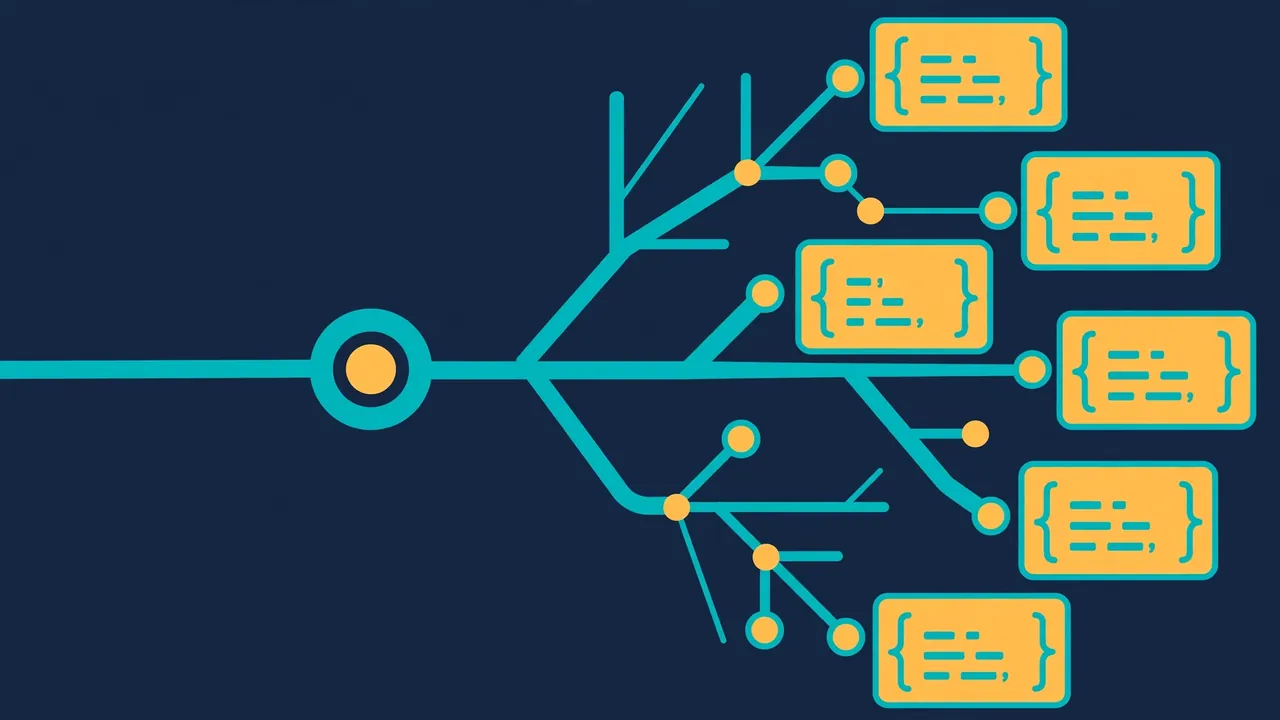
A local, reproducible pipeline with no keys and no cloud bill: any URL goes in, clean LLM-ready Markdown and structured JSON come out. Point the Step 2 script at your docs, the Step 3 deep crawl at a knowledge base, the Step 4 schema at a listing page — the outputs drop straight into a RAG indexer.
curl replacement for every job.enable_stealth, proxies with authentication and rotation, persistent profiles with saved logins, and full header/cookie control — those are controls for sites that allow automation, not a pass to ignore a site’s terms. Check the terms of anything you crawl at volume.