Map everything attackers can see about your company: a hands-on guide to CVEngine
Most security tools hand you one of three piles: assets, flaws, or CVE feeds. CVEngine runs all three as one loop — it discovers what you expose to the internet, fingerprints every service and version, matches today's exploited CVEs against that inventory, and lets AI triage the result into a verdict. This guide installs it, points it at a target you own, and follows one finding from discovery to validation.
- Who: CVEngine (hevnsnt/CVEngine on GitHub).
- What: a free, self-hosted external attack-surface platform: discovery, fingerprinting, CVE matching, AI triage, and read-only validation in one loop.
- When: created 24 October 2026; 404 GitHub stars and 61 forks at the time of writing (27 October 2026).
- Requirements: a Linux server — Debian or Ubuntu is easiest — with at least 4 GB of RAM (8 GB for comfort) and 20 GB of free disk; Docker is installed for you.
- Licence: GPL-3.0.
- Core loop: bbot discovery, nmap/naabu inventory, nuclei checks, CVE matching rated fire, smoke, or ice, AI triage, and read-only validation — with a 0–100 score per host.
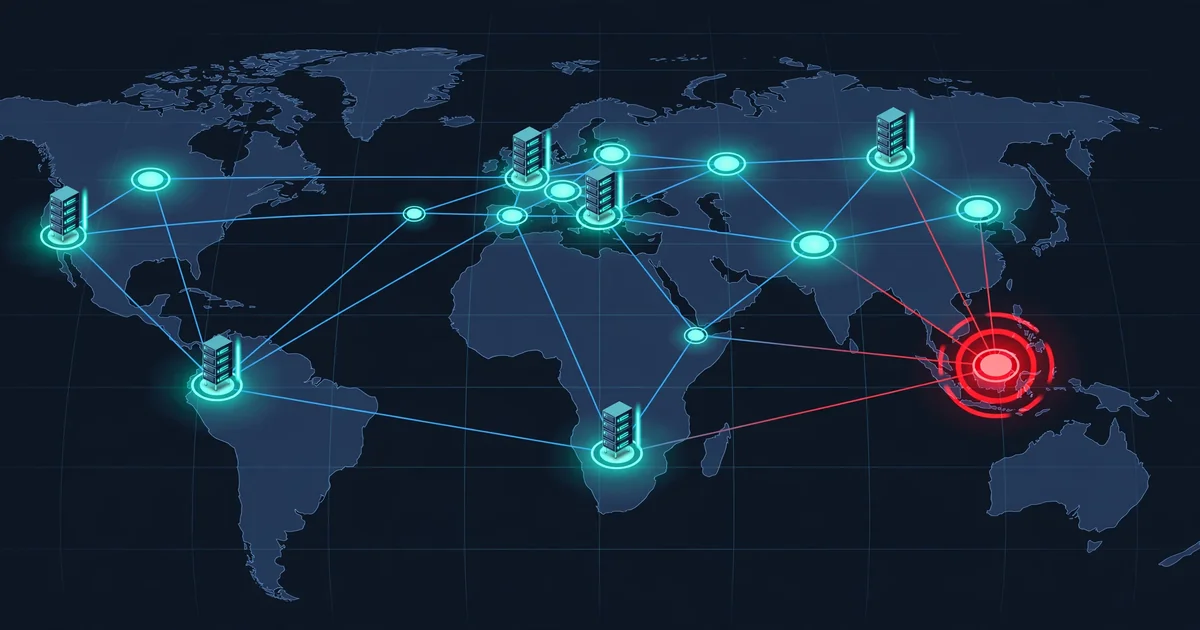
Ask a security team what they own on the internet and you usually get three different answers: the asset list from one tool, the vulnerability list from another, and a feed of CVEs nobody has matched to either. The gap between those lists is where breaches live — a forgotten subdomain, a database port left open, a service version that quietly matches a CVE being exploited today. CVEngine exists to close that gap. It is a free, open-source, self-hosted platform that runs discovery, fingerprinting, CVE matching, AI triage, and validation as one continuous loop, and hands you a verdict per finding instead of another pile of alerts.
It arrived fast: created on 24 October 2026, it had 404 GitHub stars and 61 forks three days later, under a GPL-3.0 licence. That velocity is a signal, not a proof — so this guide sticks to what the project documents and what its commands do. One rule governs everything below, and it is the project's own: only scan systems you own or are authorized to test. CVEngine enforces part of that itself, as Step 4 shows, but the responsibility is yours.
What you'll need
- A Linux server. Debian or Ubuntu is easiest; the installer handles the rest. At least 4 GB of RAM (8 GB for comfort) and 20 GB of free disk.
- A domain, IP range, or URL you own or are authorized to test — discovery starts the moment you add a target, so pick it before you install.
- About 30 minutes for the first build, most of it Docker image building; after that, the stack starts in seconds.
- Optionally, an AI key (Anthropic, OpenAI, or OpenRouter) or a local model via Ollama or vLLM. Without one, discovery, scanning, matching, and validation still work; the AI adds triage, targeted scans, and template drafts.
Step 1: Install it with one command
On your server, clone the repository and run the installer. It asks nothing:
git clone https://github.com/hevnsnt/CVEngine.git
cd CVEngine
sudo ./install.sh
The installer checks the machine, installs what is missing (on Debian and Ubuntu: curl, make, python3, git, openssl, Docker, and the Compose plugin; on other Linux it installs Docker and names the rest), generates every secret, detects the address to use, creates the HTTPS certificate, builds and starts CVEngine, waits until it answers, and prints the address, your username, and a generated password. Copy that password from the terminal: it is shown once, and you choose your own at your first sign-in. If you lose it, print a new one for the admin account with make admin-password (use sudo if the installer ran as root). To serve it under a real name instead of the detected address, run sudo ./install.sh --domain scanner.example.com. Running the installer again is safe: it keeps your settings, certificate, and data and rebuilds from the code you already have checked out — it does not fetch new code, so use scripts/update.sh to update.
If you would rather run the steps yourself, on any Linux with Docker Engine, the Compose plugin, git, make, and python3, from a git clone (not a release archive):
./scripts/init-env.sh    # creates .env: generates its passwords and sets DOMAIN_NAME to this machine's address
make certs               # HTTPS certificate for the built-in proxy
make up                  # build and start
# wait until https://<your address>/ answers (follow it with: make logs), then:
make admin               # create your admin account: its password is generated and printed once
To choose the password yourself instead, put it in DJANGO_SUPERUSER_PASSWORD in .env before make up, or run make username.
Step 2: Sign in and run the setup wizard
Open the printed address. Browsers will warn about the private certificate authority until you trust secrets/certs/ca.crt — copy it from the server to the computer whose browser you use. After you choose your own password, the setup wizard (superusers only) creates your organization and project, offers an optional AI model (paste an Anthropic, OpenAI, or OpenRouter key; set up Ollama or vLLM later in Settings), adds your first target if you confirm you are authorized to test it, and offers optional Shodan, VirusTotal, and SecurityTrails keys. The CVE feed starts loading about a minute after the workers come up, so give the first match a few minutes before judging the dashboard empty.
Step 3: Add your first target — only what you own
Add targets as domains, IPs, CIDR ranges, or URLs, grouped by organization and project. Bulk entry follows a simple format (organization admins can paste targets and CVEngine creates the projects for you):
##Acme Corp
#Website
example.com
203.0.113.0/28
#Staging
198.51.100.7
Discovery starts the moment you add a target. That immediacy is why the authorization confirmation in the wizard matters: this is a scanner, and pointing it at someone else's infrastructure is not a tutorial step, it is an incident. The safety rails are real but narrow — loopback, link-local, and cloud metadata addresses are never scanned, private ranges stay off until you allow them, and addresses on shared platforms such as CDNs are never port-scanned. A certificate transparency watch pulls new hostnames straight into assessment, and every apex domain gets a deep sweep each week, so the inventory keeps itself current rather than going stale after your first scan.
Step 4: Read the pipeline, from discovery to verdict
Every target runs one pipeline with four stages. FIND uses bbot for subdomain and asset discovery, then nmap and naabu for the inventory: ports, services, products, versions, OS, banners, TLS, and technologies, one record per host. PROBE adds exposure checks (Redis, Memcached, PostgreSQL, Elasticsearch, and CouchDB, answered without a login), a nuclei technology pass, web route checks that label each route open, login, session required, SSO, or redirect, and opt-in WPScan and node2shell checks. MATCH correlates the live cve.now feed and the major exploitation sources against that inventory by product and version, with distribution backports understood. DECIDE is where the AI earns its place: every finding is triaged into confirmed, likely, needs validation, likely false positive, or not applicable, and a review every three hours queues the next triage, validation, or rescan per project.
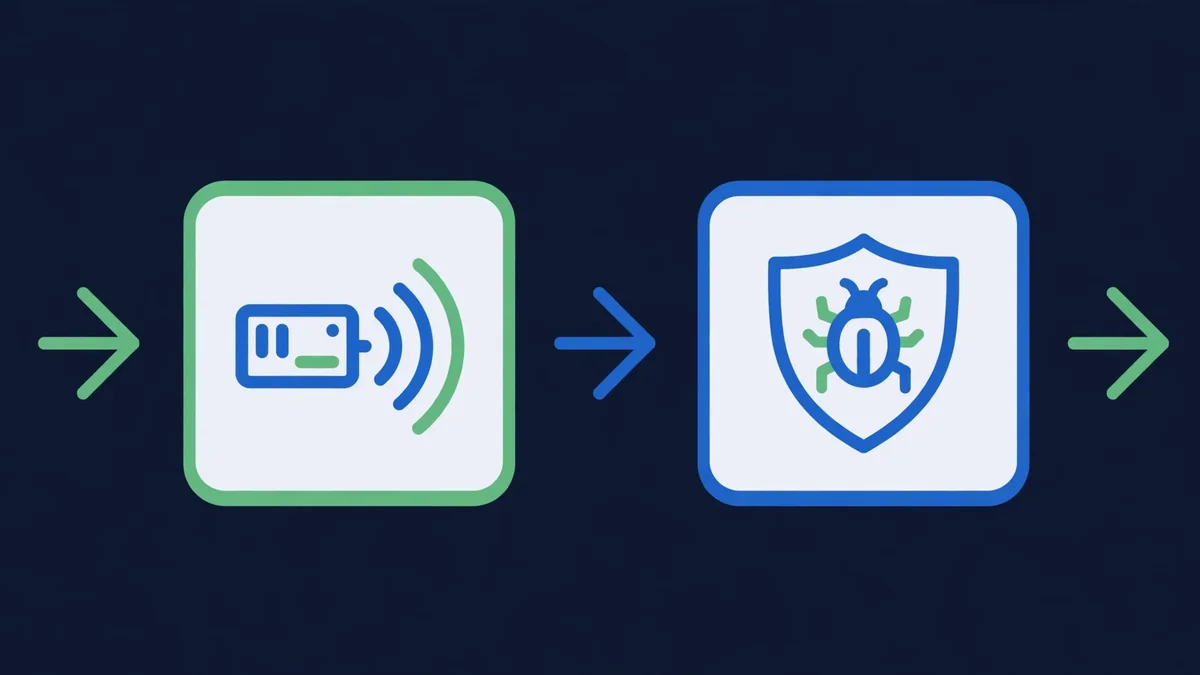
Two ideas make the output usable. First, every CVE is rated fire, smoke, or ice from CISA KEV, ENISA EUVD, Metasploit, Exploit-DB, EPSS, and CVSS (with optional VulnCheck KEV), so you can tell an actively exploited flaw from background noise at a glance. Second, every host gets a 0–100 score with the reasons shown, and every change — new hosts, opened ports, version bumps, new certificates, login pages that appear, front pages that change — lands on a timeline, with side-by-side screenshot diffs on the Changes page. Email and domain hygiene (SPF, DKIM, DMARC, CAA, MTA-STS, DANE, DNSSEC, and TLS) rides along in the same record, so a mail misconfiguration does not need a second tool to surface.
Step 5: Search your inventory like Shodan
The dashboard is the starting point, not the workflow. The search box queries every host, port, banner, and finding with Shodan-style syntax, and this is where the platform starts to feel like an instrument rather than a report. The project's own examples are a good first three queries to try on your own inventory:
port:3389 -host:vpn
tech:"apache tomcat" sev:high
ip:203.0.113.0/24 product:nginx
The first finds exposed remote-desktop ports outside your VPN hosts; the second narrows a technology to high-severity findings; the third scopes a subnet to one product. Rescan, pin, exclude, or archive any host from here, and record its owner and criticality — the inventory is also your asset register, and an ownerless host is a finding in itself.

Step 6: Validate a match before you act on it
A CVE match is a hypothesis, not a verdict, and this is the step that separates CVEngine from a feed reader. Use Validate now on any CVE match: automatic read-only validation runs a vetted nuclei template, a single-port nmap check, a banner probe, or the database check, and each one records exactly what it ran. Nuclei runs only templates that pass read-only and destination checks, no password lists are ever tried (each database gets one attempt with no password, or none at all), and fixed rules mean the model can never wave away hard evidence. When no template exists, the AI drafts one — and it never runs on your hosts until a person approves it. Optional auto-fire, which tests new CVEs on matching hosts as the feed delivers them, is off by default; leave it off until you have watched the validation trail for a week and trust what it records.
Step 7: Give your coding agent the same inventory
The last step turns the dashboard into infrastructure your agents can use. Create a token on API tokens and MCP and send Authorization: Bearer <token> to /api/v1/, or connect an MCP client to /mcp/. Tokens use the roles of their user, and read-only tokens are supported, so an agent that only needs to read findings never gets the power to rescan or archive hosts. Organizations, projects, and roles (admin, user, audit), two-step sign-in, an IP allowlist, and an audit log protect the rest, and Slack, Discord, Telegram, and Lark alerts mean you do not have to watch the dashboard to learn that something changed. One switch pauses all scanning — use it during maintenance windows, and keep it in mind before any bulk change to your infrastructure, so a planned migration does not read as an attack.
What you built
A self-hosted attack-surface loop that never leaves your server: your inventory stays on your machine, your secrets are stored encrypted, and nothing is sent to the authors. On top of it you have a Shodan-style search over your own estate, a per-host score with reasons, a timeline of every change, and an agent API and MCP server that let your coding agents work the same findings under the same permissions. The AI is deliberately the junior partner here: it triages, drafts, and suggests, while vetted templates, recorded commands, and human approval do the deciding.
What this guide did not verify
Four boundaries keep this guide honest. First, the install and first scan were not run end to end on a live server for this article: every command, flag, path, and screen described above is the project's documented flow, quoted from its README and docs, not output captured from a run — so treat the first build's timing (several minutes) as the project's word, and budget more on a small server. Second, the AI triage path needs a key or a local model; without one you get discovery, matching, and validation, but not the triage verdicts that make the dashboard readable at scale. Third, the CVE feed's fire/smoke/ice ratings inherit their sources' blind spots: a CVE nobody has weaponized publicly yet will not rate as fire, and a backported fix can still confuse a version-only match, which is exactly why Step 6 exists. Fourth, CVEngine is three days old at the time of writing: expect fast-moving docs, breaking changes, and rough edges, and update with scripts/update.sh (or automatic deployment on every new commit) rather than treating this guide as a frozen manual.
Sources
- CVEngine README and documentation (hevnsnt/CVEngine on GitHub) — the install commands, pipeline stages, fire/smoke/ice ratings, search examples, validation rules, and API/MCP endpoints used in this guide.
- The CVEngine repository record — GPL-3.0 licence, creation date of 24 October 2026, and the star and fork counts quoted at the time of writing.
- CISA Known Exploited Vulnerabilities Catalog, ENISA EUVD, FIRST EPSS, and the CVE feed sources CVEngine rates from — via the project's documentation.
Frequently asked questions
Do I need an AI key to use CVEngine?
No. Without a model, CVEngine still discovers, scans, matches CVEs, and validates findings. The AI adds triage, targeted scans, and template drafts — connect Anthropic, OpenAI, or OpenRouter with a key, or run a model on your own hardware with Ollama or vLLM.
Is it safe to point CVEngine at a domain?
Only point it at systems you own or are authorized to test. Its checks are read-only, loopback, link-local, and cloud metadata addresses are never scanned, private ranges stay off until you allow them, and addresses on shared platforms such as CDNs are never port-scanned. Auto-fire is off by default, and AI-drafted templates never run until a person approves them.
What does CVEngine actually run under the hood?
Open-source scanners and platforms: bbot for discovery, nmap and naabu for inventory, nuclei for checks, gowitness for screenshots, and WPScan for WordPress, on a Django, PostgreSQL, and Redis stack in one Docker Compose deployment — with the CVE feed rated fire, smoke, or ice from CISA KEV, ENISA EUVD, Metasploit, Exploit-DB, EPSS, and CVSS.