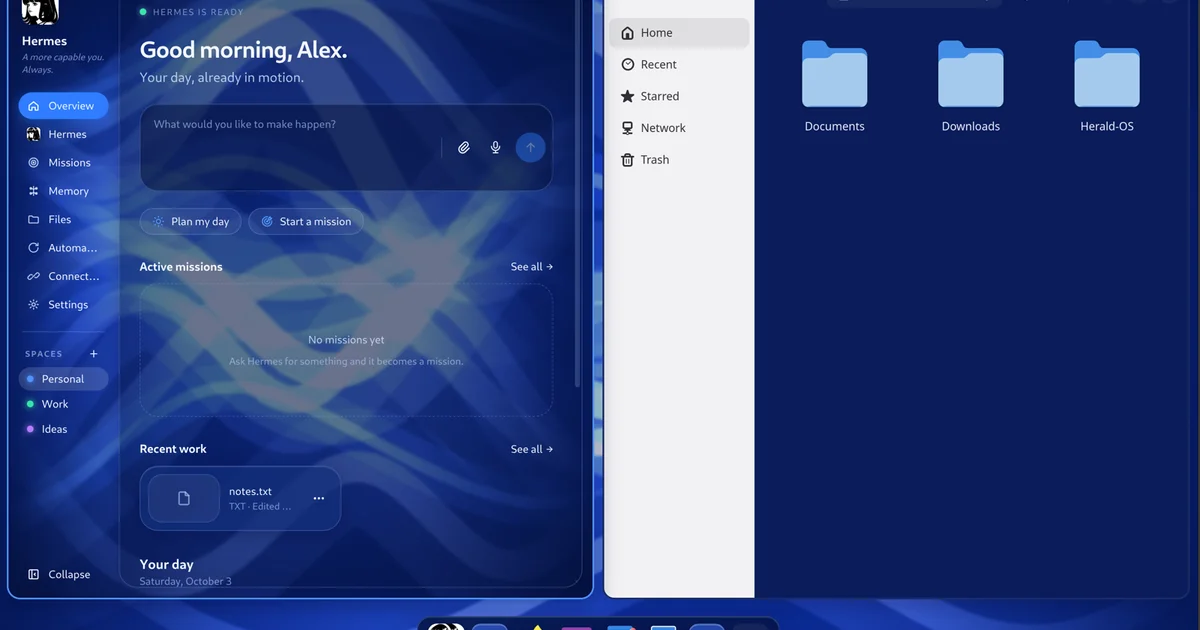
Every operating system ever made assumes you do the clicking: open the app, find the file, drag the thing. Herald OS inverts that. It’s an agent-native operating system — Fedora underneath, but everything you see is Herald — and the interface is Hermes Agent: you talk or type, and it opens apps, finds and organises files, watches what’s running, remembers what matters to you, runs routines on a schedule, and builds software while you watch. It picked up 429 GitHub stars in its first five days. This tutorial boots the whole OS in a virtual machine, gives Hermes a model, and puts the agent through its paces.
makepkg, Omarchy, a tarball for other distros, or the macOS app as a .dmg. The README’s install table covers all seven.)Herald OS doesn’t fork Hermes — it runs a standard Hermes Agent install and adds its system abilities as a regular Hermes plugin (herald-os-bridge). Install it first and pick a model:
curl -fsSL https://hermes-agent.nousresearch.com/install.sh | bash
source ~/.zshrc
hermes setupOn an Apple Silicon Mac, one command downloads the latest release’s VM disk (about 2.7 GB) and boots it with Apple’s virtualization, so the graphics are accelerated:
brew install qemu zstd
git clone https://github.com/iamlukethedev/Herald-OS.git && cd Herald-OS
bash linux/vm/try.sh
The first start sets itself up in a few minutes, Hermes Agent included. The machine boots to the Herald splash screen and signs you straight in — niri arranges the windows, Herald draws the menu bar, dock, notifications, and app launcher. Cmd+Ctrl+F leaves or re-enters fullscreen; Cmd+Q quits.
The first time Hermes needs to think, Herald OS shows a sign-in card: connect your Nous Portal account or paste a provider API key. From here on, every conversation, mission, and automation bills to that provider — the Usage page shows what Hermes used this week and month, what’s left on your plan, and warns at 90%.
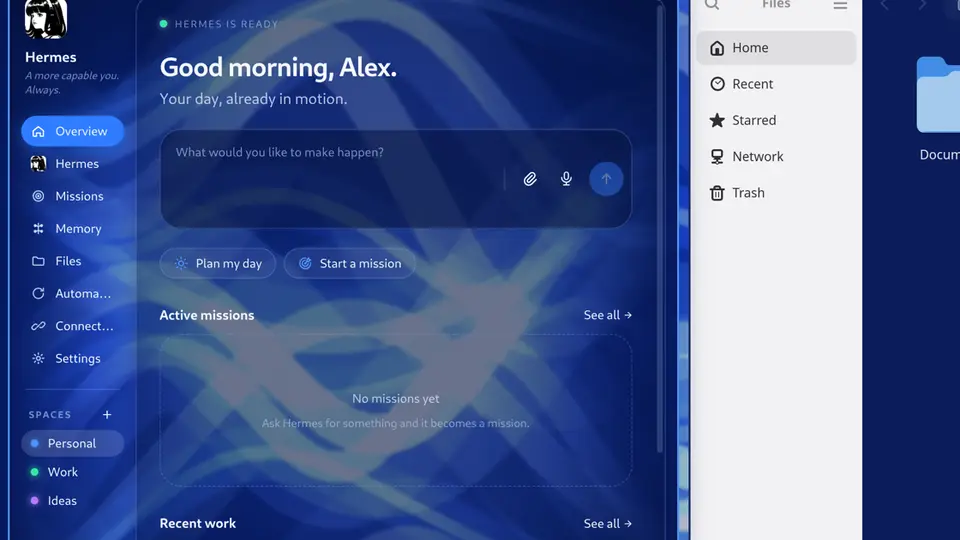
The Overview is the home screen. Turn on “pick up where you left off” and Hermes looks at your recent documents, project folders (with their git state), conversations, and today’s calendar, then puts up to three threads of work on the Overview — Continue reopens a thread’s conversation, folder, and files, and its suggested next step starts only when you click it. The command bar handles every action in the OS: open pages and apps, add memories, run automations, start missions. Say “hey Hermes” and talk — it answers out loud and can operate the interface (“open missions”, “remember that my sister’s birthday is in May”).
Say “build a website for a hair salon” and watch it happen in one window: the project’s files, the code as it is written, the commands it runs, and a live preview. When a program crashes, a notification offers to have Hermes read the crash report and explain, in plain words, what went wrong and whether it’s worth reporting. Also in the box: Herald Canvas (a GPU image editor that opens and exports Photoshop files) and Herald Office (Docs, Sheets, Slides for Word/Excel/PowerPoint files — ask Hermes for a cover letter and watch each change land as an undoable step).
This is the part that makes an agent-OS livable. Ask Hermes to create and move a file, then to trash something:
~/.ssh, your keychains, Hermes’s own credentials.Settings > Privacy shows the policy and the audit log (~/.hermes/herald-os/audit.jsonl). One privacy note worth knowing: “pick up where you left off” reads names and dates — recent files and folders, project branches and commit messages, conversation titles, today’s event titles — never file contents, window titles, or the screen, and sends them to your Hermes model provider. It’s off until you turn it on, and Settings > Privacy turns it back off.
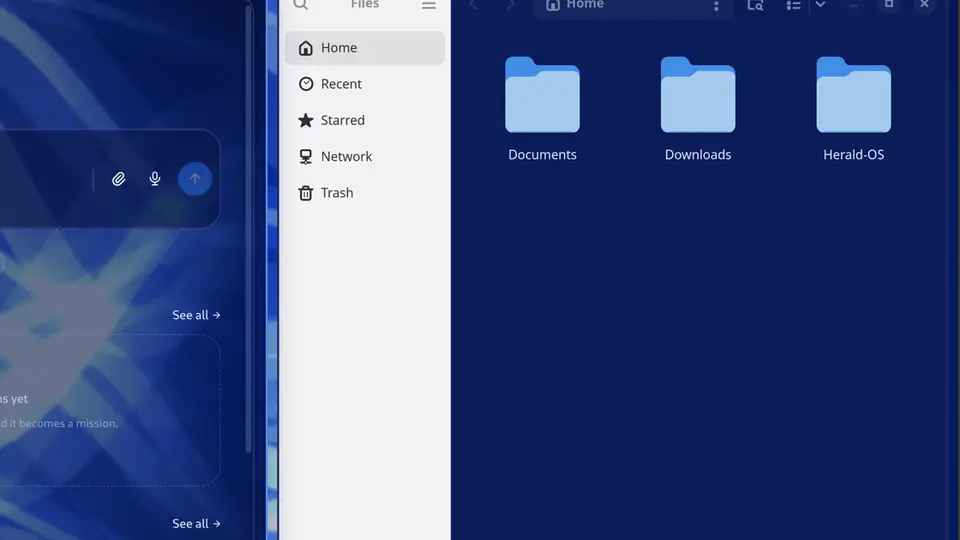
HeraldOS-<version>-mac-arm64.dmg from the releases page, drag to Applications. It’s not notarized by Apple yet, so run xattr -dr com.apple.quarantine "/Applications/Herald OS.app" once first.git clone the repo, cd Herald-OS/packaging/arch/herald-os-bin && makepkg -si, then herald-os setup. Choose Herald OS on your login screen for the full session (it needs niri) or herald-os-app inside your current desktop.herald-os omarchy install — Super+Alt+H opens it..sha256, extract to /opt/herald-os, run sudo /opt/herald-os/resources/herald-os-linux/bin/herald-os-tarball install, then herald-os setup..iso.part* files with cat, verify with shasum -a 256 -c, and install — Fedora underneath, everything you see is Herald. Updates come as whole system versions: herald-os update installs one, herald-os rollback goes back.A running copy of an operating system where the agent is the interface: Hermes at the centre with Missions, Memory, Files, Automations, and Connections around it, a command bar for every action, Studio for building software while you watch, and a four-tier permission system with an audit log keeping the agent honest. One-click installs for tools like Claude Code, Codex, and local models are in the control menu when you want them.
Herald OS’s bet is that the desktop metaphor has run its course — that the next OS is a conversation with an agent that has hands. Five days and 429 stars suggest a lot of people want to see if that bet pays off. Now you can boot it and decide for yourself.