Your coding assistant can scaffold an entire app, then fall flat on the first real website: a captcha, a login wall, a bot check — and the agent is reading nothing. invisible_playwright_mcp (feder-cr/invisible_playwright_mcp) exists for exactly that gap: a Playwright MCP server whose browser is a Firefox patched at the C++ source, so the fingerprint is set inside the engine rather than bolted onto the page. It earned roughly 2,800 GitHub stars in its first two weeks and ships under the MIT license. This tutorial wires it into your assistant, wakes the browser, and sends it on a real errand.
uvx and downloads its own patched Firefox engine on first start.The README’s own install lines. Windows, in PowerShell:
powershell -ExecutionPolicy ByPass -c "irm https://astral.sh/uv/install.ps1 | iex"
$env:Path = "$env:USERPROFILE\.local\bin;$env:Path"
Linux:
curl -LsSf https://astral.sh/uv/install.sh | sh
source $HOME/.local/bin/envThree clients install it as a plugin or extension. Claude Code:
claude plugin marketplace add feder-cr/invisible_playwright_mcp
claude plugin install invisible-playwright-mcp@feder-cr
Codex:
codex plugin marketplace add feder-cr/invisible_playwright_mcp
codex plugin add invisible-playwright-mcp@feder-cr
Gemini CLI:
gemini extensions install https://github.com/feder-cr/invisible_playwright_mcpClients that take a config file (Claude Desktop, Cursor, Windsurf, Cline) get a block under top-level mcpServers:
{
  "mcpServers": {
    "stealth": {
      "command": "uvx",
      "args": ["invisible-playwright-mcp"]
    }
  }
}
File locations, straight from the wiki: Claude Desktop macOS ~/Library/Application Support/Claude/claude_desktop_config.json, Windows %APPDATA%\Claude\claude_desktop_config.json; Cursor .cursor/mcp.json per project or ~/.cursor/mcp.json globally; Windsurf ~/.codeium/windsurf/mcp_config.json; Cline via its MCP panel. Zed calls the key context_servers, VS Code calls it servers with "type": "stdio", and Codex TOML takes [mcp_servers.stealth] with command and args.
Now the wiki’s warning, which earns its bold type: “Added” is not “connected.” Every one of these writes a config entry without running anything — a typo, a missing uv, or the first-run engine download all surface later as a server that won’t start. Verify with claude plugin list, codex mcp list, gemini extensions list, or your client’s MCP panel before you trust it.
The toolset mirrors Microsoft’s Playwright MCP, so prompts written for it carry over — with one deliberate departure: there are no tab tools. The roster: browser_open, browser_close, browser_list, browser_status, browser_navigate, browser_read_text, browser_snapshot, browser_read_html, browser_take_screenshot, browser_watch, browser_click, browser_click_at, browser_type, browser_select_option, browser_press_key, browser_upload_files, browser_evaluate.
browser_open is the first call of every session — nothing else opens a browser. With no arguments it brings back the person this session already was: same seed, same exit, same profile. A session is one identity, main; beside it sits exactly one helper, support, for things that must not touch that identity — a temporary mailbox for a verification code, a lookup, a page you don’t want tied to your logins. The two share nothing. And a browser drives one page; when you need a second page, support is the answer, by design, so cookies never leak between identities.
First start downloads the engine — the patched Firefox — from a GitHub release, and browser_open reports the progress until it’s there. The README’s privacy note is plain: that request carries no identifier, and nothing else leaves your machine except what you and your model provider already see.
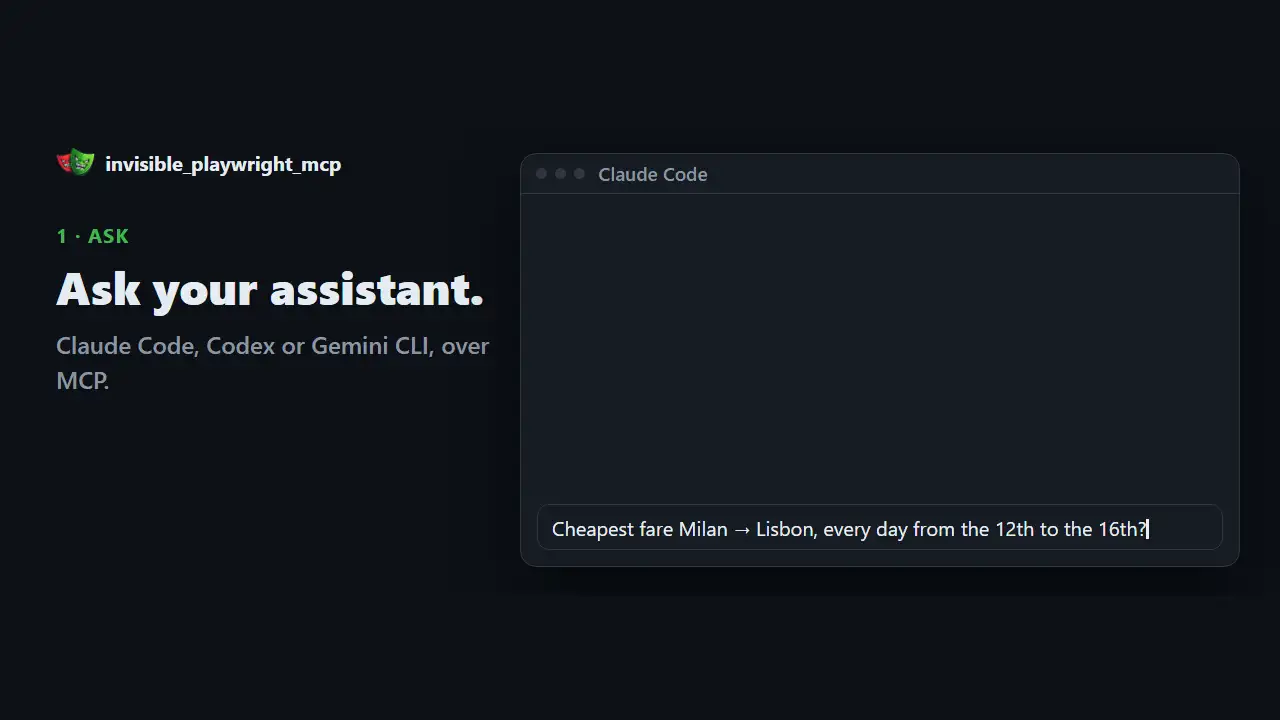
The project’s own worked example is fare-hunting — and it’s the right shape for any task: paste the URL, spell out the steps like you’re briefing a person, and forbid guessing:
Go to <paste the URL>. One way, Milan to Lisbon, economy, one checked bag,
one adult. Check every date from the 12th to the 16th of next month, one at a
time, and read the cheapest fare for each day. The date field is a calendar
widget, so click the days rather than typing them. If a date has no
availability, say so. Do not guess a number.
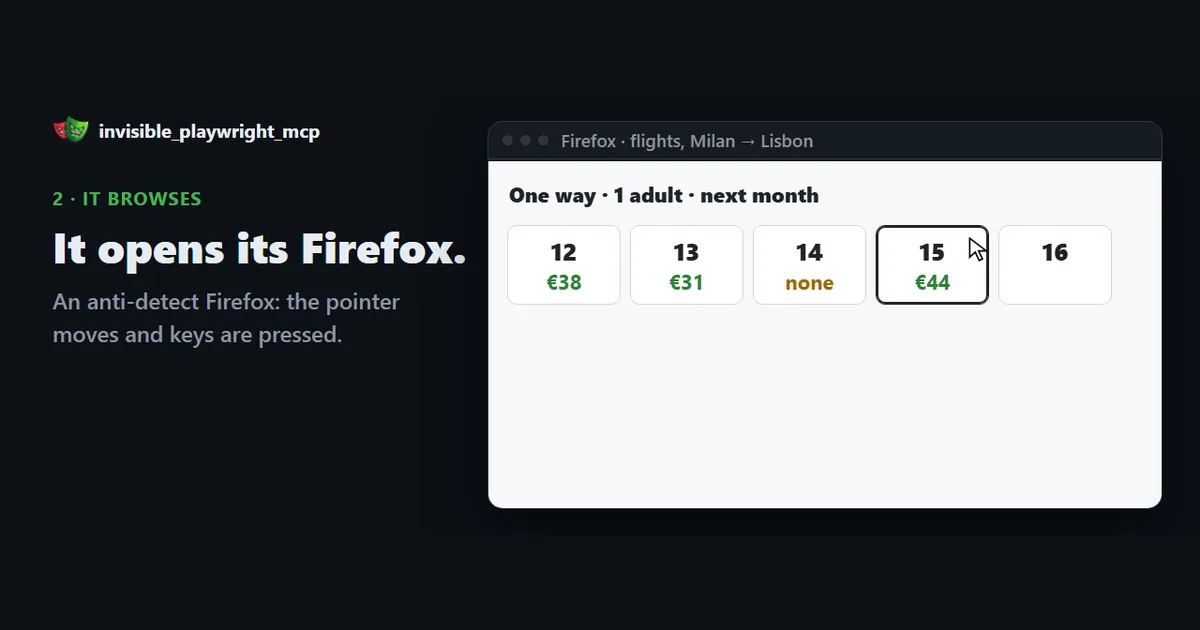
It drives the page the way a person would: the pointer moves, keys are pressed, each day is clicked in turn, and every fare is read off the page — not hallucinated. The README’s worked examples and transcripts live in the repo’s articles/ folder if you want more task shapes to copy.
STEALTHFOX_SEED (or --seed) — and the fingerprint is deterministic. Pass a seed to browser_open to be somebody else.STEALTHFOX_PROFILE_DIR (or --profile-dir) at a directory and logins and cookies survive restarts.STEALTHFOX_PROXY=http://user:[email protected]:8080 (or --proxy; SOCKS5 works too). With it set, the session’s timezone, locale, and egress follow the proxy.STEALTHFOX_HEADLESS=0 (or --headed) shows the window. The interface shows you the page either way.These go under env on the server entry in your config file. On the command line, Codex takes --env KEY=value; the Claude Code plugin and Gemini CLI extension carry a fixed config block, so they read these from the environment the client starts in — export the variable, then start the client.
The package ships its own interface — chat on the left, the live browser on the right:
export OPENROUTER_API_KEY=sk-or-...
uvx invisible-playwright-mcp ui
Then open http://127.0.0.1:8765. The default model is z-ai/glm-5.3-flash (overridable with --model or INVISIBLE_MCP_MODEL). The README’s own security advice: don’t pass the key as a flag — it lands in your shell history and, on Linux, in the process list. Prefer the environment variable or a .env file beside the command. And note that changing --host “exposes an interface that has no authentication.”
Your assistant now drives a real, persistent browser identity — navigation, reading, clicking, typing, dropdowns, keys, screenshots, a live window view, and a JavaScript reader — over an MCP server called stealth in your config. One identity (main) that survives restarts, one scratch helper (support) that shares nothing with it, and a fingerprint set inside the engine rather than bolted onto the page.
main plus support. That’s a deliberate containment choice, not a missing feature.z-ai/glm-5.3-flash, but it’s still your meter. The MCP path bills against whatever model your client uses.browser_open is where you watch it land.Verify the server is actually connected, send it one real errand before trusting it with ten, and keep the proxy in mind before you point it at anything that checks where you’re coming from.