
Every AI slide tool promises the same thing: describe a deck, get a deck. What comes back is usually a flattened image you can’t touch. PPT Master takes the opposite bet — it hands you PowerPoint’s native object model itself: shapes with working adjustment handles, data-backed charts and tables, real slide masters and layouts, all natively editable. It’s a workflow (a “skill”) that runs inside any agent-capable AI tool: tell it in chat — “make a deck from this PDF” — and it runs on your machine and exports a real .pptx. It passed 60,000 GitHub stars this month. This tutorial installs it, feeds it a document, and generates your first deck.
pip install -r requirements.txt.gpt-image-2 or Google’s gemini-nano-banana-2.1) if you want generated imagery.sudo apt install pandoc on Debian/Ubuntu, brew install pandoc on macOS. Windows users get a dedicated step-by-step guide (check “Add to PATH” when installing Python).The recommended path is a git clone, so you can pull updates later:
git clone https://github.com/hugohe3/ppt-master.git
cd ppt-master
pip install -r requirements.txt
No git? Click Code → Download ZIP on the GitHub page, unzip, and run the same pip install -r requirements.txt. If the full download is too heavy, grab the skill-only package ppt-master-skill-*.zip (about 56 MB, fully functional but without the bundled example decks) from the Releases page.
PPT Master is a workflow (a “skill”) that runs inside your agent. From any cross-agent CLI:
npx skills add hugohe3/ppt-masterOr inside Claude Code:
/plugin marketplace add hugohe3/ppt-master
/plugin install ppt-master@ppt-master
Then point the agent at the project folder: cd ppt-master before launching a CLI agent, or File → Open Folder in an IDE. Everything from here on happens in chat — you never write code.
Put your PDF, DOCX, or images in the projects/ directory, then tell the AI chat which files to use. The quickest way to get the path: right-click the file in your file manager or IDE sidebar, copy the path, and paste it into the chat:
Please create a PPT from projects/q3-report/sources/report.pdfYou can also paste text straight into the chat and it will build a deck from that. By default the AI first confirms the design spec with you — template, 16:9 format, page count. To skip the round trip, say so explicitly and it goes straight to authoring:
Quickly generate a 5-page deck from projects/q3-report/sources/report.pdf — no need to confirm with meThe deck lands in exports/<name>_<timestamp>.pptx as natively editable DrawingML, and the default flow also writes self-contained page previews to svg_final/ so you can review without opening PowerPoint.
The core pipeline is one route; three more are worth knowing:
--native-charts-and-tables to get real PowerPoint Chart / Table objects with Edit Data, saved as a separate _native_charts_tables.pptx.python3 skills/ppt-master/scripts/image_gen.py --list-backends shows configured provider backends. For stock, image_search.py works with zero config (Openverse / Wikimedia Commons), and free PEXELS_API_KEY / PIXABAY_API_KEY values in .env materially improve results — start from cp .env.example .env..pptx with new content while keeping its design byte-for-byte, and add native transitions, animations, and narration to a finished deck.A local document-to-deck pipeline: source in, real .pptx out. The selling point is depth in PowerPoint’s native object model — native shapes with working adjustment handles, data-backed charts and tables, real slide masters and layouts, text that stays editable, formulas compiled to editable OMML (PowerPoint 2010+). Click any element and keep editing it like you built it by hand. Updating later is one script:
python3 skills/ppt-master/scripts/update_repo.py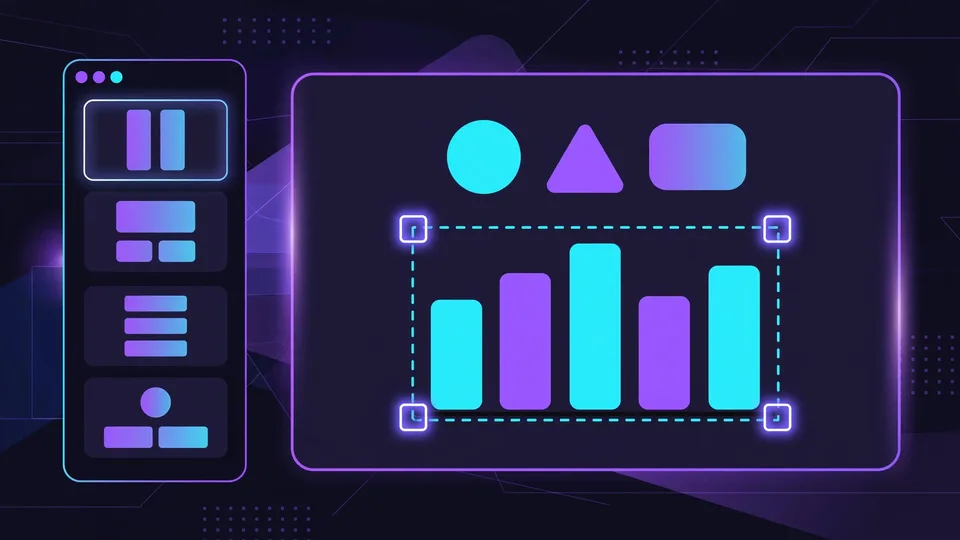
Hugo He, a finance professional who reviews decks for a living, built PPT Master for one reason: AI-generated slides kept coming back as uneditable images. The project has since passed 60,000 GitHub stars. Now you can stop wrestling with flattened exports and start from a deck that’s yours to edit.