Wondershare launches Filmora 16: an AI-first video editor that tags your footage, tracks subjects, and reframes 360° video
Wondershare has launched Filmora 16, a major release built around “Edit as an Expert with Filmora & AI”: AI media analysis with searchable tags, camera tracking, color masks, 360° reframing, and a browser-based AI studio for teams.
Wondershare has launched Filmora 16, a major release built around “Edit as an Expert with Filmora & AI”: AI media analysis with searchable tags, camera tracking, color masks, 360° reframing, and a browser-based AI studio for teams.
The launch, announced on October 9, extends Filmora across the whole editing workflow — from understanding source material to shaping the final cut. The headline features read like a checklist of this year’s AI editing race: AI Media Analysis for footage understanding, Camera Tracking, Color Mask, and 360° Video Reframing.
Know your footage first
Filmora 16 starts before the timeline. AI Media Analysis identifies key visual content in video and image assets and generates searchable tags, descriptions, and editing suggestions; the analyzed assets land in a Smart Media Bin for browsing and filtering across large libraries. Multi-source Recording captures screen, camera, microphone, and system audio as separate sources that drop straight onto the timeline, and a dedicated Game Recording mode is aimed at supported game windows.

Pro controls, less keyframing
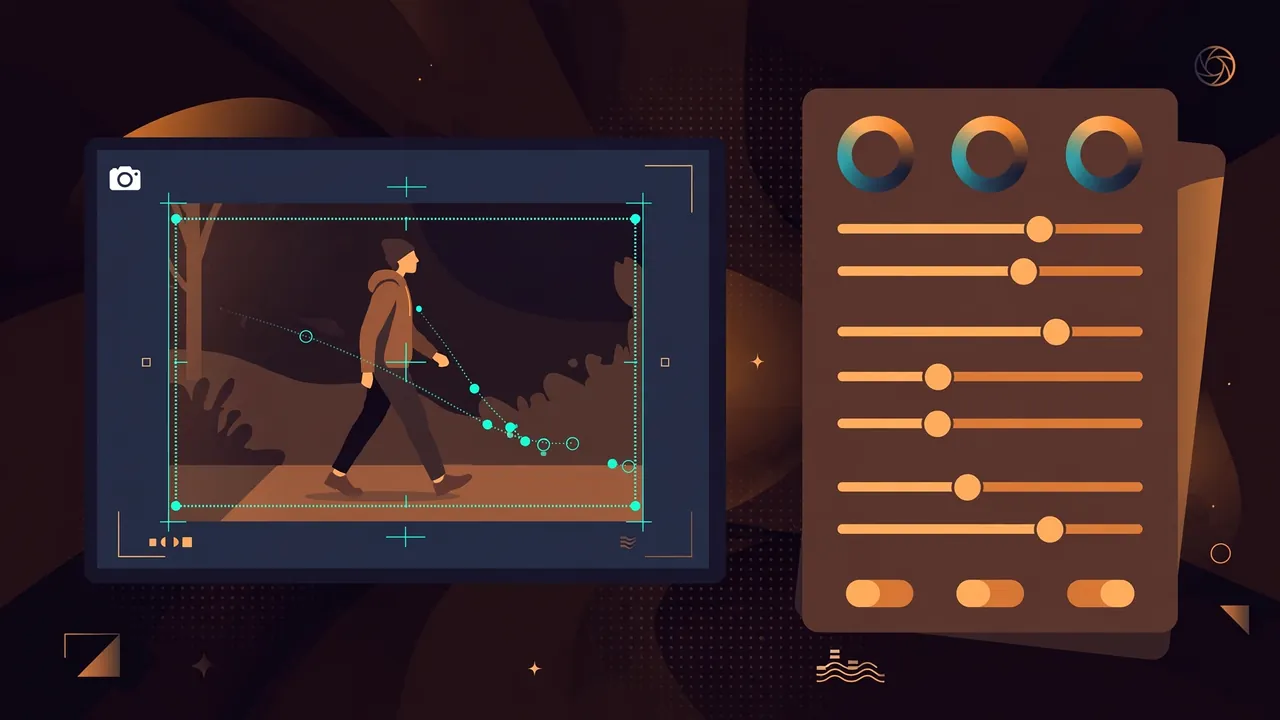
The middle of the workflow gets the precision tools: Camera Tracking follows a head, body, or custom area for camera-following effects without manual keyframing; Color Mask applies adjustments to selected regions of a frame; Track Matte uses one layer to control the visible area of another; Auto Color fixes common exposure and color issues automatically. On the creative side, Video Animation adds In, Out, and Combo motion presets, 360° Video Reframing lets creators redirect the viewing angle of immersive footage with keyframes and camera-movement presets, and Keyframe Motion Blur smooths animated elements.
Captions and the final mile
Text tooling gets its own track: Automatic Correction catches transcription errors and applies repeated fixes together, a dedicated Subtitle Track structures multilingual captions, and Dynamic Caption bakes spoken content into the video’s visual rhythm. For delivery, XML Import/Export moves timeline structures across editing tools, and Batch Export processes multiple versions together. Wondershare also pitches Filmora.TV, a browser-based AI creative studio that bundles visual planning, AI content generation, editing, and team collaboration for agencies and brand teams.
The scale behind it
Filmora, launched in 2015, claims a cumulative user base of nearly 400 million across more than 150 countries; parent Wondershare, founded in 2003, says its products have seen over 2 billion cumulative active users in 200+ countries. VP Christy Wu frames the bet simply: “AI is changing what is possible in video creation.” Filmora 16 is available now — and with AI editing features converging across every consumer NLE, the differentiator is no longer the feature list but how quietly it disappears into the workflow.