Perplexity's Bumblebee hit 5,000 stars in days: scan your machine for supply-chain compromises, hands-on
Perplexity's open-source Bumblebee turns your lockfiles, editor extensions, and MCP configs into a searchable package inventory — then matches it against real supply-chain compromise catalogs. Install it, run your first exposure check, and write your own catalog, every step verified.

A compromised npm package does not announce itself. You learn about it from a security blog post — days after its postinstall script already ran on your laptop. The question that follows is always the same: do I have that exact package, and where? Perplexity's security team open-sourced the tool they use to answer it in seconds. It is called Bumblebee, it is a single Go binary, and in about fifteen minutes you will go from install to a real, verified exposure finding on your own machine.
Why this is blowing up now#
Bumblebee collected 2,328 stars in its first five days on GitHub trending and sat past 5,000 stars with 454 forks when I checked it for this tutorial — the strongest new-repo signal in its week, from a credible team (the perplexityai org) solving a specific, defensible problem.
The timing is not an accident. 2026 has been a brutal year for open-source supply-chain attacks: the Shai-Hulud worm waves swept hundreds of npm and PyPI packages in May and June, GlassWorm became the first self-propagating IDE-extension worm on Open VSX, and the Mastra compromise pushed an infostealer through a typosquat dependency's postinstall script across 141 npm packages. Bumblebee ships with maintained exposure catalogs for 13 of these campaigns in its threat_intel/ directory — assembled from public threat-intel reporting, updated by pull request, with the newest (MemTensor, a September 23 credential stealer) added four days before this writing.
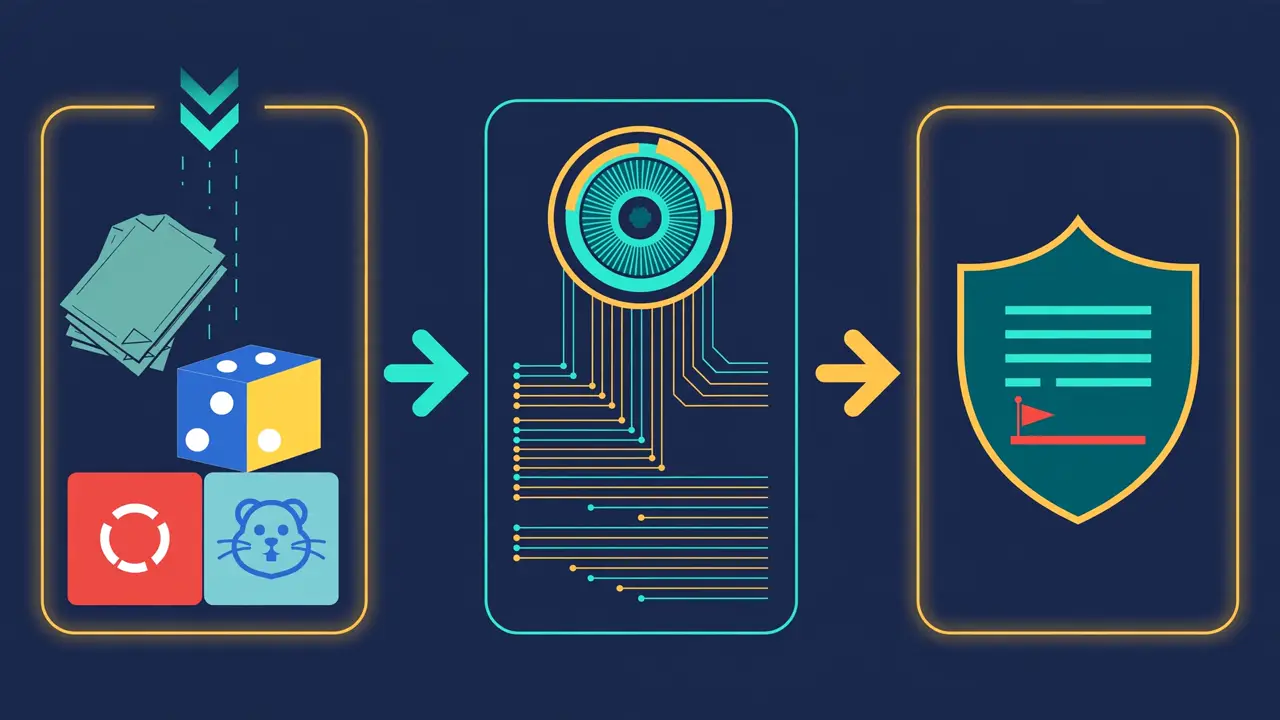
What makes it different from yet another scanner: Bumblebee is read-only and offline. It never executes a package manager, never reads your source files, and never touches the network at scan time. It turns the messy on-disk state of a developer machine — lockfiles, extension manifests, MCP configs — into structured NDJSON records, then matches them against an exposure catalog with exact name-and-version matching. SBOMs tell you what shipped; EDR tells you what ran. Bumblebee answers the incident-response question in between: which machines have this exact artifact on disk, right now?
What you'll need#
- Go 1.25 or newer — only needed for the one-line install; the binary itself has zero non-standard-library dependencies.
- Linux or macOS. I ran every command below on a Linux machine; macOS is a first-class target (the repo even ships a macOS deployment doc).
- git — to fetch the maintained exposure catalogs.
- python3 or jq — the output is NDJSON, one JSON object per line; either tool reads it.
No accounts, no API keys, no GPU, no cloud service, no network access during scans. Cost: $0.
Step 1: Install the binary#
go install github.com/perplexityai/bumblebee/cmd/bumblebee@latestThat is the whole install. Verified on September 27, 2026, @latest resolves to v0.1.2. Make sure $GOBIN (default ~/go/bin) is on your PATH, then confirm:
bumblebee version
# bumblebee v0.1.2
# commit: unknown
# built:  unknown
# go:     go1.25.1
The version output includes the VCS revision and build time when built from a checkout — so a record emitted in production can be traced back to a specific build. To pin a version instead of floating on latest:
go install github.com/perplexityai/bumblebee/cmd/[email protected]Prefer building from source? It is one step, and the test suite runs clean:
git clone https://github.com/perplexityai/bumblebee.git
cd bumblebee
go build -o bumblebee ./cmd/bumblebee
Step 2: Prove it works with the self-test#
bumblebee selftest
# selftest OK (5 findings in 4ms)
This is the best-designed thirty seconds in the README. The self-test scans fixtures embedded in the binary — deliberately fake package names like [email protected] — and verifies the detector fires. It makes no network calls. A non-zero exit means your install can no longer detect what it should: a pre-deployment smoke test for fleet rollouts, and your first proof that the matching engine works before you trust a single scan.
Expect 5 findings on v0.1.2 (v0.1.1 reported 3 — the fixture set grew with the release). If your count differs from the version you installed, reinstall.
Step 3: Take your first inventory#
Bumblebee is a one-shot scanner with three profiles. Preview what a profile will touch before scanning:
bumblebee roots --profile baselineOn my machine this resolved 8 roots — user package dirs, MCP config locations, global library paths — and noted 120 candidate paths absent. Then run the scan:
bumblebee scan --profile baseline > inventory.ndjsonMy run finished in about 1.5 seconds with exit code 0 and produced 95 records: 94 package records and one scan_summary. Each line is a self-contained JSON object. Here is a real one, trimmed:
{
  "record_type": "package",
  "ecosystem": "pypi",
  "package_name": "annotated-types",
  "version": "0.8.0",
  "confidence": "high",
  "source_type": "pypi-dist-info",
  "root_kind": "user_package_root"
}
The three profiles, straight from the docs:
| Profile | Scans | Use for |
|---|---|---|
baseline | Global/user package roots, language toolchains, editor extensions, browser extensions, MCP configs | Recurring lightweight inventory, driven by an external runner |
project | Configured development directories (~/code, ~/src, ~/work) | Recurring inventory of known project workspaces |
deep | Explicit --root paths, including broad roots like $HOME | On-demand incident or campaign checks, usually with --ecosystem, --exposure-catalog, and --findings-only |
Two details worth knowing. First, baseline and project refuse bare-home roots; only deep walks them — a guardrail against accidentally inventorying your entire home directory on a schedule. Second, coverage is broad: the npm family (npm, pnpm, Yarn Classic and Berry, Bun), PyPI, Go modules, RubyGems, Composer, MCP host configs (including ~/.claude.json), agent-skill lock files, editor extensions (VS Code, Cursor, Windsurf, VSCodium), browser extensions (Chromium-family and Firefox), and Homebrew. MCP configs can carry credentials in their env blocks; Bumblebee parses them for the server inventory but never emits those values — a deliberate design choice I verified in the source.
Each record carries a confidence field — high for exact identity and version from canonical metadata, medium when the version or source is partial, low for config references that do not prove an installed version — and a content-addressed record_id that is stable across runs, so receivers can diff inventories over time.
Step 4: Run a real exposure check#
Inventory is the means; exposure matching is the point. Grab the maintained catalogs:
git clone https://github.com/perplexityai/bumblebee.git
ls bumblebee/threat_intel/
You will see 13 campaign catalogs: the Mastra compromise (141 packages), GlassWorm (243 editor extensions), the Shai-Hulud worm waves, the node-ipc credential stealer, Laravel Lang, the Nx Console VS Code extension compromise, MemTensor, and more. The catalog README carries an honest caveat: review the entries against current advisories before production use.
To see a finding with your own eyes, plant a known-compromised package. The Mastra catalog lists [email protected] — the typosquat dependency that delivered a cross-platform infostealer via postinstall. Create a test project containing it:
mkdir -p /tmp/bb-demo
cat > /tmp/bb-demo/package-lock.json <<'EOF'
{
  "name": "demo-app",
  "version": "1.0.0",
  "lockfileVersion": 3,
  "requires": true,
  "packages": {
    "": {
      "name": "demo-app",
      "version": "1.0.0",
      "dependencies": { "easy-day-js": "1.11.22", "lodash": "4.17.21" }
    },
    "node_modules/easy-day-js": {
      "version": "1.11.22",
      "resolved": "https://registry.npmjs.org/easy-day-js/-/easy-day-js-1.11.22.tgz"
    },
    "node_modules/lodash": {
      "version": "4.17.21",
      "resolved": "https://registry.npmjs.org/lodash/-/lodash-4.17.21.tgz"
    }
  }
}
EOF
Now scan that directory against the real Mastra campaign catalog, showing only findings:
bumblebee scan --profile deep --root /tmp/bb-demo \
  --exposure-catalog bumblebee/threat_intel/mastra-2026-06-17.json \
  --findings-only
The output is exactly one finding record plus the scan summary — the innocent lodash is silent, the compromised package is not:
{
  "record_type": "finding",
  "finding_type": "package_exposure",
  "severity": "critical",
  "catalog_id": "mastra-2026-06-17-npm-easy-day-js",
  "catalog_name": "easy-day-js (Mastra npm supply-chain compromise)",
  "ecosystem": "npm",
  "package_name": "easy-day-js",
  "version": "1.11.22",
  "confidence": "high",
  "evidence": "exact name+version match (version=1.11.22)"
}
That is the whole detection loop, verified end to end: lockfile in, structured finding out, no network, no package manager executed. --findings-only requires --exposure-catalog and suppresses the package records — exactly what you want when an advisory drops and you need a yes-or-no answer across machines.

Step 5: Write your own exposure catalog#
When the advisory you care about is not in threat_intel/ yet, the catalog format is minimal JSON — an object (bare top-level arrays are rejected) with a schema_version and an entries list:
{
  "schema_version": "0.2.0",
  "entries": [
    {
      "id": "demo-typosquat",
      "name": "demo typosquat (any version)",
      "ecosystem": "npm",
      "package": "demo-typosquat",
      "versions": ["*"],
      "severity": "high"
    }
  ]
}
The "*" in versions is a schema-0.2.0 feature: it matches every version of the package — useful for typosquats, where no version is ever legitimate. I verified it against a planted [email protected]; the evidence string reads "exact name match, catalog entry matches any version (version=9.9.9)". Point --exposure-catalog at a directory to merge several catalogs at once (merged non-recursively; every file must share the same schema_version).
Two honest limits to keep in mind. Matching is exact (ecosystem, name, version) presence — the help text is explicit that the catalog is package-presence criteria only; it is NOT an EDR IOC feed. And Cargo is not matched yet: the TrapDoor catalog documents six Cargo packages that sit inert until Cargo support lands.
Step 6: Put it on a schedule#
Bumblebee is deliberately one-shot — cadence is the runner's responsibility (cron, launchd, systemd, MDM). A sensible starting setup:
# Weekly lightweight inventory, Mondays at 09:00
0 9 * * 1 /home/you/go/bin/bumblebee scan --profile baseline \
  > /var/log/bumblebee/inventory.ndjson 2> /var/log/bumblebee/err.ndjson
When an advisory drops, run the incident check on demand and bound it:
bumblebee scan --profile deep --root "$HOME" \
  --exposure-catalog ./catalogs/ \
  --ecosystem npm,pypi \
  --findings-only \
  --max-duration 10m
For fleets, records can go straight to a central ingest instead of a file: --output http with --http-url, --http-auth bearer|hmac-sha256 (tokens via --http-token-env, never on the command line), --http-gzip, and --http-batch-size — all present in scan --help. Pair with --device-id-env to stamp a stable machine identity from your MDM onto every record, and receivers can use the scan_summary record to decide whether to promote a run to current state.
When to use this vs the alternatives#
| Tool | Question it answers | Network at scan time | Scope |
|---|---|---|---|
| Bumblebee | Which machines have this exact package on disk right now? | None | Machine / fleet inventory |
| npm audit / pip-audit | Does this project have known-vulnerable dependencies? | Yes (advisory DB) | One project |
| Socket.dev / Snyk | Scan, score, and fix dependency risks | Yes (cloud) | Project / org, commercial |
| OSV-Scanner | Which OSV advisories match this lockfile? | Yes (osv.dev) | Project lockfiles |
| EDR / XDR | What ran or touched the network? | Yes | Runtime behavior |
Reach for Bumblebee when an advisory names a package and you need a fleet-wide yes-or-no in minutes, without installing agents, creating accounts, or exfiltrating file lists to a cloud. Reach for something else when you need CVE severity scoring and fix PRs (Bumblebee only does exact presence matching), runtime behavior (that is EDR's job), or what shipped in a build artifact (that is what SBOMs are for). The repo also ships tools/osvcatalog, which converts a local OSV snapshot into a catalog offline — the sanctioned way to keep the offline posture while sourcing advisories from OSV.
The takeaway#
Supply-chain response has a gap between "an advisory names a package" and "we know where it is," and that gap is measured in days of manual grep across machines. Bumblebee closes it with a single static binary: install in one command, self-test in milliseconds, inventory a machine in seconds, and match a real campaign catalog with one deep scan. The 5,000 stars are not for novelty — they are for a tool that does one incident-response job, read-only, with nothing to configure and nothing to phone home.