Ask for a poster like you'd ask a designer: a hands-on guide to LangChain's design agent
Every team has the same queue: the social card, the resized ad, the deck that needs one more chart. LangChain's design agent takes that queue and turns it into finished, on-brand files — stills, decks, diagrams, charts and motion graphics — with code checking every render. This guide runs its no-key demo, asks it for a real card, and deploys it to your team.
- Who: LangChain's design agent, langchain-ai/design-agent on GitHub — the Content Studio agent LangChain runs internally.
- What: a Deep Agents agent that turns a Slack thread or terminal prompt into on-brand stills, decks, diagrams, charts and motion graphics.
- When: repository created October 18, 2026; 183 GitHub stars at the time of writing; over 3,000 assets shipped since August.
- Requirements: Python 3.11 or later, Docker for the demo, and uv; real requests need a LangSmith account and a model key, the demo needs neither.
- Licence and cost: Apache-2.0; median request about 50 cents in model spend at LangChain, with Managed Deep Agents hosting paid.
- Checks: the agent renders, looks at the image, and checks colours, fonts, contrast, sizes and chart math in code on every render.

Why this matters now
Every team has the same queue: the social card for Thursday, the resized ad, the deck that needs one more chart, the launch film nobody has time to storyboard. Designers do the work that only they can do, and the rest waits — or gets done badly in a slide template. LangChain's answer, open-sourced as langchain-ai/design-agent, is to give that queue to an agent and keep the craft in code: brand tokens, skills, and checks that run on every render.
It is the agent LangChain runs internally as Content Studio. Since August it has shipped over 3,000 assets for the company, posts featuring its work drew about 4.5 million views on X, and three in four requests come from outside marketing. That last number is the point: the people asking are not designers, they are engineers, product managers and founders who would otherwise wait in line. The agent's job is to make their briefs produce files a designer would not be embarrassed by.
The reason it does not look like generic AI output is structural, not stylistic. The model makes the creative calls, and code renders, checks and delivers. A slide is HTML, a film is an animation timeline, and a change is an edit and a re-render, not a restart. Before anything is posted, the agent renders it and looks at the image, and it checks in code what a machine can count: colours, fonts, contrast, sizes and chart math. Taste stays with your designers; the countable stuff is verified every time.
What you'll need
- A machine with Docker (for the demo and the sandbox) and Python 3.11 or later. The installer fetches uv if you do not have it.
- No keys for the demo. The demo runs the real agent, sandbox and checks with a scripted model.
- For real requests: a LangSmith account (Managed Deep Agents is in public beta on LangSmith Cloud) and a model key. The default model is Claude Opus 5.5; OpenAI and Google models, any OpenAI-compatible endpoint and the LangSmith Gateway also work.
- Optional, for the full setup: a Slack workspace to deploy into, an OpenAI key for generated images, and an ElevenLabs key for voice, music and sound effects.
Step 1: Install the stack
The one-command installer clones the repository and installs its dependencies. If you already use uv, a plain clone and sync do the same thing:
curl -fsSL https://raw.githubusercontent.com/langchain-ai/design-agent/main/install.sh | bash
cd design-agent
Or, without the installer:
git clone https://github.com/langchain-ai/design-agent.git
cd design-agent
uv sync
You now have the agent, its 35 skills, and the design wiki that holds the craft — type, colour, layout, charts — as files you can read and edit. The always-on prompt stays small on purpose: for each request, a router skill picks the right workflow, from a resized ad to a launch film, and only the skills that job needs are loaded.
Step 2: Run the no-key demo
This is the step that makes the project worth trying before you spend anything. The demo needs Docker and nothing else — no account, no key:
uv run design-agent sandbox build
uv run design-agent demo
It leaves a launch card in three sizes and a 4-second teaser in workspace/out/demo/. Open them and judge the agent the way you would judge a junior designer: does the layout hold together, is the type legible at small sizes, does anything overlap? If the demo output looks wrong to you, the full deploy will not magically fix it — but it does tell you what the agent's baseline taste is before your brand is involved.

Step 3: Ask for a real asset
With a model key in .env, ask for something your team actually needs. The README's example is a good first test because its size is a real constraint, not a vague brief:
uv run design-agent ask "A LinkedIn card announcing our design review service, 1200x627."Files land in workspace/out/<thread>/, and the last line of the run tells you what it cost. That cost line matters: at LangChain the median request costs about 50 cents in model spend, and long films and decks cost more. Watch it on your first few real requests before you hand the agent a film brief, and keep the expensive formats for the jobs that justify them.
Notice what happens behind that one command. Each thread gets its own LangSmith sandbox — a Linux machine with Chrome, FFmpeg, HyperFrames, D2 and your fonts, built from one pinned recipe. Video is built in HyperFrames, which treats a film as a web page on a timeline, and Paper is a shared canvas where you edit a storyboard or layout directly. On a big job the main agent plans, splits the work and starts subagents in the background on the same sandbox and files, and films go storyboard, animatic, then production, with code making every part pass review before assembly.
Step 4: Make it yours with a brand pack
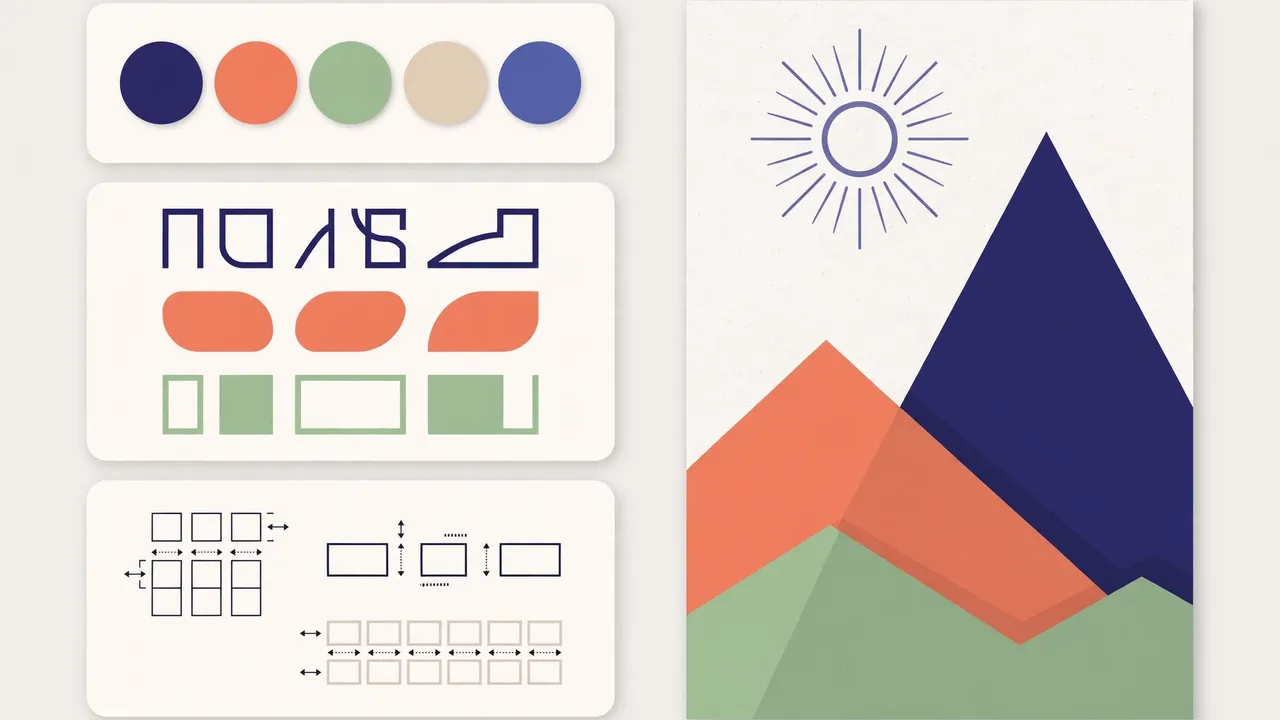
Until you add a brand, the agent works from a neutral sample brand. Your brand pack lives in workspace/brand/, and the brand-onboarding skill builds it with you from your brand guide, website, files or a Paper file. This is the step most people skip and then complain about: without your tokens, the agent has nothing to be faithful to, and its output will look like everyone else's.
Put your colours, fonts and spacing in as code, not as a PDF the agent has to guess at. Layouts only take your tokens, which is why a brand pack changes the output more than any prompt tweak. Licensed fonts go in private-fonts/, which Git ignores. Then re-run the same LinkedIn card brief from Step 3 and compare: same words, different brand, and the difference should be visible at a glance.
Two more settings belong in this step. Generated images need OPENAI_API_KEY, and voice, music and sound effects need ELEVENLABS_API_KEY. Web search, your docs and other tools connect as MCP servers in config/mcp.toml, and the Paper canvas runs locally with PAPER_MODE=local (or bridged when deployed).
Step 5: Deploy it to your team's Slack
Deployment is where this project differs from a local script. The repository is a Managed Deep Agents project, so it deploys to your LangSmith workspace as it is:
uv run design-agent config set LANGSMITH_API_KEY=YOUR_KEY
uv run design-agent sandbox publish
uv run mda deploy
The sandbox publish runs once per workspace: it publishes the agent's computer. The first deploy sets up the agent's Slack app — authorise it in your workspace, then mention the agent in a channel. From then on, anyone can brief it the way they would brief a designer: mention it in a thread with a brief and any files, and the finished files come back to the same thread. While it works, one message updates step by step, a footer shows what is running and the cost so far, and anything added mid-job reaches the work in progress.
Try changes on a separate copy first:
uv run mda deploy --name design-agent-testA safety detail worth knowing before you deploy: the sandbox never holds a credential and has no network by default. Host tools do the fetching, generating and delivering, and drop results in as files. API keys never enter the sandbox. And memory works in two layers — team memory everyone shares and personal memory for each person — so telling it a rule once ("never use orange on LinkedIn") saves it that turn, and after a job, learn_from_job writes notes on what worked that later jobs read, rate, and drop if they do not hold up.
Step 6: Teach it a new recurring asset and check the change
The highest-value move is not a one-off poster, it is a recurring request the team makes every week. The README suggests exactly this as a coding-agent prompt: "Teach it to make our weekly newsletter header" adds a skill for it and tries it on a real request. Do that, then ask the question the project itself poses: "Did that change make it better?" Run the evals before and after, and look at the numbers, not your impression of one output.
If you would rather skip Managed Deep Agents, the same agent self-hosts with Docker, an HTTP API and your own Slack app. You do not need Slack at all: call the deployment's API, open it in LangSmith Studio, or use the terminal. Over the API, keep to requests that finish in one turn; long jobs that work in the background report back in Slack.
What you built
A design agent that takes a brief in a chat thread and returns finished, on-brand files — a card in three sizes from the demo, a real LinkedIn card from your own brief, a brand pack that makes the next hundred assets consistent, and a Slack deployment your whole team can brief. The machinery that makes it trustworthy is not the model alone: it is the sandbox per thread, the skills that load only when needed, the render-and-look loop, and the code checks on colours, fonts, contrast, sizes and chart math.
Honest limitations
- Hosting is paid, and the platform is in beta. The code is free, but Managed Deep Agents hosting is paid, and it is in public beta on LangSmith Cloud. Real requests also need a LangSmith account and a model key.
- It does not replace a designer. It takes the repetitive requests so designers can spend their time on the work only they can do. Taste stays with your designers; the agent enforces their rules, it does not invent them.
- Generated media needs more keys. Image generation needs an OpenAI key, voice and music need ElevenLabs, and long films and decks cost materially more than the roughly 50-cent median request.
- Your brand pack is the quality ceiling. With only the neutral sample brand, output will look competent and generic. The guide's most important step is Step 4, and it is the one that takes real work.
The takeaway
Start with the demo, because it costs nothing and tells you the truth about the agent's baseline. Then give it one real brief, one real brand pack, and one recurring job — and judge it on the second asset, not the first. If the second one is better than the first, the skills and memory are doing their job, and you have a design queue that clears itself.
Frequently asked questions
Do I need Slack to use the design agent?
No. You can call it from the terminal with design-agent ask, through the deployment API, or in LangSmith Studio; Slack is how long background jobs such as films report back.
What does it cost?
The code is free under Apache-2.0. You pay your model provider — at LangChain the median request costs about 50 cents in model spend, and long films and decks cost more — and Managed Deep Agents hosting is paid.
Does it replace a designer?
No. It takes the repetitive requests, so designers spend their time on the work only they can do, and their judgment lives on in its skills and checks.
Sources
- LangChain design-agent README (github.com/langchain-ai/design-agent) — quickstart and local commands, the no-key demo and its outputs, the 35 skills, the 3,000-plus assets since August, the 4.5 million X views, the three-in-four non-marketing share, the roughly 50-cent median request, and the model, key and self-hosting details used in this guide.
- Design-agent repository metadata — created October 18, 2026, Apache-2.0 licence, Python 3.11 or later, 183 stars at the time of writing.