Skills for Real Engineers: hands-on with Matt Pocock's 274K-star agent skills
Some of the most capable open-weight models on the Hugging Face Hub were never trained — they were merged. Here is the full workflow, measured on a CPU: task arithmetic, SLERP, and how to pick a method.

The most-starred new project in AI open source right now is not a model, not a framework, and not another agent harness. It is a folder of Markdown files: Matt Pocock's skills collection, sitting at over 274,000 GitHub stars and topping an October 1, 2026 GitHub-API-checked ranking of the fastest-rising AI repositories. The pitch is blunt — "Skills For Real Engineers. Straight from my .agents directory" — and it lands because it names four failure modes every coding-agent user recognizes: the agent builds the wrong thing, the agent talks too much, the code does not work, and the codebase becomes a ball of mud. This tutorial installs the real thing and runs a change through it: list the skills, install a handful non-interactively, configure a repo, grill a plan, build it test-first, then debug and review it the way the skills insist.
1. Why this is blowing up now
The agent-skills wave of 2026 produced a flood of skill packs: Anthropic's official set, Addy Osmani's 25 senior-engineer workflows, Perplexity's Bumblebee, Cloudflare's security-audit-skill. Pocock's entry — from the TypeScript educator behind Total TypeScript and the aihero.dev newsletter — cut through because it is opinionated in the opposite direction. The README frames full-process frameworks (GSD, BMAD, Spec-Kit) as systems that "own the process" while taking away your control; these skills are deliberately small, composable, and agent-agnostic, meant to be hacked on and made your own.
The numbers back the momentum: the repo was created in February 2026, carries an MIT license, and crossed 274,000 stars by early October. A daily trending-AI-repos snapshot ranked it #1 on October 1, 2026, measured by real 24–48-hour star momentum against the GitHub API — ahead of OpenAI's Codex, NVIDIA's OpenShell, and OpenClaw. A weekly skills-tracking board had it gaining roughly five thousand stars in five days. That is the kind of velocity that means developers are not just starring it; they are installing it.
2. What you'll need
- A coding agent: Claude Code, Codex, Cursor, OpenCode, or any of the two dozen agents the installer targets. The skills are plain Markdown (SKILL.md plus supporting files), so anything that reads the Agent Skills format works.
- Node.js 18+ with
npx— for theskillsCLI installer. - A repo you actually work in. The skills assume a real project with tests and version control; a toy folder works for learning, but the value shows up on real code.
- No accounts, no API keys, no model weights. The repo is MIT-licensed Markdown and scripts; everything in this tutorial ran on a 2-core CPU-only Linux VM.
3. Step 1 — See what is actually in the repo
Before installing anything, list what the package offers. From any directory:
npx skills@latest add mattpocock/skills -l -yThe list is grouped by the repo's own folders. The engineering group is the core — 19 skills including grill-me, grill-with-docs, tdd, diagnosing-bugs, code-review, implement, implement-spec, to-spec, to-tickets, triage, wayfinder, retro, prototype, research, domain-modeling, codebase-design, pr, wizard, and setup-matt-pocock-skills. Productivity holds 7 general workflow skills (grill-me, grilling, handoff, teach, to-questionnaire, wait-what, writing-for-agents), and misc holds 4 utilities like git-guardrails-claude-code and setup-pre-commit. Six more sit in in-progress. Each entry prints its one-line description, so skim for the ones that match your pain.
4. Step 2 — Install the skills you want
The interactive installer lets you pick skills and agents with a menu, but it also runs fully non-interactive — which is how you should script it. In your project directory, this installs three skills for every supported agent and skips all prompts:
npx skills@latest add mattpocock/skills \
  -s tdd -s grill-me -s setup-matt-pocock-skills \
  -a '*' -y --json
Flags, all verified: -s takes a skill name (repeat it; a comma-joined list is treated as one name and matches nothing), -a '*' targets every agent, -y skips confirmations, and --json gives machine-readable output. The install report confirmed each skill as "status": "installed", "scope": "project", "mode": "symlink" — the skills land in .agents/skills/<name>/ inside your project, so they are checked in with your repo and travel with it. The report also lists the agent targets: Claude Code, Codex, Cursor, OpenCode, Gemini CLI, Cline, Kilo Code, Windsurf-era agents like Droid and Eve, and more — 24 in total — plus a security note (gen: safe, socket: 0 alerts, snyk: low) from the skills.sh registry.
Verify the install the way you would any tool:
npx skills@latest listOn the test machine this printed the three project skills with their paths and the agents they are active for. The skills are now files you own: open .agents/skills/tdd/SKILL.md and read it. That is the whole product — there is no binary, no daemon, no background process.
Two notes from the README. First, pick one install philosophy, not both: Claude Code users can instead run claude plugins install mattpocock-skills (it is in Claude Code's official marketplace, so it updates automatically), or use the skills.sh installer above to get editable copies you own — installing both leaves you with every skill twice. Second, keep the starter set small: the README explicitly says to make sure setup-matt-pocock-skills is one of the skills you take, because the engineering skills assume its configuration exists.
5. Step 3 — Run /setup-matt-pocock-skills once per repo
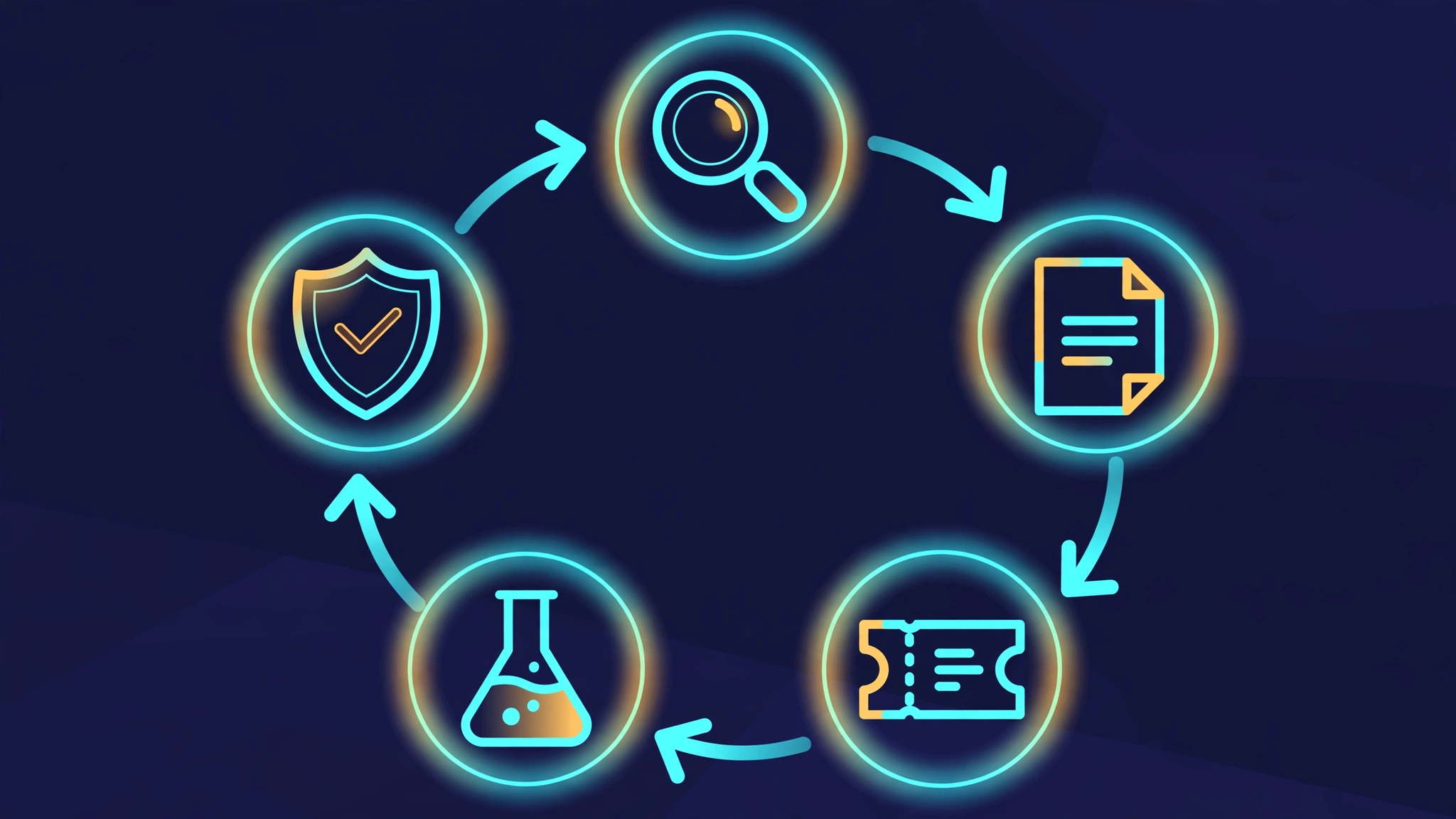
Open your coding agent in the project and run the setup skill once. It is prompt-driven, not a script: it explores the repo first (git remote, AGENTS.md/CLAUDE.md, any GLOSSARY.md, docs/adr/, monorepo signals), then asks you three short questions — which issue tracker you use (GitHub via gh, GitLab via glab, local Markdown files under .scratch/, or something else), whether to keep the default triage-label vocabulary (needs-triage, needs-info, ready-for-agent, ready-for-human, wontfix), and where domain docs live (GLOSSARY.md plus ADRs at the repo root by default). It records the answers in docs/agents/ and wires an "Agent skills" section into your CLAUDE.md or AGENTS.md.
This step is the unglamorous one and the one you should not skip. Everything downstream — /triage moving issues through a state machine, /to-tickets writing to the right tracker, /tdd reading your GLOSSARY.md for test names — reads this configuration. Ten minutes here is what turns the rest of the collection from clever prompts into a working discipline.
6. Step 4 — Grill your plan with /grill-me
Now take a real change — a feature you were about to start — and type /grill-me before writing any code. The skill runs a relentless interview: it keeps asking questions until every branch of the design tree is resolved. If you want the session to also build your project's shared vocabulary, use /grill-with-docs instead; it runs the same grilling and sharpens terminology into GLOSSARY.md, recording hard-to-explain decisions as ADRs inline.
This is the fix for failure mode #1 ("the agent didn't do what you want"). The README's point is that misalignment is the most common failure in software development, human or AI: you think the agent knows what you want, then you see what it built. A grilling session forces the communication gap closed before the expensive part starts. Expect it to be uncomfortable — that is the skill working. When it is done, the plan it leaves behind feeds directly into the next skills: /to-spec turns the conversation into a spec on your issue tracker, and /to-tickets breaks it into tracer-bullet tickets with declared blocking edges.
7. Step 5 — Build it test-first with /tdd
With the grilled plan in hand, build one ticket at a time under the /tdd discipline. The SKILL.md is worth reading in full, but its rules compress to this:
- Agree the seams first. A seam is the public boundary you test at — the interface where behavior is observable. Write down the seams under test and confirm them before any test exists. No test at an unconfirmed seam.
- Red before green. Write the failing test first, then only enough code to pass it. Never anticipate future tests.
- One vertical slice per cycle. One seam, one test, one minimal implementation. No horizontal slicing (all tests first, then all implementation) — bulk tests verify imagined behavior.
- Reject the three anti-patterns. Implementation-coupled tests (mocks internals, breaks on refactor), tautological tests (the assertion recomputes what the code does, so it can never disagree), and horizontal slicing. Expected values must come from an independent source of truth — a known-good literal, a worked example, the spec.
- Refactoring is not part of the loop. It belongs to the review stage, not the red → green cycle.
The skill also consults your GLOSSARY.md while you work, so test names use the project's domain language — the payoff of the setup step. If the interface itself is the question (how deep the module should be, where the seam belongs), the skill points you at /codebase-design for the shared vocabulary of modules, interfaces, seams, and adapters.
8. Step 6 — Debug and review like a senior
When something breaks, /diagnosing-bugs imposes the discipline most developers skip: build a feedback loop before theorizing. Phase one is constructing a tight pass/fail signal that goes red on this bug — a failing test at the right seam, a curl script against a dev server, a CLI invocation diffed against a known-good snapshot, a headless-browser script, or a replayed captured trace. The skill is blunt about why: without a feedback loop, no amount of staring at code saves you; with one, bisection and hypothesis-testing become mechanical. It also reminds you to redact secrets from anything you paste, building loops against environment variables instead.
When the code is written, close out with /code-review. It reviews the diff on two axes — Standards (the repo's coding standards plus a Fowler smell baseline) and Spec (does it faithfully implement the originating issue or spec?) — run as parallel sub-agents so neither pollutes the other. The /implement and /implement-spec skills drive this loop automatically: they build the tickets and close out with /code-review before committing, and /pr shapes the pull-request body (smallest visual summary, before/after evidence, a merge-danger call) to match.
For ongoing hygiene, two more skills earn their place: /improve-codebase-architecture surveys the codebase for deepening opportunities and presents them as a visual HTML report — a survey, not a rescue — and /retro suggests improvements to the agent's environment (navigation, automated checks, steering files) after a session, most severe first.
9. The mental model: two kinds of skills
The README's reference section splits the collection on one axis: who can invoke them. User-invoked skills (/grill-me, /triage, /implement, /wayfinder, /retro) are reachable only when you type them — they orchestrate. Model-invoked skills (tdd, diagnosing-bugs, domain-modeling, code-review, prototype, research) can be invoked by you or reached for automatically by the agent when the task fits — they hold the reusable discipline. A user-invoked skill may invoke model-invoked skills, but never another user-invoked one. Two of the skills carry disable-model-invocation: true in their frontmatter (setup-matt-pocock-skills, grill-me) — they only fire when you ask, which is exactly right for setup and interrogation.
This split is the design insight worth stealing for your own skills: orchestration belongs to the human's explicit intent; discipline belongs in the model's automatic reach. It is also why the collection stays small-file and composable instead of becoming a framework.
10. When to use this vs the alternatives
- vs full-process frameworks (GSD, BMAD, Spec-Kit). If you want a methodology that owns the whole workflow, Pocock's README argues those frameworks take away your control — Spec-Kit, which we covered separately, is the canonical example. Choose these skills when you want to keep driving and slot discipline in where it fits.
- vs obra/superpowers. Both target the same disease (vibe-coded slop) with composable skills, and both are exploding on GitHub. Superpowers is a complete methodology with plan-build-verify loops; Pocock's set is one senior engineer's daily-driver habits — grilling, TDD, two-axis review — with less ceremony. Try both on the same repo for a week and keep the one your team actually invokes.
- vs Anthropic's official skills. The
anthropics/skillsrepo defines the SKILL.md standard and ships document skills (docx, pdf, pptx, xlsx) plus skill-creator and mcp-builder. It is the reference implementation; Pocock's is the opinionated engineering practice layer on top of the same format. They compose — nothing stops you installing both. - vs Addy Osmani's agent-skills and ECC. Osmani's pack is 25 production-grade engineering workflows; ECC is a full agent-harness OS with skills bundled in. Pocock's collection sits between: more opinionated than a workflow pack, far lighter than a harness. If your pain is "the agent builds the wrong thing and the code doesn't work," start here; if your pain is "I need an entire research-first development OS," look at ECC.
- When not to use it. If your team has no issue tracker, no tests, and no appetite for being interrogated by
/grill-me, the skills will feel like friction — because they are. They encode the bet that engineering fundamentals matter more, not less, when agents write the code.
The takeaway
Matt Pocock's skills are 274,000-star proof that the bottleneck in AI-assisted coding is not the model — it is the process around it. The whole collection installs in one command, costs nothing, and is readable end to end in an afternoon because it is just Markdown. The loop that matters fits on an index card: grill the plan (/grill-me) so the agent builds the right thing, agree the seams and build test-first (/tdd) so the code works, then debug with a feedback loop (/diagnosing-bugs) and review on two axes (/code-review) so the codebase stays changeable. Run one real change through that loop this week — setup skill first, everything else after — and you will know by Friday whether your agent needed a better model or a better engineer driving it.