One AI agent across your phone, desktop and browser: a hands-on guide to nanoMuse
nanoMuse (nano-muse/nanoMuse, GPL-3.0-or-later, ~2,300 GitHub stars) is an open-source personal agent that runs on your phone, your computer and your browser under one account — doing tasks instead of just answering questions, handing control across devices, and asking before anything you can’t undo. This tutorial takes the browser demo for a spin, installs the desktop app, links a phone, and self-hosts the relay.
- What: nanoMuse — an open-source personal agent that runs on your phone, computer and browser under one account, doing tasks across devices
- Who: the nano-muse community on GitHub, led by Guangyi Liu with Yong Liu and Jiangning Zhang (Zhejiang University); paper on arXiv (2610.08699)
- When: released 2026-09-25 under GPL-3.0-or-later; latest is 1.0.5 “Lookout”; 1,000 GitHub stars on 2026-10-13, ~2,300 at the time of writing
- Built on: OpenMinis 1.13 (phone app), DeepSeek Harness (desktop), and a port of ByteDance’s UI-TARS-desktop for screen operation
- Models: a free community-relay allowance, then your own key at one of 21 providers (OpenRouter, OpenAI, DeepSeek, Gemini, Alibaba Bailian…) or a ChatGPT/Claude/Kimi plan you already pay for
- Cross-device: a message starting with
@Macsends the task to your Mac; conversation text syncs via the relay while files and screenshots stay where they were made
Why this matters
Meta’s Muse showed what a personal agent looks like — an agent with a name and a look of its own that does things instead of answering questions. But it lives in Meta’s cloud, on Meta’s terms. nanoMuse is the community’s open-source answer: the phone app, the desktop app, the web console and the relay that joins them all live in one GitHub repository under GPL-3.0-or-later, small enough to run and deploy yourself. It keeps working while the app is closed, remembers you in Markdown files you can read and edit, and — the part I like most — it stops to ask before anything you could not undo.
At the time of writing it has about 2,300 GitHub stars, eighteen days after its first release it crossed 1,000, its paper ranked third on Hugging Face Daily Papers, and releases land every few days (latest: 1.0.5 “Lookout”). It is young, moving fast, and exactly the kind of project worth learning by using.
What you’ll need
- A computer (Linux, macOS or Windows) or an Android phone — an iPhone works too, via TestFlight
- About 15 minutes, and an email address to sign in with for the full experience
- Optionally: your own model key (free to create at OpenRouter) for when the community allowance runs out
- Optionally: a VPS or an always-on machine with Docker if you want to self-host the relay
Step 1 — Try it with zero installs
Before downloading anything, take the zero-commitment route: demo.nanomuse.dev runs a nanoMuse on a simulated phone in your browser, after a sign-in. The project is upfront about it: this is a demo — the apps below are the real thing. But it answers the first question in two minutes: does this feel like an agent, or a chatbot? Ask it to do something small that spans tools — search the web, then remember the result. If you like the shape of it, keep going.
Step 2 — Install the desktop app
Every build is on the latest release page. On 64-bit Linux, the tarball is the quickest path:
curl -LO https://github.com/nano-muse/nanoMuse/releases/download/v1.0.5/nanoMuse-Desktop-1.0.5-linux-x64.tar.gz
tar xzf nanoMuse-Desktop-1.0.5-linux-x64.tar.gz
Prefer packages? There is also a .deb and an AppImage. On macOS 12+ grab the Apple Silicon or Intel .dmg — they are not notarised, so right-click → Open the first time. On Windows 10+ run the .exe and click Run anyway once. Every version is signed with the same key, so new releases install over the old one and keep your data.
Step 3 — Sign in and read your allowance
Open the app and sign in with an email address (a mainland-China phone number works too). Signed in, the agent has a model to think with: nanoMuse is free and non-profit, and the developer pays for a starting allowance of model use on the community relay for every account. The app shows the relay’s current figures, so check the meter — this is your free runway, and it is finite by design.
Step 4 — When the allowance runs out, bring your own key
The docs (docs/own-key.md) are refreshingly direct: outside mainland China, OpenRouter first, then OpenAI; inside China, Alibaba Model Studio (Bailian); any OpenAI-compatible endpoint works beside them. Your other option is a plan you already pay for — ChatGPT, Claude or Kimi — signed in from the app. Your sign-in, invite code and devices are unaffected; only the model provider changes, and the docs state it plainly: once your own key or plan is in use, nothing you say passes through nanoMuse Cloud.
One honest detail: features follow the provider. Every provider declares what it covers — chat, the hands (a model that sees screenshots), pictures, clips — and a feature no configured provider covers is simply not offered, with one sentence saying which providers would. Twenty-one providers are listed, from DeepSeek for cheap chat to Bailian for the full set; outside China, clips are Bailian-only for now.
Step 5 — Link a second device and route a task to it
Now the part that makes nanoMuse different from a chatbot with plugins. Install the Android APK (nanoMuse-1.0.5-arm64.apk, Android 8.0+ on arm64) or join the iPhone beta at testflight.apple.com/join/ZHexbDqc, and sign in to the same account. The phone, the desktop and the web share one account and show the same conversations — each device runs its own agent, and signed in they meet on the relay and can ask each other for things.
Try the signature move: say it on the phone, it runs on your PC. Start a message with @Mac (or whatever you named your computer) and the task goes to that device; the approval comes back to the device in your hand. Example: on your phone, send @Mac find my three biggest files in ~/Downloads and report back. The conversation text travels through the relay, but files and screenshots stay where they were made.
Step 6 — Give it hands — and a stop sign
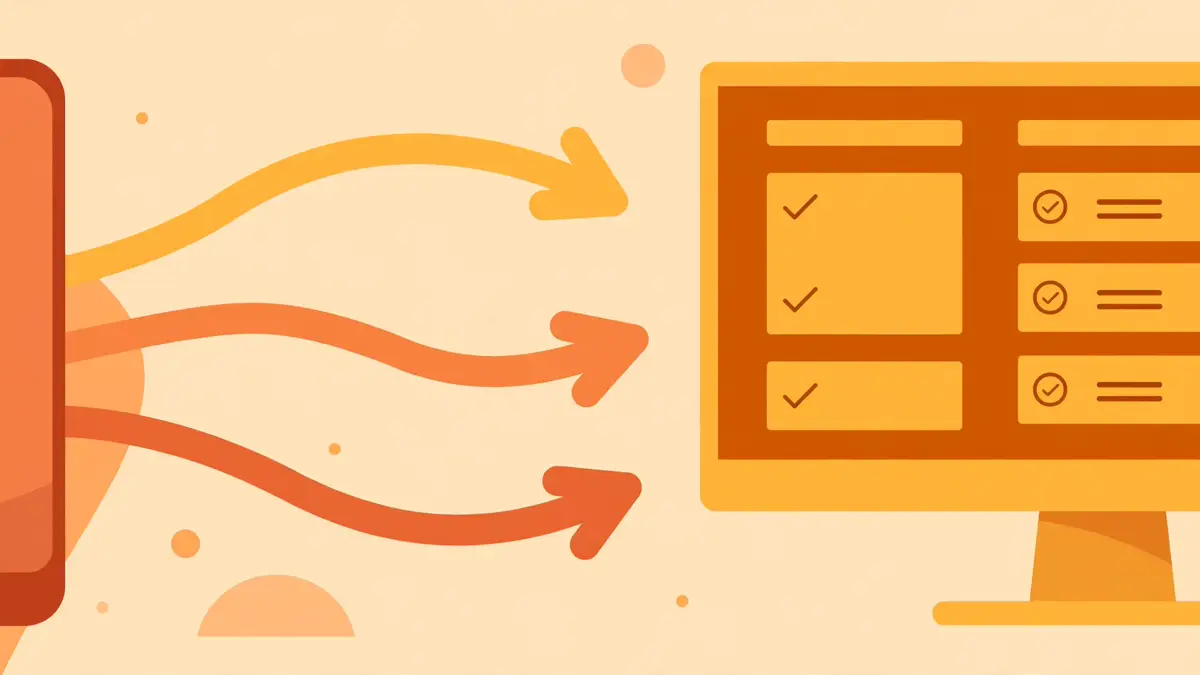
On the desktop, turn on Hands: the agent operates your computer through its screen for everything that never had an API — a Linux shell, a browser, MCP servers and skills, and on the phone, the apps themselves. The desktop harness is DeepSeek Harness with a Python runtime, and the screen operator is a port of ByteDance’s UI-TARS-desktop. Give it something real and observable: “open my browser, go to the nanoMuse releases page, and tell me the latest version number.”
Now test the safety story, because this is where agents usually hand-wave. Ask for something with consequences — “delete the duplicate photos in ~/Pictures” — and watch it stop. nanoMuse pauses before deleting, sending or paying, and you choose whether it remembers that pause for once, for this chat, or always. Passwords and codes are yours to type; when it hits a login or a CAPTCHA, it hands the moment to you and a Done resumes. One hard limit, documented in the README: Hands does not work on iOS, where the system does not allow it.
Step 7 — Self-host the relay on your own machine
If the whole point is owning your agent, the last mile is the relay. The self-hosting doc lays out three levels, and level one is zero work (your own key, no server). For your own relay — your own accounts, sign-in codes, hub and conversation sync — the project says one VPS, one hour:
git clone https://github.com/nano-muse/nanoMuse.git
cd nanoMuse
bash scripts/self-host.sh --local
The promise is simple: with your own relay, nothing about your account touches nanomuse.cn. Prefer the web app on an always-on box? That is level three: docker compose up -d app for the Python runtime in Docker.
Step 8 — What you built, and the honest limitations
You now have a named personal agent with a look of its own — the default is a small dragon, but describe one and your image model draws it, a video model makes it move — running across your devices under one account. It remembers you in files you can open, checks goals on a schedule, runs routines while the app is closed, writes you a feed each morning, and even answers inside 飞书, 钉钉, 企业微信 and Telegram.
The honest part. The free relay allowance is developer-funded and finite — plan on your own key. On iOS you get the chat but not Hands, because Apple does not allow it. Which features appear depends on which provider you configured. And this is a weeks-old project shipping a version every few days: expect rough edges, report what broke — the README asks you to, and the Discord is active. Finally, the legal footnote the project itself prints: nanoMuse is an independent community project, not affiliated with or endorsed by Meta; “Muse” is their trademark.
Frequently asked questions
Is nanoMuse really free?
Yes — it is free, open source (GPL-3.0-or-later) and non-profit. The developer pays for a starting allowance of model use per account on the community relay; when it runs out, you add your own key (OpenRouter or any OpenAI-compatible endpoint outside mainland China, Alibaba Bailian inside) or sign in a ChatGPT, Claude or Kimi plan you already pay for. Your account and devices are unchanged — only the model provider changes.
Can I keep everything on my own hardware?
Yes. With your own key you need no server at all — the relay only handles sign-in and the frames between your devices. Running bash scripts/self-host.sh --local spins up your own relay with your own accounts, sign-in codes, hub and conversation sync, and “in the project’s own words — nothing about your account touches nanomuse.cn. docker compose up -d app gives the web app a runtime of its own on an always-on machine.
Does it work on iPhone?
Yes, through the TestFlight beta linked from the README. One documented limit: Hands — the screen-as-a-hand that operates apps without an API — does not work on iOS, where the system does not allow it. It works on Android and on the desktop apps.