DSH Go: run DeepSeek Harness on your Android phone — hands-on
DeepSeek Harness is the agent that lives in your terminal — DeepSeek’s open-source harness, where everything is a plugin. DSH Go puts that agent in your pocket: it installs Ubuntu, Node.js and DSH inside an Android app, no root and no Termux, and gives it a chat interface you can steer while it works — or it drives the DSH already running on your computer over SSH. In twelve days it picked up 11,983 GitHub stars and topped Trendshift’s daily ranking. This guide installs v1.0.11, connects a model, runs a first task on the phone, and wires up a remote host.
- Who: DSH Go, by ccch1mneyyy —
ccch1mneyyy/dsh-goon GitHub, AGPL-3.0 license (thesdk/andexamples/folders are MIT). - What: An Android client for DeepSeek Harness: it runs DSH on the phone in a built-in Ubuntu and Node.js runtime — no root, no Termux — or drives the DSH on a computer or server over SSH or DSH Remote.
- Momentum: 11,983 stars on GitHub, created October 25, 2026; #1 on Trendshift’s all-language daily ranking on October 30, 2026; v1.0.11 released November 5, 2026.
- Requirements: Android 8.0 or later; about 1 GB free for the on-device engine. Phone control needs the Accessibility permission; non-disruptive mode needs Android 14+ plus Shizuku or self-ADB.
- Cost: Free and open source. You pay your model provider — a DeepSeek account or key, or a compatible service. Anonymous usage statistics are on by default and can be turned off in Settings.
- Status: An unofficial community project — not affiliated with or endorsed by DeepSeek. The DSH Go name, logo, and Deepy and Whale girl mascots are not covered by the open-source license.
DeepSeek Harness is the agent that lives in your terminal — DeepSeek's open-source harness, where everything is a plugin. DSH Go puts that agent in your pocket: it installs Ubuntu, Node.js and DSH inside an Android app, no root and no Termux, and gives it a chat interface you can steer while it works — or it drives the DSH already running on your computer over SSH. Twelve days after its first commit it had 11,983 GitHub stars and had topped Trendshift's all-language daily ranking. This guide installs v1.0.11, connects a model, runs a first task on the phone, and wires up a remote host.
It is the pocket version of the agent our DeepSeek Harness plugin guide installs on the desktop — same engine, same plugins, a phone for a terminal. And it is a different animal from Mika, the other on-device Android agent we covered: Mika operates your phone's apps on a background screen, while DSH Go runs a coding agent with a Linux runtime and a workspace.
One thing to get straight before you install: DSH Go is an unofficial community project. It is not affiliated with or endorsed by DeepSeek. And "on-device" means the engine runs on your phone — the model still lives with the provider you configure, so you need a DeepSeek account or key (or a compatible service), and your prompts, and screen text during phone control, go to that provider. With that understood, it is the fastest way to carry a real coding agent in your pocket.
What you'll need
- An Android phone running Android 8.0 or later — about 1 GB free if you want the on-device engine. A remote-only setup needs nothing installed on the phone.
- A DeepSeek account or API key, or an OpenAI- or Anthropic-compatible key. ChatGPT or Claude subscription sign-in works where the engine supports it.
- A computer with DSH installed, only if you want step 5:
npm i -g @deepseek-ai/dsh, with SSH enabled. - About 10 minutes, and a willingness to sideload an APK — DSH Go is distributed through GitHub Releases, not Google Play.
Step 1: Download v1.0.11
v1.0.11 was released on November 5, 2026. Most phones need the arm64 package, a roughly 194 MB download; the x86_64 build for emulators sits under "Other builds" at the end of the release notes, and there is no 32-bit ARM build. Get it from GitHub Releases or the download page at go.dshtui.com, and allow the install when Android asks about the source.
One caution from the project itself: an early test build was signed with a different key and cannot be updated in place. If you have one of those, uninstall it first — that clears your chats, the Linux environment, and settings — then install v1.0.11 fresh.
Step 2: First launch — this phone or a remote host
The first time you open the app, it asks where DSH runs. This phone installs the runtime on the phone — everything runs there, and the option shows the storage and memory it needs. Remote host uses the DSH on your computer or server, with nothing installed on the phone; the guide recommends it when the phone is short on memory or storage.
Pick This phone and the app installs Ubuntu, Node.js and DSH itself, using its compatible PRoot startup by default. From then on, Settings › Local engine is the control room: Start, Stop and Restart, live logs, and a safe mode that kicks in automatically after two failed starts. You can add the on-device runtime later any time — tap Install runtime on the engine page, or This phone when switching hosts. "Start when DSH Go opens" is on by default, so the engine is up whenever you open the app.
Step 3: Connect a model
Providers live in the current host's engine, so you set them up once per host. Use a DeepSeek account or API key, or connect any OpenAI- or Anthropic-compatible service; where the engine supports it, you can also sign in with a ChatGPT or Claude subscription. For models on a custom provider, you set the context length, image input, and thinking levels yourself.
To switch models, tap the model capsule at the top right of a chat — or type /model in the composer. Pick a provider at the top, then a model; if the model has more than one level, a Thinking effort control appears below. Switching providers alone does not change the current model, so check the capsule shows the one you want before you send anything expensive.
Step 4: Run your first task on the phone
Open Chats › New chat and type. The chat is created when you send the first message, so opening a new chat never leaves an empty one behind. Give it something small and verifiable first — a job where you can check the answer in seconds:
Write a Python script that prints the first 10 prime numbers, save it as primes.py in the workspace, and run it.While it works, you can steer it: send another message mid-reply and tap "Send now" whenever you like, and finished steps fold into one line so the thread stays readable. Tool approvals and questions come back to you in the chat — answer them there. Images and voice input work too, from the same composer.
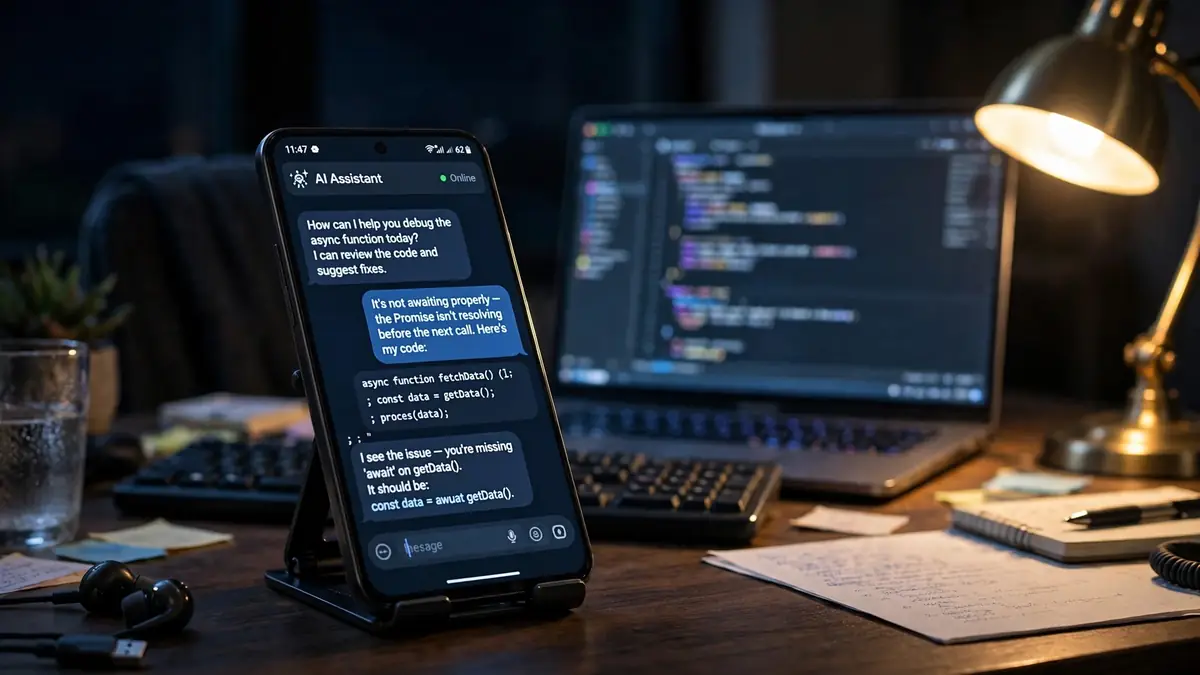
If the script prints 2, 3, 5, 7, 11, 13, 17, 19, 23, 29, the loop is closed: the engine runs, the model answers, and the sandbox executes. From here the same chat can read files, run shell commands, and edit code in the phone's Linux environment — a full agent workspace, on a device that fits in your hand.
Step 5: Drive the DSH on your computer over SSH
The phone engine is convenient; your computer is faster and holds your real projects. DSH Go switches between them in one tap. On the computer, install DSH and make sure SSH is enabled:
npm i -g @deepseek-ai/dshThen in the app, open the chat list, tap the current host's name at the bottom, and open Switch host › Manage remote hosts › Add SSH host. Enter the host and username — the port defaults to 22 — sign in with a password or a private key (you can import one from a file, with an optional passphrase), and leave the start command at its default, dsh web. If you installed DSH with nvm, enter its full path instead. Tap Test connection: the first time, a "Trust this host?" prompt appears — check the fingerprint against the host, tap Trust and connect, then Save and select the host. Testing starts DSH on the host, and it keeps running afterwards. Chats, workspaces and plugins belong to each host, so switching hosts switches your whole list.
There is a second remote route that needs no network setup: DSH Remote. Install the remote plugin in the host's DSH, sign in, then on the remote hosts page choose the same sign-in provider and pick the online host, checking the identity fingerprint matches the one the host's plugin shows. The connection is end-to-end encrypted and tries LAN or peer-to-peer first, then TURN, then relay. Know its limits before you lean on it: over DSH Remote you can send images only, the web interface does not open inside the app, plugins can only be turned on or off, and DS Bot and chat-log export are unavailable.
Step 6: Phone control and sharing
Two features make the phone version more than a small terminal. First, phone control: enable the permissions the app asks for — Accessibility among them — and DSH can read the screen and tap and type for you. Sensitive actions stay with you by default, and you can stop it at any time. If you want the non-disruptive mode, where the agent works without disturbing what you are doing, you need Android 14 or later plus Shizuku or self-ADB. Understand the risks before relaxing app rules or lifting limits; the project's own guide says so twice.
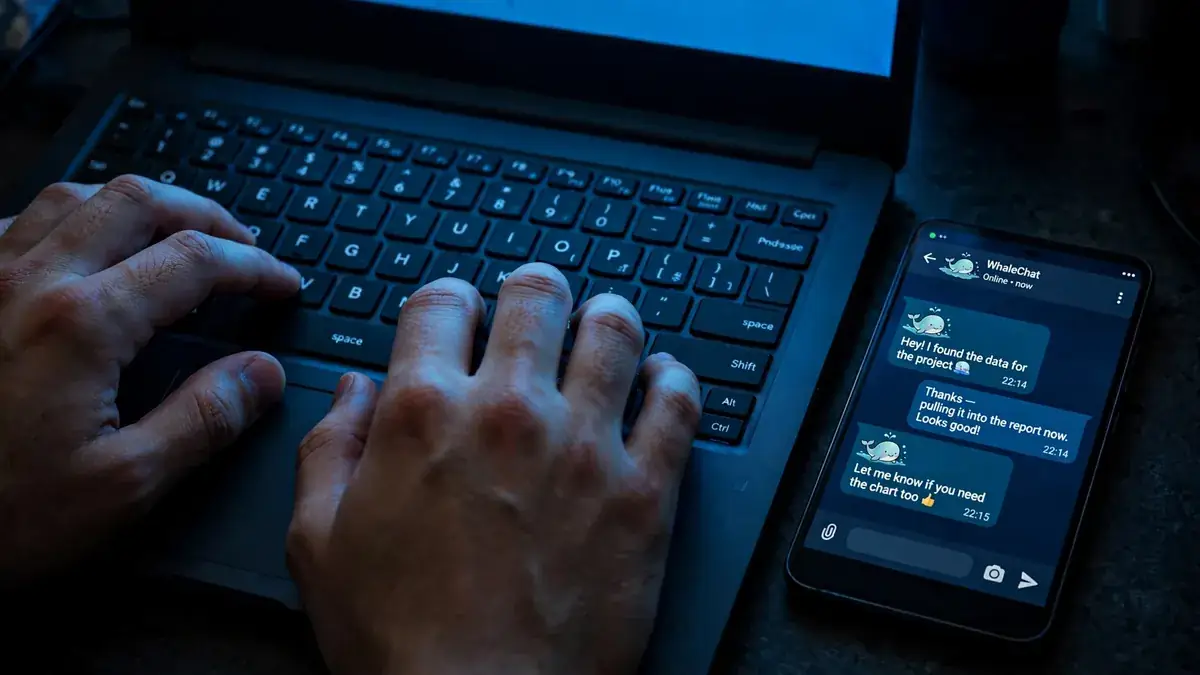
Second, sharing: turn any reply into a share card, or share a whole chat as a link that replays in any browser, end-to-end encrypted — the key lives only in the link, and the server never sees the content, though anyone with the complete link can read and save it. The same chat is also one tap away from the official web interface, which reopens in whichever view you used last. And if you want company while it works, the mascots Deepy and Whale girl — a coding whale and her companion — code, flip, wave and nap along with DSH, and can follow you to the home screen.
What you built
A pocket agent. DSH — the same harness from our desktop plugin guide — now runs on your phone in its own Ubuntu runtime, or on your computer driven from your phone, with the model of your choice, steerable mid-reply, able to operate the phone itself, and able to hand any conversation to someone else as an encrypted replay. It took twelve days from first commit to 11,983 stars and the top of Trendshift's daily ranking, which is the kind of velocity that usually means a tool scratched an itch a lot of people had: the terminal agent, without the terminal.
Honest limitations
Six things to know before you build on this. First, it is unofficial and ships "as is" with no warranty — DeepSeek does not endorse it, and the name and mascots are not covered by the open-source license. Second, the model is not on-device: your requests go to the provider you configure, you pay their prices, and during phone control the screen text — and screenshots, for vision-capable models — may go to the model too. Third, "Send anonymous usage statistics" is on by default; turn it off during onboarding or in Settings › Privacy and sharing if you would rather it stayed off. Fourth, DSH Remote is the convenient path and the limited one: images only, no web interface in the app, plugins on or off only, no DS Bot or chat-log export. Fifth, phone control can break apps' terms of service, and the safeguards cannot guarantee zero risk — keep the default protections, grant only the permissions a task needs, and never lift limits on a device holding payment or banking details. Sixth, it is sideloaded, not on Google Play; the arm64 APK is about 194 MB and the runtime wants about 1 GB free, and while the whole app speaks English and Chinese, much of the built-in knowledge for apps and websites is written in Chinese — and the community gathers on QQ and WeChat as well as the project's forum.
Frequently asked questions
Is DSH Go an official DeepSeek app?
No. It is an unofficial community project built on the open-source DeepSeek Harness, and is not affiliated with or endorsed by DeepSeek. DSH itself runs on your phone, but model requests go to the provider you configure, so it needs a connection and bills your account with that provider.
Do I need a DeepSeek account to use it?
You need a model: a DeepSeek account or API key, or any OpenAI- or Anthropic-compatible service. ChatGPT or Claude subscription sign-in works where the engine supports it. “On-device” describes the engine, not the model — the runtime is on your phone, the model runs with your provider.
What phone do I need?
Android 8.0 or later to install. Running DSH on the phone needs the built-in environment, so keep about 1 GB free; connecting to DSH on a computer or server needs nothing installed on the phone. Phone control needs the Accessibility permission, and the non-disruptive mode needs Android 14 or later plus Shizuku or self-ADB.