Koharu’s local-first manga translator is now a full AI editor — layers, generative fill, and an MCP agent, all running on your machine
Two months of rebuilding turned the open-source Koharu manga translator into a Photoshop-style editor — layers, generative fill, and a proofreading agent — with every model still running on your own machine.
- The rebuild: posted November 18, 2026 on r/LocalLLaMA by developer Mayo Takanashi (u/mayocream39), with a 64-second demo video; 186 upvotes and 34 comments at the time of writing.
- The project: koharu-rs/koharu, 6,725 GitHub stars, dual-licensed MIT or Apache 2.0, created April 2025.
- The pipeline: detection, OCR, inpainting, then LLM translation — Index-Translate 9B by default via llama.cpp, with LaMa or FLUX.3 Klein inpainting.
- The caveat: page text and the image are sent to a hosted provider when cloud vision is switched on, the developer confirmed in the thread — and the CPU option for built-in models is missing in this build.
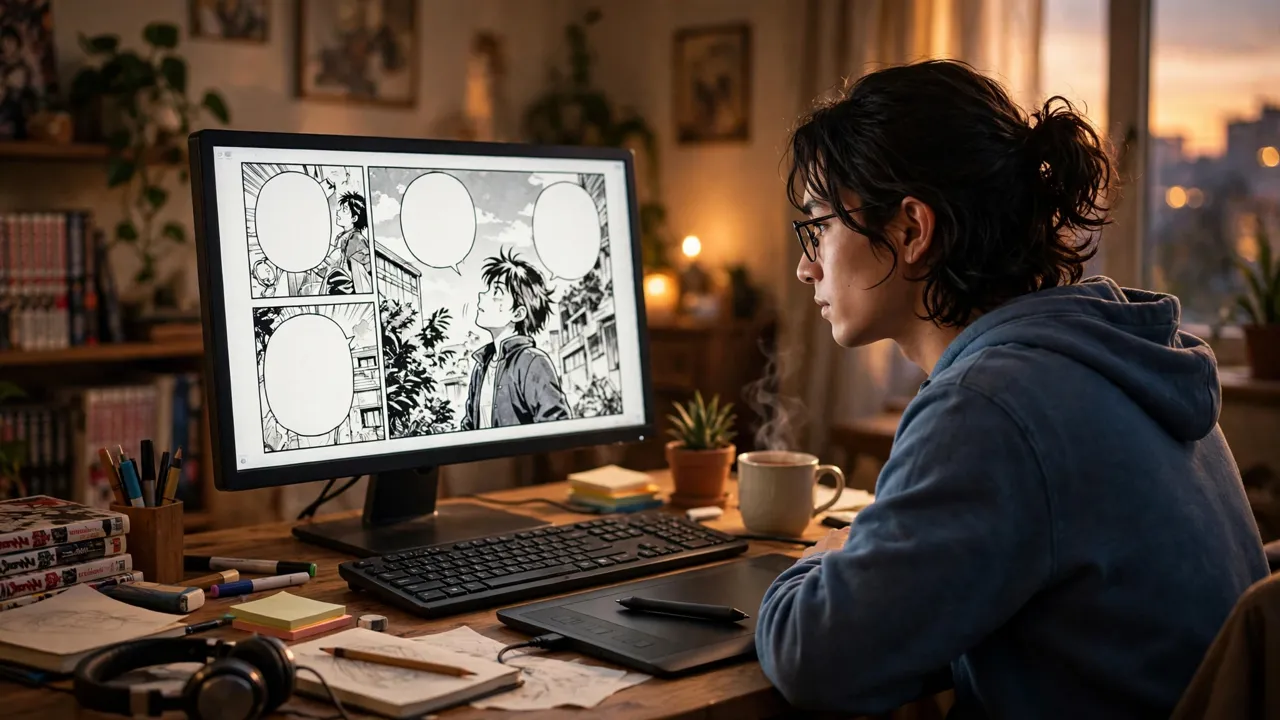
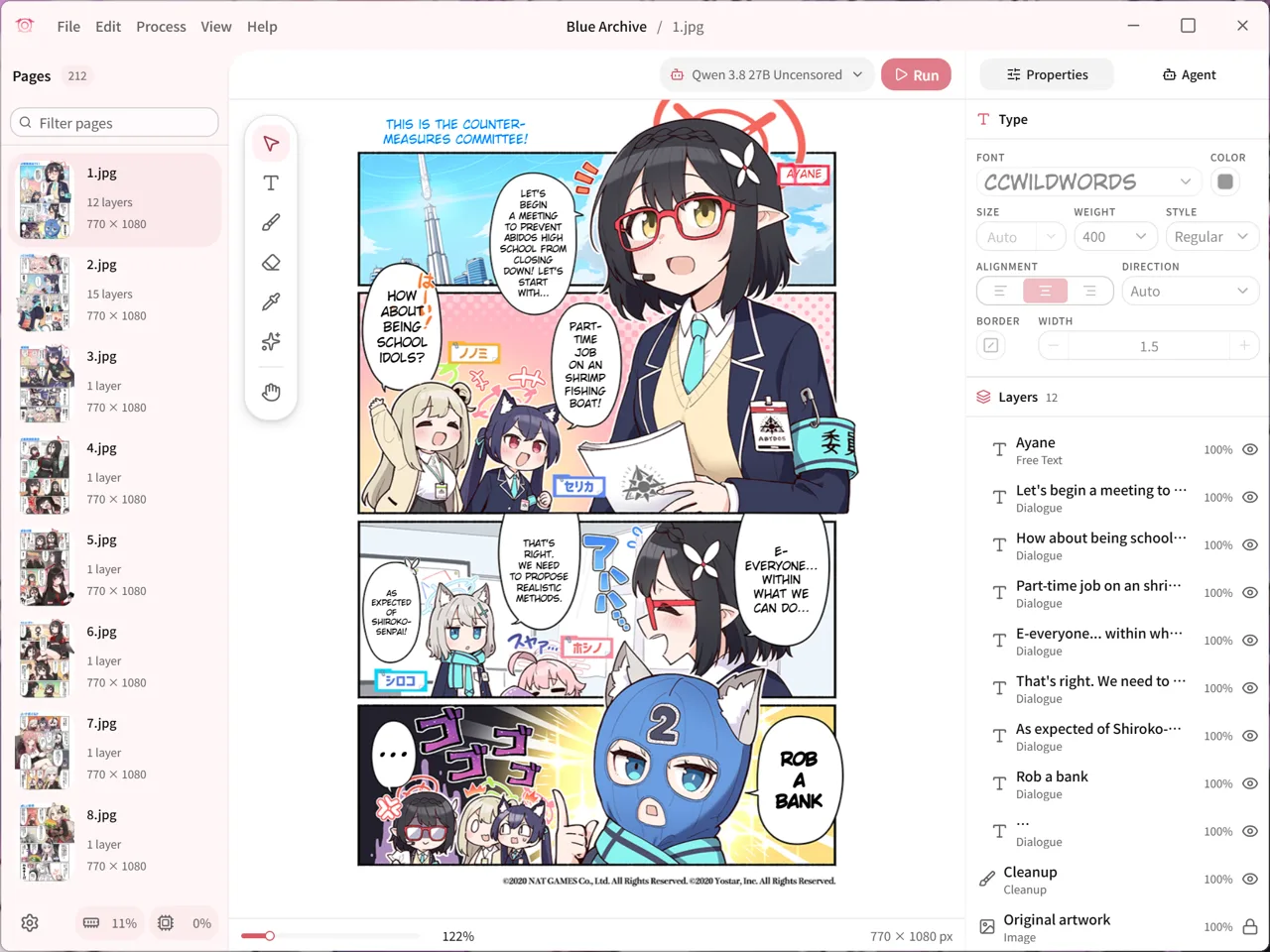
Koharu, the open-source manga translator, just grew up. After two months of rebuilding, its developer Mayo Takanashi posted the new version to r/LocalLLaMA on Tuesday morning, with a 64-second screen recording showing what it can do now: the app no longer just translates manga pages, it edits them like Photoshop — layers, generative fill, a proofreading agent — while the models behind it still run entirely on your own machine.
That last part is the point. Manga translation tools usually mean uploading pages to a cloud service. Koharu’s pitch, since its first release in April 2025, has been the opposite: detection, OCR, inpainting, and translation all happen locally, and the project has gathered 6,725 GitHub stars on the strength of it. This rebuild keeps that promise and wraps it in an editor serious enough for people who translate whole chapters, not just single pages.
From translator to editor#
The headline change is the canvas. You can now type directly onto the page, restyle selected characters, and reshape text frames, with layers, history, marquee and lasso selection, a generative-fill tool, and a remove brush — the toolset of a page-layout app rather than a batch translator. The canvas is GPU-rendered, so it stays smooth on long chapters, and the demo shows the workflow end to end: a Blue Archive page comes in, the speech bubbles are detected, English translations drop in, and a generative-fill prompt (running FLUX.3 Klein) repaints a masked area of the artwork.
Speed is part of the pitch, with a caveat. Takanashi says a page goes from raw to lettered in about one second once the models are loaded — on their machine, not a benchmark. Take it as a claim about the pipeline’s shape (everything in-process, no round trips) rather than a number to hold them to.
The pipeline still runs on your machine#
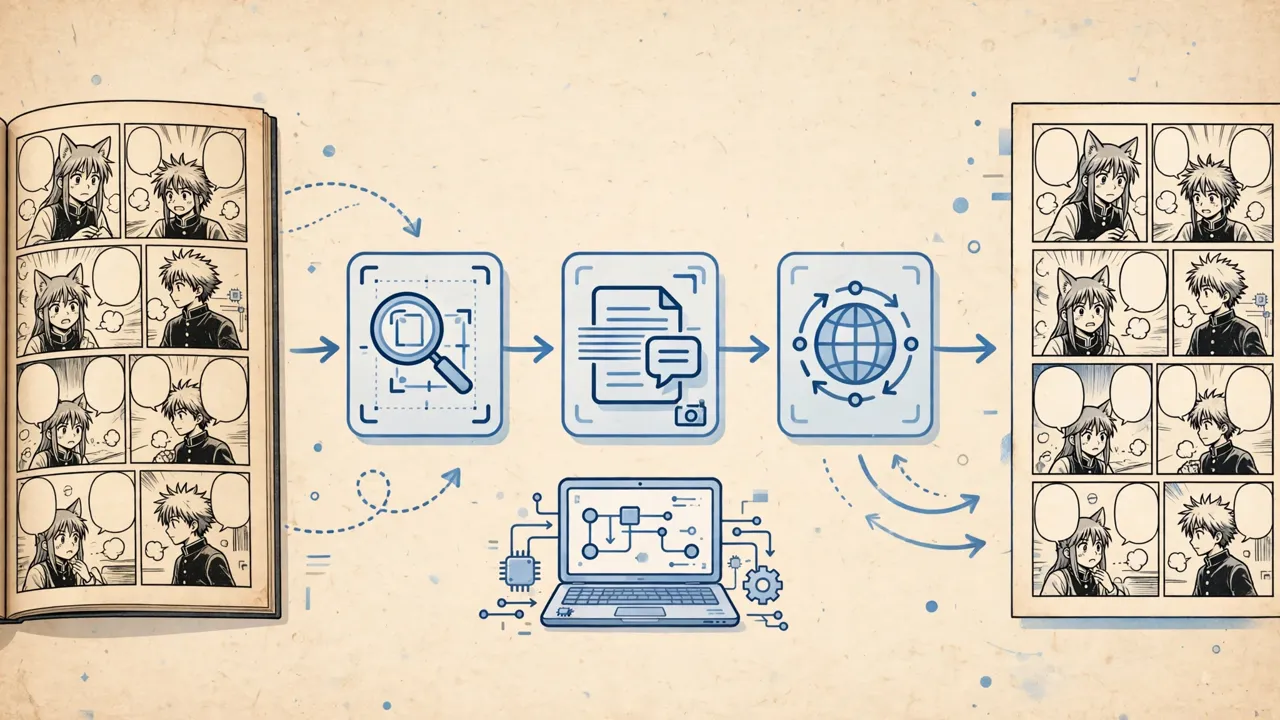
Under the editor sits a four-stage pipeline: a detection model finds panels, speech bubbles, text, and sound effects; OCR reads the source text in Japanese, Chinese, Korean, or English; an inpainting model rebuilds the artwork behind the original lettering; and a language model writes the translation. The LLMs run in-process through llama.cpp — Index-Translate 9B by default, with Gemma 4, Qwen 3.x, and LFM3 as options — and inpainting uses LaMa, or FLUX.3 Klein and Qwen-Image through stable-diffusion.cpp. If you already run Ollama or LM Studio, you can point Koharu at that instead.
Hardware support is broad: CUDA, ROCm, Metal, and Vulkan builds are all offered, with release builds for Windows, macOS, and Linux, installable through winget or Homebrew. The project is dual-licensed MIT or Apache 2.0, with 2,668 commits and 251 releases behind it — this is a maintained tool with a real user base, not a weekend demo.
An agent that proofreads your pages#
The other new piece is an agent. Koharu now ships a proofreading agent you can ask to fix pages, and it exposes an MCP server, so you can drive the whole workflow from Claude Code or Codex instead of clicking through the app. That puts it in the same current as the rest of the local-AI tooling wave — Blue TTS v3, covered here earlier today, made the same bet for speech: open weights, local inference, agent-friendly interfaces.
The agent matters because translation quality, not speed, is the hard problem. The top-voted comment on the thread, from u/RidingEdge, asked whether the app can read a whole chapter for context, noting that AI-translated manga often loses track of character names, pronouns, and who is speaking. Takanashi replied that Koharu supports a story-summary prompt and keeps the previous page in memory, and told another commenter that every LLM now gets a context memory that summarizes as its window fills up. That is the right answer to the question — whether it holds across a full volume is what readers will find out by using it.
The caveats in the comments#
The thread was mostly praise and feature requests, but two comments are worth carrying into any decision to install it. First, u/Velocita84 noted that the CPU option for Koharu-handled models is now missing in this build — a real regression for anyone without a GPU. Second, u/slowtractor asked what data is sent to hosted providers, and Takanashi answered plainly: when vision is switched on with a hosted provider, both the page text and the image are sent. Local-first is the default, not an absolute, and the boundary is a setting you should know about before translating anything you would rather keep private.
What to watch#
Watch whether the editor workflow holds up across whole chapters — the context-memory answer is promising, but chapter-long consistency is where manga translators live or die. Watch whether the CPU option comes back, since that decides how wide the audience is. And watch the pattern: the most interesting local-AI tools this year are not just running models on your machine, they are growing into full editors around them. Koharu just did exactly that for manga.
Sources: r/LocalLLaMA (November 18, 2026); koharu-rs/koharu on GitHub; Koharu documentation.