Build an agent that remembers you: hands-on with Letta's Agent SDK
Most agents start from zero every session. Letta's Agent SDK builds stateful agents whose memory persists across conversations — create one, correct a fact it holds about you, and watch it rewrite its own memory, then resume it from a fresh process and see it remember.
- The stack: Letta Agent SDK 0.8.90 (TypeScript), run with tsx. The quickstart targets Letta Cloud; the same code runs fully local with one backend switch.
- The proof: the agent starts believing you prefer long, detailed reports. One correction later it rewrites its own memory — and a fresh process, resuming the same agent ID, answers from the corrected preference.
- The model: Claude Opus 4.8 (
anthropic/claude-opus-4-8) through Letta Cloud, from the docs' own quickstart. Swap the handle to change models; the memory behaviour is the same. - Memory model: persona/human shorthand becomes Markdown files under
system/in the agent's memory repository. Files undersystem/are in the system prompt every turn; everything else is read on demand. - Verified: every SDK call in this tutorial was checked against the installed 0.8.90 package's own type definitions and the official docs; the install, the CLI help, and the client-to-API request path were all exercised in the sandbox.

Every agent you have built so far has amnesia by design. You give it a system prompt, it answers, the process exits, and everything it learned is gone. The next session starts from zero — same instructions, same questions, same corrections, forever. A long context window does not fix this: it just lets the agent forget more slowly, inside one conversation.
Letta attacks the problem at the root. It started as MemGPT, the research project that gave an LLM a memory hierarchy modelled on an operating system — a small working memory it can read and rewrite, backed by a larger archival store it searches when it needs older context. The current product keeps that idea and turns it into infrastructure: an agent is a persistent entity with its own memory, stored as a git-backed repository of files (MemFS) that the agent itself edits as it learns. The memory follows the agent between models, computers, and sessions.
This tutorial builds one end to end with the Letta Agent SDK — the interface Letta now recommends for new projects. You will create a research chief-of-staff agent called Mara, seed her memory with a deliberately wrong preference, correct her, and prove the correction stuck by resuming her from a completely fresh process. Then you will give her a skill, use her tools, and move the whole setup to a fully local backend. No step asks you to take anything on trust: each one ends with something you can observe.
What you will need#
Node.js 22 or later and npm. The Letta Code CLI requires Node 22.19+, and the SDK runs on the same runtime — the sandbox used for this tutorial ran Node 24.22.1. You also need a free Letta account and an API key: create the account at chat.letta.com, then generate a key on the API keys preferences page and export it as LETTA_API_KEY. The quickstart in this tutorial runs against Letta Cloud, and model calls there are metered, so check the current pricing page before running long sessions. That key is the only credential in this tutorial — no model-provider keys, no Docker, no database.
One honest caveat before you start: you cannot watch the agent think without spending a little model usage. The memory test below takes three short turns on Claude Opus 4.8 — a few cents at most. Everything else in the tutorial (install, typecheck, CLI inspection) costs nothing.
Step 1 — Install the SDK and prove it runs#
Make a project directory and install the SDK plus tsx, the TypeScript runner used throughout this tutorial:
mkdir letta-memory-demo
cd letta-memory-demo
npm install @letta-ai/letta-agent-sdk tsx
Confirm the install and the runtime versions:
node --version
npx tsx --version
You should see Node 22 or later and a tsx version (4.23.15 in the sandbox). The SDK installs as @letta-ai/letta-agent-sdk — version 0.8.90 at the time of writing — and it bundles the Letta Code CLI as a dependency, which is why the install is large (a few hundred megabytes) and takes a minute. Confirm the package itself loaded correctly:
node -e "const s = require('@letta-ai/letta-agent-sdk'); console.log(typeof s.LettaAgentClient, typeof s.createTranscriptAccumulator)"Expected output:
function functionThat is the whole install. There is no server to start for the cloud path — the SDK manages the connection to Letta Cloud for you.
Step 2 — Create your first stateful agent#
Save this as create-agent.ts. It creates the agent, saves its ID to a file so later scripts can find it, opens a session, and asks the agent how it writes briefs for you:
import { LettaAgentClient } from "@letta-ai/letta-agent-sdk";
import { writeFileSync } from "node:fs";

const apiKey = process.env.LETTA_API_KEY;
if (!apiKey) {
  throw new Error("Set LETTA_API_KEY first: export LETTA_API_KEY=...");
}

async function main() {
  const client = new LettaAgentClient({
    backend: "cloud",
    apiKey,
  });

  const agentId = await client.createAgent({
    name: "mara-briefs",
    model: "anthropic/claude-opus-4-8",
    persona:
      "You are Mara, a research chief of staff. You write crisp briefs, remember preferences, and turn vague requests into concrete next steps.",
    human:
      "The user is a freelance analyst who prefers long, detailed reports with full background.",
  });

  writeFileSync("agent-id.txt", agentId);
  console.log("Created agent:", agentId);

  await using session = client.createSession(agentId);

  await session.send(
    "Introduce yourself in two sentences and tell me how you write briefs for me.",
  );

  for await (const message of session.stream()) {
    if (message.type === "assistant") {
      process.stdout.write(message.content);
    }
  }
  console.log();
}

main().catch((error) => {
  console.error(error);
  throw error;
});
Three things in this script deserve attention, because they are the whole mental model:
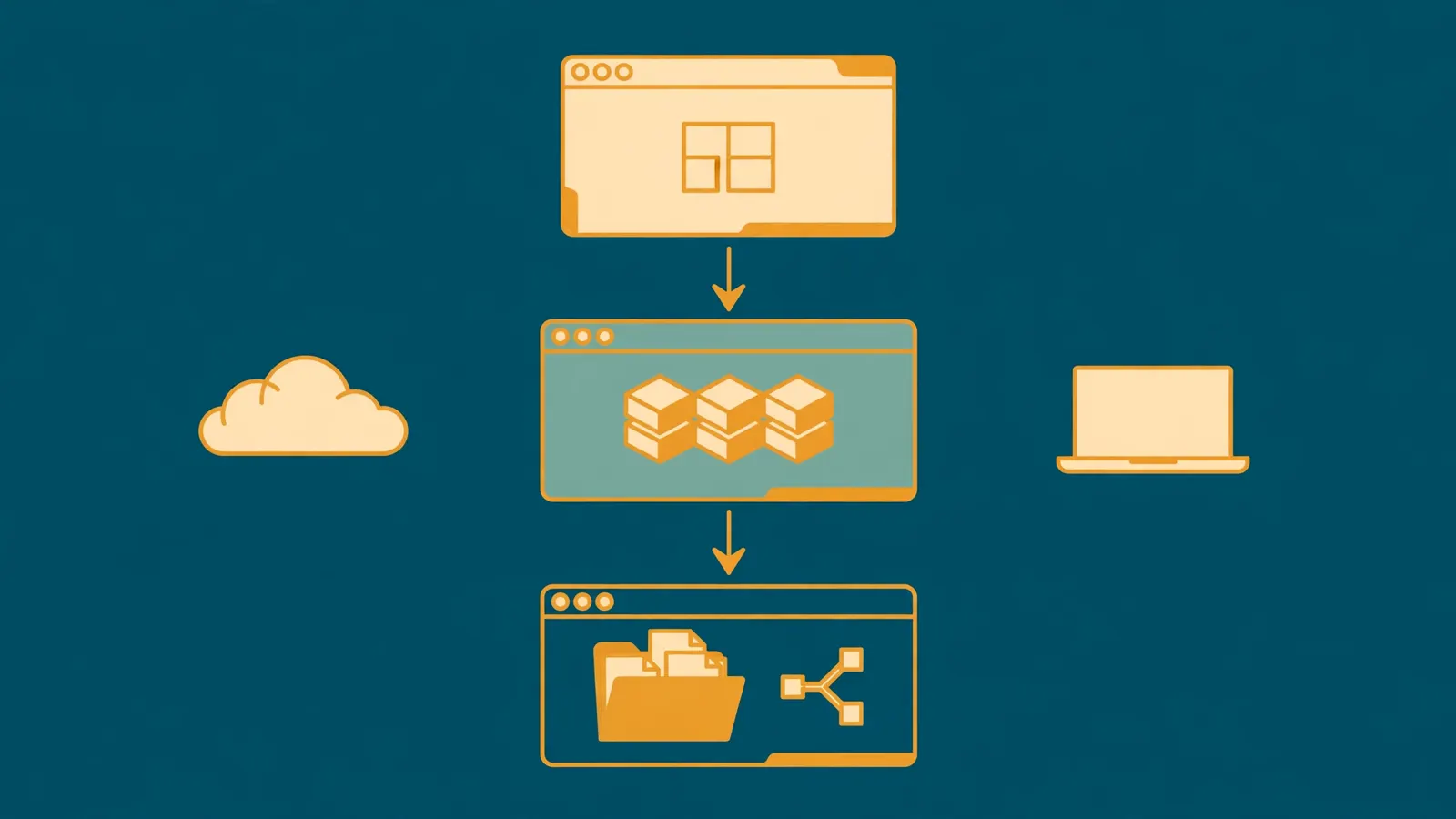
createAgent()returns an ID string, not an object. The agent is the persistent entity; the ID is how you find it again. That is why the script writes it toagent-id.txt— lose the ID and you have orphaned an agent in your account (you can list them later withclient.agents.list()).personaandhumanare memory, not prompt decoration. They are shorthand that seeds two memory files — who the agent is, and who you are. The agent can edit both later. That is the entire trick of this tutorial, and it is also why thehumanvalue is deliberately wrong: you are about to correct it.- A session is a connection, not the agent. You open one with
createSession(agentId), send a message, and read the reply fromsession.stream(). The stream yields typed events —reasoning,assistant,tool_call,tool_result, and a finalresult— and the loop above prints only the assistant text fragments as they arrive.await usingcloses the session when the block exits; it needs Node 22+.
Run it:
export LETTA_API_KEY="..."
npx tsx create-agent.ts
Expected output: a Created agent: agent-... line, then the agent introducing itself and describing how it writes briefs — long, detailed reports with full background, because that is what its memory currently says. The exact wording is the model's, but the substance should match the seeded preference. If it does not, stop: the memory seeding is the foundation everything else stands on.
Step 3 — Correct it and watch it rewrite its own memory#
Now the interesting turn. Save this as correct-memory.ts. It reopens the same agent and tells it the seeded preference is wrong:
import { LettaAgentClient } from "@letta-ai/letta-agent-sdk";
import { readFileSync } from "node:fs";

const apiKey = process.env.LETTA_API_KEY;
if (!apiKey) {
  throw new Error("Set LETTA_API_KEY first: export LETTA_API_KEY=...");
}

async function main() {
  const agentId = readFileSync("agent-id.txt", "utf8").trim();
  const client = new LettaAgentClient({
    backend: "cloud",
    apiKey,
  });

  await using session = client.createSession(agentId);

  await session.send(
    "Correction: I don't want long reports. I prefer short briefs — two paragraphs max, no background section. Update your memory so you remember this.",
  );

  for await (const message of session.stream()) {
    if (message.type === "tool_call") {
      console.log("\n[tool]", message.toolName);
    }
    if (message.type === "assistant") {
      process.stdout.write(message.content);
    }
  }
  console.log();
}

main().catch((error) => {
  console.error(error);
  throw error;
});
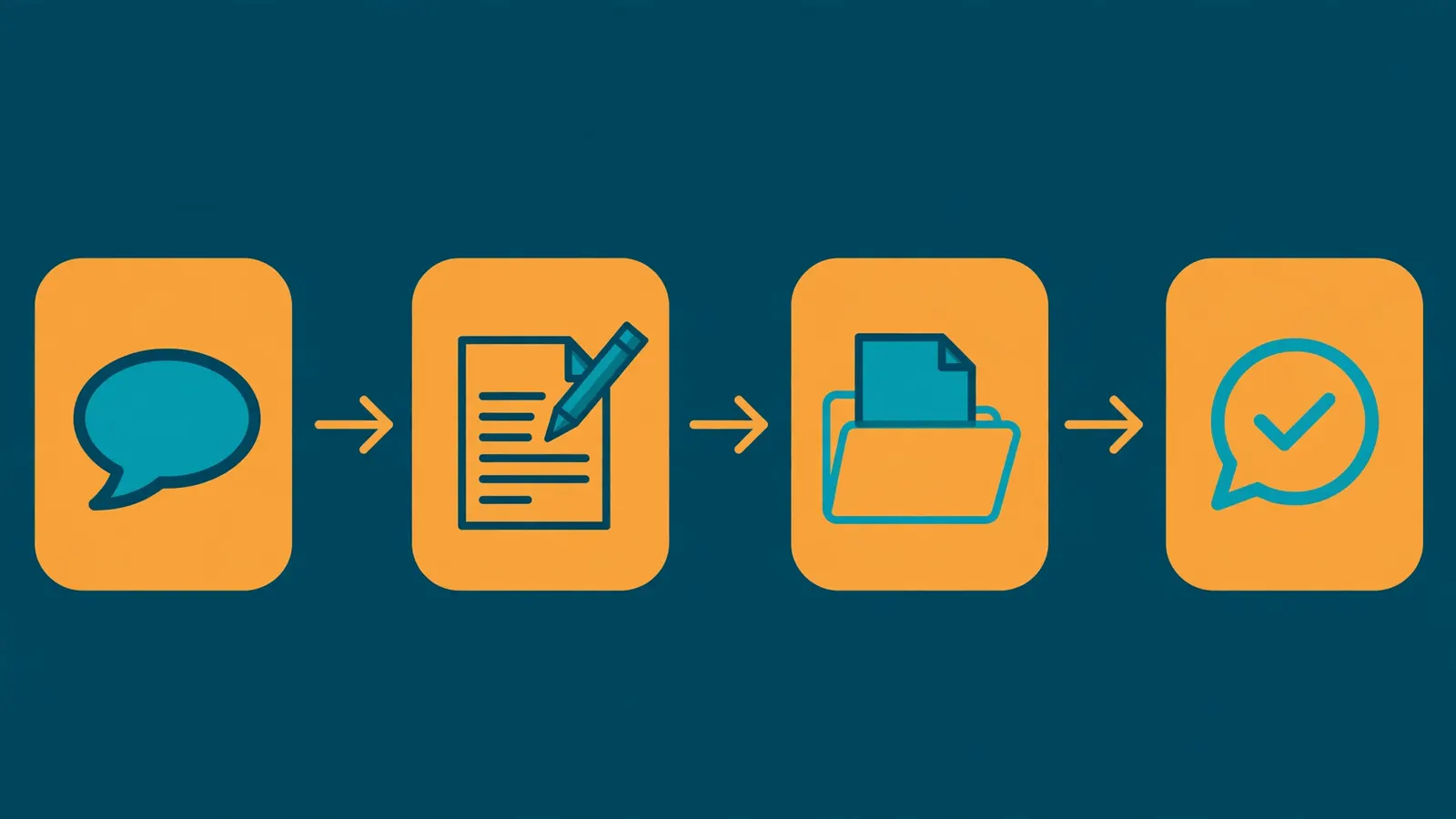
Run it with npx tsx correct-memory.ts. Two things to watch for in the output. First, a [tool] line: the agent calls a memory-editing tool to rewrite its own human memory file. That tool call is the whole point — the correction is not stored in the conversation transcript and re-read next time, it is written into the agent's state. Second, the reply should acknowledge the new preference in its own words.
This is the difference between memory and context. A normal chatbot would also say "got it, short briefs from now on" — and then forget it the moment the conversation ends, because the correction only ever lived in the transcript. Here the correction lands in a file the agent owns, under system/ in its memory repository, which means it is in the system prompt of every future turn. The agent does not need to be reminded; it needs to be corrected once.
Step 4 — Prove the memory survives: a fresh process, the same agent#
A correction that only survives inside one process is not memory. The test that matters is a cold start: a brand-new process, a brand-new session, the same agent ID. Save this as prove-it.ts:
import { LettaAgentClient } from "@letta-ai/letta-agent-sdk";
import { readFileSync } from "node:fs";

const apiKey = process.env.LETTA_API_KEY;
if (!apiKey) {
  throw new Error("Set LETTA_API_KEY first: export LETTA_API_KEY=...");
}

async function main() {
  const agentId = readFileSync("agent-id.txt", "utf8").trim();
  const client = new LettaAgentClient({
    backend: "cloud",
    apiKey,
  });

  // A brand-new process, a brand-new session — same agent.
  await using session = client.resumeSession(agentId);

  await session.send("How do you write briefs for me?");

  for await (const message of session.stream()) {
    if (message.type === "assistant") {
      process.stdout.write(message.content);
    }
  }
  console.log();
}

main().catch((error) => {
  console.error(error);
  throw error;
});
Run it with npx tsx prove-it.ts. The reply should describe short briefs — two paragraphs, no background. Nothing in this script mentions the correction: no system prompt, no pasted transcript, no reminder. The only thing connecting this run to the previous one is the agent ID, and the only place the corrected preference can live is the agent's memory. If the agent answers with the old preference, the Step 3 tool call did not land, and you should re-run Step 3 and watch for the [tool] line.
That is the test to keep. Any memory system that cannot pass it — same agent, fresh process, no reminders — is a transcript with extra steps.
You can also inspect the memory directly, instead of taking the agent's word for it. The Letta Code CLI — installed as a dependency of the SDK — has memory subcommands that work against an agent ID:
npx letta memory status --agent "$(cat agent-id.txt)"
npx letta memory export --agent "$(cat agent-id.txt)" --out ./mara-memory
The export writes the agent's memory repository to a directory you can read with any text editor: Markdown files, one per memory entry, with the corrected preference in the file that came from the human shorthand. Memory is git-backed, so memory diff shows you what changed, and memory backup snapshots it before you experiment. If you want the memory directory on the machine the agent is running on, ask the session: await session.getDeviceStatus() returns a memoryDirectory path.
Step 5 — Give it a skill it can load on demand#
Memory tells the agent what to remember. Skills tell it how to do a specific kind of work. A skill is a directory containing a SKILL.md with frontmatter (name, description), optionally alongside scripts/, references/, and templates/. Create one for Mara's briefs at .agents/skills/brief-writer/SKILL.md:
---
name: brief-writer
description: Write a two-paragraph executive brief with a risks section and three follow-up actions. Use for any request that asks for a brief.
---

When the user asks for a brief, follow this structure exactly:

1. Two paragraphs maximum. First paragraph: what happened and why it matters. Second paragraph: what changes next.
2. Then a "Risks" section: at most three bullets, each one sentence.
3. Then "Follow-ups": exactly three concrete next actions, each starting with a verb.
4. Never add a background section. Never exceed two paragraphs of prose.
Now open a session that can see it. Save this as skill-demo.ts:
import { LettaAgentClient } from "@letta-ai/letta-agent-sdk";
import { readFileSync } from "node:fs";

const apiKey = process.env.LETTA_API_KEY;
if (!apiKey) {
  throw new Error("Set LETTA_API_KEY first: export LETTA_API_KEY=...");
}

async function main() {
  const agentId = readFileSync("agent-id.txt", "utf8").trim();
  const client = new LettaAgentClient({
    backend: "cloud",
    apiKey,
  });

  await using session = client.createSession(agentId, {
    cwd: process.cwd(),
    skillSources: ["bundled", "agent", "project"],
  });

  await session.send(
    "Draft a brief on the EU AI Act's general-purpose AI obligations for a general counsel. Use the brief-writer skill.",
  );

  for await (const message of session.stream()) {
    if (message.type === "assistant") {
      process.stdout.write(message.content);
    }
  }
  console.log();
}

main().catch((error) => {
  console.error(error);
  throw error;
});
The two session options do the work. cwd tells the session which project it is working in, and skillSources controls where skills load from: bundled (shipped with the harness), global (~/.letta/skills/), agent (the agent's own MemFS, under skills/), and project (<cwd>/.agents/skills/). The brief you get back should follow the SKILL.md structure — two paragraphs, risks, three follow-ups — which is the observable proof the skill loaded. Pass [] to disable skills entirely for a session.
Two details worth knowing. First, precedence: when the same skill ID appears in several sources, the more specific one wins — project beats agent, which beats global, which beats bundled. Second, skills are not only local files: install one from GitHub straight into the agent's memory with the CLI, so it travels with the agent across machines — npx letta skills install anthropics/skills/pdf --agent "$(cat agent-id.txt)" — and note that Letta Code implements the open Agent Skills standard, so skills built for other harnesses (including the npx skills add ecosystem, which installs into the same .agents/skills/ directory) work here too.
Step 6 — Tools, models, and one-shot prompts#
By default, a new agent gets two server-side tools: web_search and fetch_webpage. You can see them in action with a question the agent cannot answer from memory — ask it for the latest Letta release notes and watch the [tool] lines from Step 3 show a web search. To change the set, pass baseTools at creation ([] for none), or allowedTools / disallowedTools to narrow it. Tool calls that need approval flow through the session's canUseTool callback, governed by the permission mode you set at creation — the SDK does not silently execute side effects.
For scripts, smoke tests, and evals, sessions are overkill. client.prompt() sends one message and resolves with the turn's result:
import { LettaAgentClient } from "@letta-ai/letta-agent-sdk";
import { readFileSync } from "node:fs";

const apiKey = process.env.LETTA_API_KEY;
if (!apiKey) {
  throw new Error("Set LETTA_API_KEY first: export LETTA_API_KEY=...");
}

async function main() {
  const agentId = readFileSync("agent-id.txt", "utf8").trim();
  const client = new LettaAgentClient({
    backend: "cloud",
    apiKey,
  });

  const result = await client.prompt("Reply with exactly: ok", agentId);
  console.log(result.success, result.result);
}

main().catch((error) => {
  console.error(error);
  throw error;
});
Expected output: true ok. Applications should still use sessions — prompt() is for automation, not for products.
Two more session capabilities round out the picture. To change models between turns, list the catalog and update: await session.listModels() returns entries with a handle (like anthropic/claude-opus-4-8) and a label; await session.updateModel({ modelHandle: target.handle, reasoningEffort: "high" }) switches the agent, with reasoningEffort taking "none", "minimal", "low", "medium", "high", or "xhigh". And when a turn fails, the stream emits an error message followed by a failed result — check message.errorCode ("llm_api_error", "max_steps", "interrupted", "stream_closed", "protocol_error") rather than guessing from the text. If you are building a UI on top of the stream, use the SDK's createTranscriptAccumulator() instead of merging fragments yourself: assistant and reasoning fragments share identifiers in ways that make hand-rolled merging the most common source of duplicated rows.
Step 7 — Run the same agent fully local#
Everything above ran on Letta Cloud. The same code runs entirely on your machine with one change — the backend:
const client = new LettaAgentClient({ backend: "local" });

const agentId = await client.createAgent({
  persona:
    "You are a resident engineering teammate for this repository. You inspect files, learn conventions, and keep durable memory of important patterns.",
});

await using session = client.resumeSession(agentId, {
  cwd: "/Users/me/project",
});
With backend: "local" the SDK package — which includes Letta Code — starts an SDK-owned App Server subprocess on your machine. Agent state, filesystem access, and tool execution all stay local, and your application never starts or connects to the server manually. The model still needs a provider: local runs use your existing provider API keys and coding-plan subscriptions (ChatGPT/Codex, zAI, and others) rather than Letta Cloud billing.
For a runtime on a separate machine, start the App Server yourself and point the SDK at it:
letta server --backend local --listen ws://127.0.0.1:4500const client = new LettaAgentClient({
backend: "remote",
url: "http://127.0.0.1:4500",
requestTimeoutMs: 120_000,
});Loopback listeners are unauthenticated by default; for remote access, enable App Server authentication and pass its token as authToken. And if you want an agent hosted in Letta Cloud to execute on a machine you control instead of a managed sandbox, pass a computer selector — { name: "work-laptop" } — to the client or per session. The agent's memory stays in Letta Cloud either way; only the execution environment moves.
Which approach should you use?#
Letta currently offers four ways in, and they are not interchangeable. Pick by where the agent will live and who will call it:
| Approach | Use it when | Watch out for |
|---|---|---|
| Agent SDK (TypeScript) — this tutorial | You are embedding a stateful agent in an application: a personal assistant, a digital employee, an in-product agent | TypeScript/JavaScript only; Python apps must use the App Server WebSocket protocol directly |
V1 client SDKs (letta-client for Python, @letta-ai/letta-client for TypeScript) | You already have code on the V1 API, or you need a Python client library today | Previous generation: still available, but Letta recommends the Agent SDK for new projects |
| Letta Code CLI / web app | You want a memory-first coding agent in your terminal, or a no-setup agent in the browser | Interactive use, not embedding; the web app runs in a cloud sandbox unless you connect your own machine |
Self-hosted App Server (backend: "local" or "remote") | Agent state and execution must stay on hardware you operate | You operate the runtime: startup, authentication, and the model provider are yours |
The rule of thumb: if the agent is a feature of something you are building, use the Agent SDK. If the agent is a tool you personally use, use Letta Code. If the agent must never leave your infrastructure, self-host the App Server. And if you are on Python, start with the WebSocket protocol or the V1 client — do not wait for a Python Agent SDK that does not exist yet.
The takeaway#
The test in Step 4 is the whole tutorial in one command: same agent, fresh process, no reminders. If your agent passes it, you have something a prompt cannot give you — an assistant that accumulates context about you the way a colleague does, one correction at a time, and keeps it without being asked. If it fails, no amount of context-window budget will save you, because the failure is architectural: the memory was never the agent's to keep.
The checklist:
- Create with memory, not just a prompt. Seed
personaandhuman— or explicitmemoryentries withlabelandvalue— and treat them as the agent's starting state. - Correct in plain language, then verify the tool call. The
[tool]line in the stream is the observable proof the memory changed. No tool call, no memory update. - Prove persistence from a cold start. A fresh process resuming the same agent ID is the only test that counts.
- Inspect the files.
letta memory exportshows you exactly what the agent believes. Read it before you trust it with anything important. - Teach with skills, not longer prompts. A
SKILL.mdunder.agents/skills/is versioned, loadable on demand, and reusable across agents. - Turn on dreaming for long-lived agents. Background subagents review recent conversations, consolidate lessons, and update memory without interrupting active work — configure it with
dreaming: { trigger: "step-count", behavior: "auto-launch", stepCount: 25 }at creation. - Clean up after yourself. List your agents with
client.agents.list()and delete experiments withclient.agents.delete(agentId). A stateful agent you forgot about is still stateful.
Most agents forget everything between sessions because nothing in their design remembers. Letta's answer is to make memory a first-class part of the runtime — files the agent owns, edits, and carries with it — and the Agent SDK is the shortest path to building on it. The agent you built in this tutorial is small: one persona, one corrected preference, one skill. The shape scales. The next step is yours: point the same pattern at a real workflow, and let the agent start accumulating the context you currently re-explain every morning.