One endpoint, 359 providers, zero API keys: hands-on with OmniRoute, the free AI gateway
OmniRoute (diegosouzapw/OmniRoute, MIT) promises to collapse your pile of model API keys into a single local endpoint: one OpenAI-compatible base URL, 359 providers behind it — 150+ of them free — with automatic model selection, failover, and a compression stack claiming 78–95% token savings. I installed version 3.8.51, booted the gateway, authenticated, listed its 478-model catalog, and watched the routing engine score and select an upstream in the server logs. Every command below ran exactly as shown — including the one that taught me the honest limits of the free tier.

If you have used more than two LLM providers, you know the tax: a drawer full of API keys, a different base URL and SDK quirk for each one, and a 3 a.m. page because your primary provider is rate-limiting you. The standard fixes are hosted aggregators (one more bill, one more dependency) or a self-hosted proxy you configure by hand. OmniRoute takes a third path: a free, MIT-licensed, local-first AI gateway that hit GitHub trending with a striking pitch — one endpoint, 359 providers (150+ free), 1,200+ models, smart routing with auto-fallback, and token compression stacked on top.
The numbers on the repo are hard to ignore: 72,000+ stars, 10,000+ forks, 9,600+ commits, 281 releases, and 600+ contributors since February 2026. This tutorial puts the core claim to a hands-on test on a plain Linux box: install it, boot it, talk to it over its OpenAI-compatible API, and see what the router actually does when you ask for model: "auto" with no provider keys configured.
What OmniRoute actually is#
Strip away the marketing and OmniRoute is three things bolted together. First, a local inference gateway: a Node.js server that exposes an OpenAI-compatible /v1/* API (chat, models, audio, batches, files) on http://localhost:20128, plus a web dashboard on the same port. Point Cursor, Cline, Codex, or any OpenAI SDK at that base URL and it just works — there are even tokenized path aliases like /vscode/YOUR_KEY/ for clients that cannot set headers.
Second, a provider catalog and router: 359 providers across API-key, OAuth, no-auth, web-cookie, and local categories, with combos like auto/best-coding or auto/cheap that resolve to a scored list of model targets at request time. When a provider fails, the combo loop walks to the next candidate — that is the auto-fallback the project advertises.
Third, a compression pipeline: a 12-engine stack (the default chains RTK into Caveman) that rewrites prompts before they hit the provider, claiming 78–95% token savings, with the achieved ratio reported back in an X-OmniRoute-Compression response header. RTK, incidentally, is the same Rust Token Killer we covered in our RTK hands-on — here it ships as one stage of a bigger pipeline.
Prerequisites are short: Node.js 22.22.2+ (below 23) or 24.x — I ran Node v24.20.0 — and a few gigabytes of disk for the install. No Docker, no API keys, no account.
Step 1: install it#
npm install -g omniroute
omniroute --version
This is the entire installation. On my machine it pulled 1,160 packages in about 16 minutes (it bundles a full Next.js dashboard, so budget disk and patience), and reported:
3.8.51That pinned version matters: the repo moves fast (281 releases), so if a step below behaves differently for you, check whether npm has moved on. The published runtime requirement is Node >=22.22.2 <23 || >=24.0.0 <27 — v24.20.0 sailed through, and the project's own doctor command later confirmed the runtime as supported.
Step 2: boot the gateway#
omnirouteOne word starts everything: the gateway, the dashboard, and the API. After ~30 seconds the banner lands:
✔ OmniRoute is running!

  Dashboard: http://localhost:20128
  API Base:   http://localhost:20128/v1
Two things worth noting from the boot log. First, it stores state in ~/.omniroute/ — a SQLite database, logs, and a generated storage-encryption key — so your provider connections and API keys survive restarts. Second, it prints a security warning: by default it listens on 0.0.0.0 without requiring an API key, meaning any device that can route to your host can spend your providers' quota. On an untrusted network, set REQUIRE_API_KEY=true or bind loopback with OMNIROUTE_SERVER_HOST=127.0.0.1. For a local dev box this default is convenient; for anything else, heed the warning.
Step 3: authenticate#
The documented flow is Dashboard → Endpoints → copy an API key. But there is a faster path the CLI itself advertises: the --api-key flag reads from the OMNIROUTE_API_KEY environment variable, and the server treats that value as a master key (I confirmed the mechanism in the packaged source — isConfiguredEnvApiKey compares your bearer token against it). So:
export OMNIROUTE_API_KEY="ork_verify_$(openssl rand -hex 16)"
# restart the server with that variable in its environment, then:
curl -s http://localhost:20128/v1/models -H "Authorization: Bearer $OMNIROUTE_API_KEY" -o /dev/null -w "HTTP %{http_code}\n"
# HTTP 200
Auth behaves like a proper OpenAI-compatible API. A wrong key gets a clean, typed rejection — I verified this exact body:
{"error":{"message":"Invalid API key","type":"invalid_api_key","code":"invalid_api_key"}}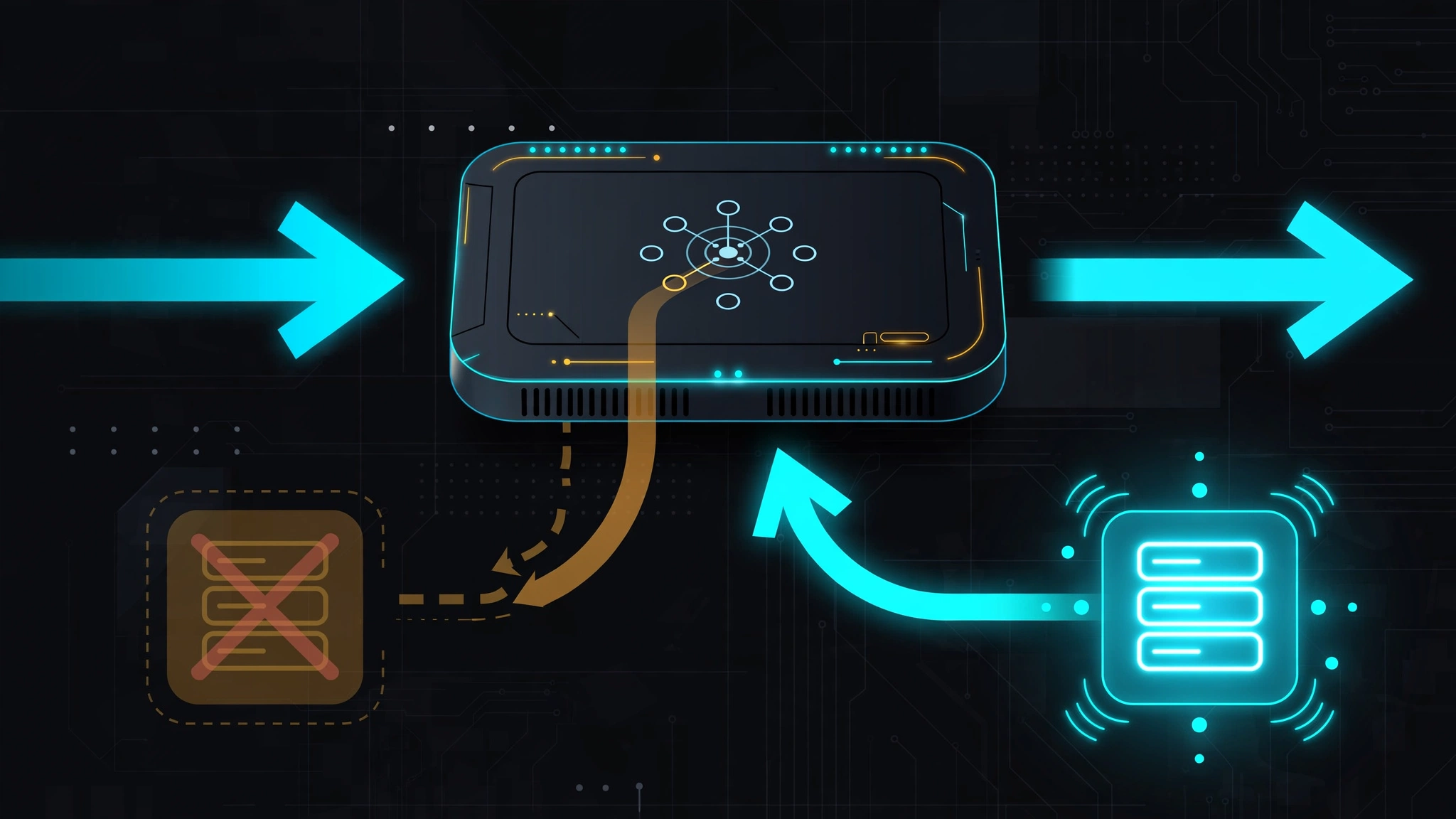
Step 4: list the catalog#
curl -s http://localhost:20128/v1/models \
  -H "Authorization: Bearer $OMNIROUTE_API_KEY" | python3 -c "
import json, sys
d = json.load(sys.stdin)
print('entries:', len(d['data']))
for m in d['data'][:8]: print('-', m['id'])
"
entries: 478
- auto/best-coding
- auto/best-reasoning
- auto/best-fast
- auto/best-vision
- auto/best-chat
- auto/best-coding-fast
- auto/pro-coding
- auto/pro-reasoning478 entries on a fresh install with zero providers configured — every one of them an auto/* combo, a virtual model name the router resolves at request time. This is the heart of the product: you never address a provider directly, you address an intent (auto/fast, auto/cheap, auto/best-vision), and the gateway figures out the rest.
Step 5: route a request with model "auto"#
Here is the moment of truth — the README's headline promise: call model: "auto" and get a reply with no provider keys configured, because the keyless OpenCode Free provider is pre-wired into the auto combo.
curl -s --max-time 60 http://localhost:20128/v1/chat/completions \
  -H "Authorization: Bearer $OMNIROUTE_API_KEY" \
  -H "Content-Type: application/json" \
  -d '{"model":"auto","messages":[{"role":"user","content":"Say OK"}],"max_tokens":10}'
The request was accepted, routed — and never answered. The server log tells the real story, and it is worth quoting because it shows the routing engine genuinely working:
POST /v1/chat/completions | auto | 1 msgs
Zero-config routing variant: default (model=auto)
Virtual auto-combo created: auto (1 candidates)
Combo "auto" [auto] with 10 models
Auto selection: oc/big-pickle | intent=medium task=default
  | strategy=lkgp | RulesStrategy: score=0.571
  | (quota=1.00, health=1.00, cost=0.00, ...)
Trying model 1/10: oc/big-pickle
oc/big-pickle → opencode/big-pickle
Using opencode account: ***...
Read that carefully: the gateway built a virtual combo, scored ten candidate targets on quota, health, and cost, picked OpenCode's big-pickle model, and dispatched using a bundled OpenCode account. The machinery is real. But the upstream stream sat silent for minutes — from a plain HTTP client, in my sandbox, the free tier never produced a token.
And the project's own provider definition explains why: OpenCode Free "can only be used from within OpenCode — requests that do not match the OpenCode client contract are refused with 403 FreeTierError." The README's "responds out of the box" assumes you are calling through the OpenCode client (there is a bundled @omniroute/opencode-plugin for exactly this); a bare curl is outside that contract. So calibrate the headline: the gateway, the routing, and the catalog work keyless — but a live keyless reply wants the OpenCode client, or any free provider key of your own (the README suggests Kiro AI's free Claude tier, ~50 credits/month, connected via Dashboard → Providers). That is an honest, useful boundary, and it is the single most important thing to know before you adopt it.
Step 6: run doctor and tour the CLI#
omniroute doctorThe built-in diagnostics passed every core check on my box: config present, SQLite integrity clean with migrations current, encryption key configured, Node runtime supported, the better-sqlite3 native binary compatible, and server liveness confirmed. (It also warned that port 20128 was in use — by the server I had just started — and listed two dozen coding CLIs it could wire up, none installed. Both expected.)
The CLI surface is genuinely enormous — omniroute --help lists 86 command groups: providers, keys, combo, nodes, compression, cost, usage, quota, resilience, mcp, a2a, eval, tunnel, backup, webhooks, policy, simulate (a dry-run that shows which providers would be selected without calling upstream), and more. For agents, the notable endpoints are MCP over HTTP at /api/mcp/stream (110 tools) and A2A discovery at /.well-known/agent.json — this gateway wants to be infrastructure, not just a proxy.

The compression story#
The second headline feature is the 12-engine compression stack. The default chains RTK (the Rust Token Killer) into Caveman, and the project publishes the stacked math outright: 1 − (1 − 0.80) × (1 − 0.46) = 89.2%, inside a claimed 78–95% band. Treat those as the project's numbers, not mine — I did not run the eval harness (npm run eval:compression exists in the repo for exactly that). What I can confirm is the observability: every response carries an X-OmniRoute-Compression header reporting the achieved ratio, and omniroute compression status|configure|engine|preview exposes the pipeline — Lite (~15%), Standard (~30%), Aggressive (~50%), Ultra (~75%), RTK (60–90%), Stacked (78–95%). If you adopt OmniRoute, that header is the first thing to watch: claimed savings are only real if they survive your prompts.
When to use it — and when not to#
OmniRoute earns its place when you want one local endpoint for everything: point every tool at localhost:20128/v1, manage keys once in the dashboard, and let combos plus failover absorb provider outages. The local-first posture (SQLite state, no account, MIT license) is the real differentiator against hosted aggregators — your keys never leave your machine.
It is less compelling if you need just one provider (use their SDK), if you want a managed service with an SLA (this is a community project with 281 releases and counting — pin your version), or if the 1,160-package install footprint bothers you. And remember the boot warning: secure the thing before it leaves your laptop.
Alternatives to weigh: OpenRouter if you want hosted aggregation with zero ops; LiteLLM's proxy if you want a thinner, config-file-driven OpenAI-compatible gateway; Portkey if you need the enterprise control plane. None of them ship a 150+-strong free tier catalog with a local dashboard for zero dollars, which is exactly OmniRoute's lane.
Takeaway#
OmniRoute delivers the unglamorous 90% of the AI-gateway problem remarkably well: install is one npm command, the OpenAI-compatible surface is faithful (auth errors, model listing, streaming keepalives all behave), the catalog is enormous, and the routing engine demonstrably scores and selects upstreams rather than just round-robining. The honest asterisk is the free-tier reply path — keyless routing works out of the box, but a keyless answer realistically wants the OpenCode client or one free provider key of your own. Go in knowing that, connect Kiro or Gemini's free tier in the dashboard, and you have a genuinely free, local, MIT-licensed model router that any OpenAI-speaking tool can use. That is a combination nothing else in the trending charts offers right now.
Sources: diegosouzapw/OmniRoute (README, provider definitions, and CLI source verified against the published npm package, v3.8.51, October 1, 2026) and the omniroute npm package.