Anatomy turns your coding agent into an illustrator: build interactive isometric figures that explain how things work
Most diagrams explain an idea with boxes and arrows. Anatomy builds a machine instead: a cache key becomes a pin-tumbler lock, a connection pool becomes a rack of ten connectors, and every number in the figure comes from one model. It has about 21,500 GitHub stars, it is MIT-licensed, and it installs as a single skill folder. This guide installs it, builds a shipped figure with no agent at all, and shows how to prompt your own.
- Who: Anatomy by Ryan (@wheresryan22) — about 21,500 stars, about 21,200 gained in October 2026, MIT license.
- What: an agent skill that turns a technical idea into an interactive isometric machine built from small shaded SVG parts, with a live readout and eased motion.
- When: version verified in this guide is the repository cloned October 28, 2026; star figures are dated the same day.
- Requirement: Node.js 20.10 or later for Steps 1–3, no API key, no GPU. A Claude Code, Antigravity, OpenCode, Codex or MiniMax Code account only for drawing a new figure in Step 4.
Why this is blowing up now
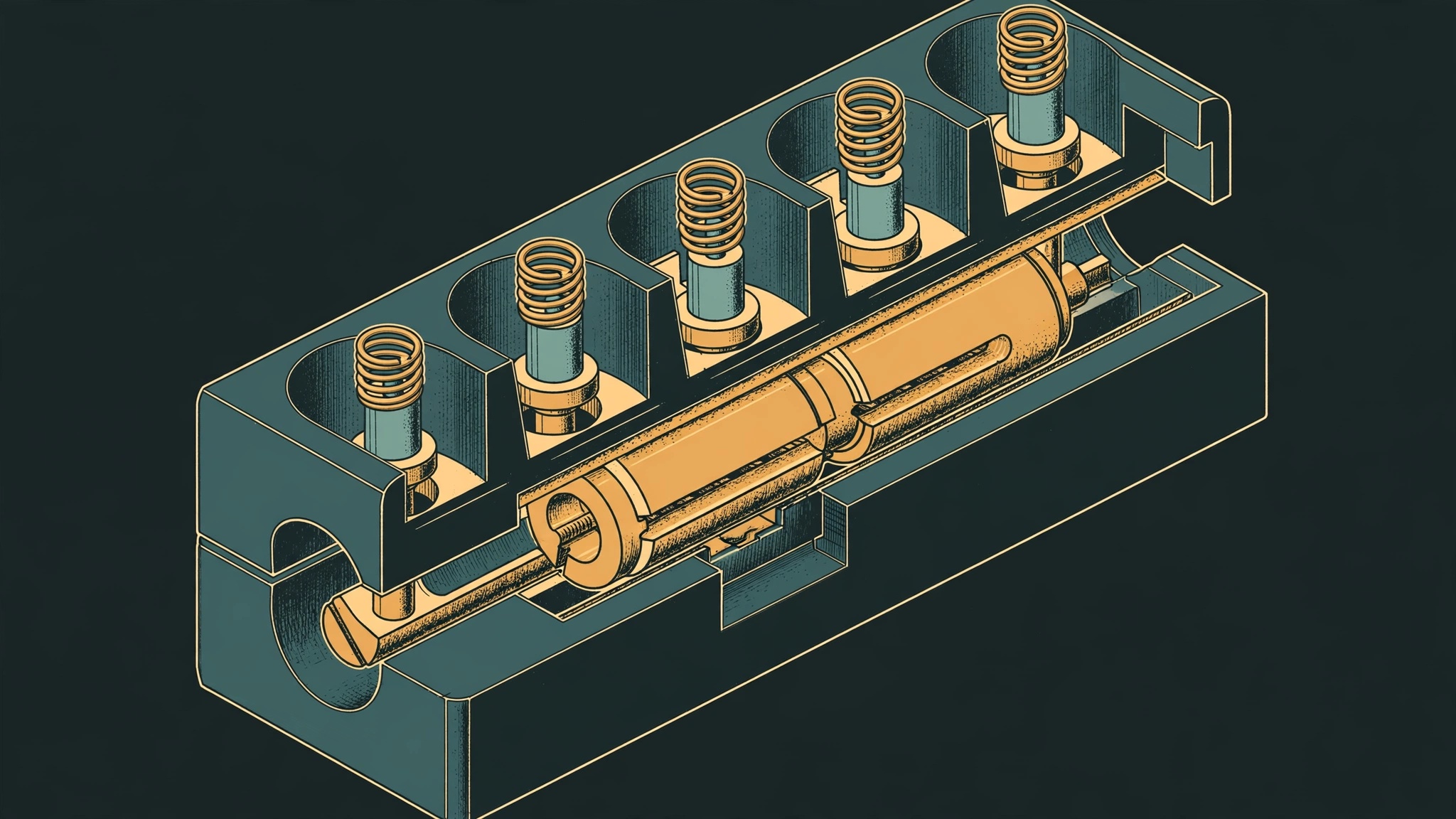
Most diagrams explain an idea with boxes and arrows. Anatomy refuses to. It is an agent skill by Ryan (@wheresryan22) that tells your coding agent to explain a technical idea by inventing a real, working object whose mechanism is the concept: a cache key becomes a pin-tumbler lock that only turns when every pin matches, a shared GPU context becomes a gantry plotter whose single print head visits 16 wells, a pool of database connections becomes a rack of ten connectors that requests borrow and return. The figure is built from dozens of small, solid, shaded isometric parts, framed in a card with a title, a hint and a live readout, and it moves calmly under the pointer and keyboard.
The numbers explain why it is suddenly everywhere. Anatomy holds about 21,500 GitHub stars, and GitTrend's October table credits it with a gain of about 21,200 stars in the month; DevSly's skill index, which has snapshotted it daily since October 11, records the same scale of rise — roughly 21,500 stars in 20 days — and ranks it the month's second-fastest-rising skill. It is MIT-licensed, it has no dependencies beyond Node's built-in modules, and the whole kit — skill, drawing library, references, scripts and eight complete examples — is one folder your agent reads. That combination is the story: not a new model, but a new way to use the agent you already pay for, producing figures that are source code you own instead of pictures you cannot edit.
One boundary first, because it decides whether this tutorial is for you. Installing the skill and building its shipped examples needs no API key and no account — this guide verifies both below, on a plain Linux VM, with no agent subscription at all. Drawing a new figure of your own idea needs a coding agent that can run the skill: Claude Code, Antigravity, OpenCode, Codex or MiniMax Code, with whatever subscription that agent requires. This guide never blurs that line: everything up to Step 3 runs keyless, and Step 4 is where your agent takes over.
What you'll need
- Node.js 20.10 or later. This guide ran on Node v24.22.1. Nothing needs
npm install: the kit uses only Node's built-in modules. - One of Claude Code, Antigravity, OpenCode, Codex or MiniMax Code, for Step 4 only. The skill is written for Claude Code and follows the open Agent Skills format, so the others load it too.
- A browser, to open the finished figure. Chrome or Chromium is only needed for the skill's screenshot and geometry-check scripts, not for building or viewing a figure.
- React 18 or later only if you want React output. The framework-free path in this guide needs nothing else.
- No API key, no account and no GPU for Steps 1–3. A terminal and about 40 MB of disk for the repository.
Step 1: Install the skill
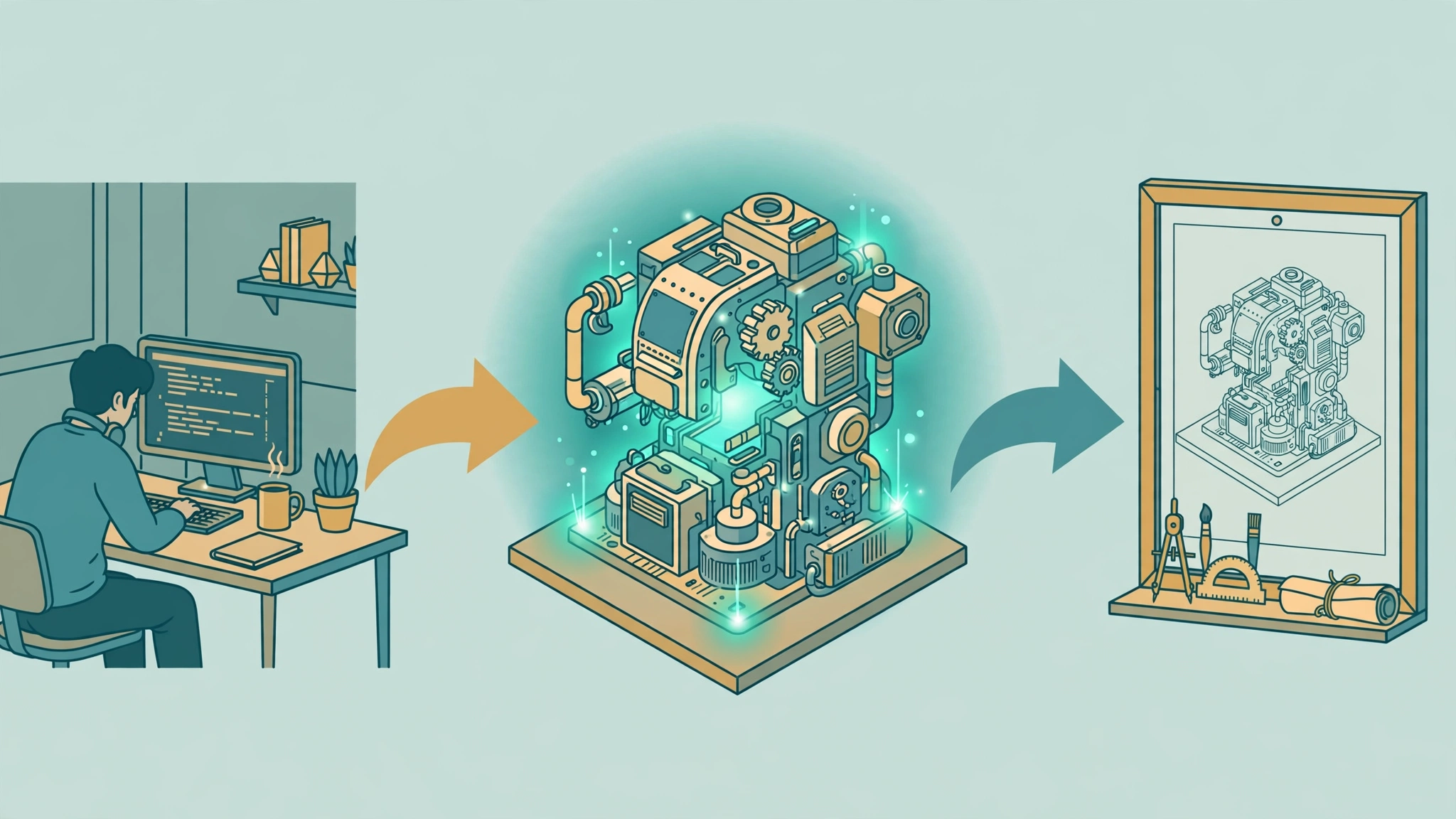
Anatomy is a standard Agent Skill: a folder with a SKILL.md at its root. The repository is that folder, so installing it means putting the folder where your agent looks for skills. There are three documented paths; the git path is the one run for this guide, so start there.
For Claude Code, clone it into your user skills folder:
git clone https://github.com/wheresryan22/anatomy.git ~/.claude/skills/anatomyFor the other agents, the same repository goes to a different folder: ~/.gemini/antigravity/skills/anatomy for Antigravity, ~/.config/opencode/skills/anatomy for OpenCode, ~/.agents/skills/anatomy for Codex, or ~/.minimax/skills/anatomy for MiniMax Code. For a single project instead of your whole user account, clone it to .claude/skills/anatomy (Claude Code, OpenCode) or .agents/skills/anatomy (Antigravity, OpenCode, Codex, MiniMax Code) inside the project, and commit the folder so your team gets it too.
The README also documents a one-liner through the skills CLI, which copies the whole repository, examples included (about 10 MB), and asks which agents to set up:
npx skills add wheresryan22/anatomy -gAdd -a claude-code, -a antigravity, -a opencode, -a codex or -a minimax-code to skip the question and target one agent. The CLI version current at writing asks for Node 22.20 or later. In a real terminal the CLI then asks one more question — installation scope, Project or Global — which you confirm with Enter; this guide's sandbox run of the command reached exactly that prompt, having already cloned the repository and found the one skill, but could not confirm it without terminal input, so the git path above is the install this guide completed end to end. If you already have a session running, Claude Code picks up new skills as they appear; if the skills folder itself did not exist when the session started, run /reload-skills, and restart OpenCode, Codex or MiniMax Code if the skill does not show.
Verify the install by checking the one file that matters:
ls ~/.claude/skills/anatomy/SKILL.mdIf that file exists, the skill is installed. Its front matter names it anatomy, states the MIT license, and declares compatibility with all five agents — read the first screen of it before you prompt anything, because it states the workflow your agent will follow: collect the true numbers first, invent the object, write a parts list, plan the world, build the geometry once with the kit, paint back to front, frame it, make it live, and then verify it like a critic.
Step 2: Build a shipped figure, with no agent at all
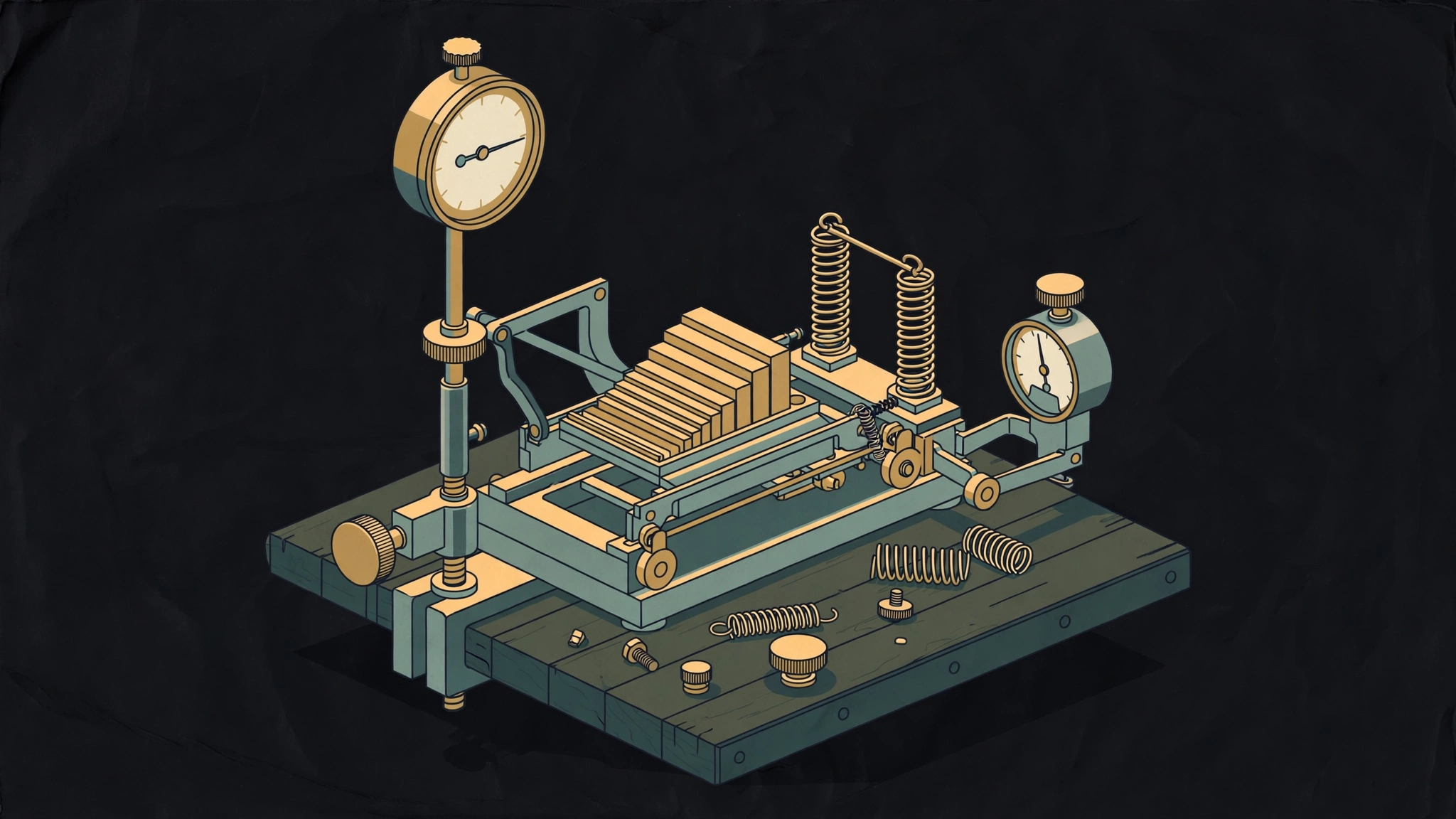
Before you spend an agent session, prove the kit works on your machine. Every framework-free example has a Node build script that writes a standalone HTML page next to itself — no model, no key, no install step. The smallest is the dial indicator: a dial gauge on a stand over a carriage of gauge blocks, about 300 lines in all. From a copy of the repository, run:
node examples/dial-indicator/build.mjsExpected output, verified for this guide on Node v24.22.1:
wrote dial-indicator.htmlThe build finishes in under a second and writes dial-indicator.html, 136,488 bytes, next to the script. Open it in any browser. It is fully standalone: the only external-looking reference in the file is the SVG namespace itself, so it works offline, from a file URL, or dropped into a static site. The page title is "Dial indicator", and the figure carries a slider control spanning gauge blocks 0 to 18 — press the arrow keys and the carriage moves from block to block, which is the whole point of the skill in miniature: the number on the readout and the position of the parts come from the same model.
Add --light for the light theme, the theme the skill designs for first. The repository also commits a prebuilt light page, dial-indicator-light.html, so you can compare the two themes without building anything. If this step fails, stop here: the problem is your Node version, not the skill. The README records the examples as rebuilt byte for byte on Node 20.19 and 22.11, so anything from 20.10 up should behave the same.
Step 3: Read the example like the skill wants you to
Open the closest example before you start anything of your own — that instruction is in the skill itself, and it is good advice. The eight shipped figures are a ladder. The dial indicator is the smallest. The desk computer (about 85 solids) has a keyboard you can type on: the typed line appears on a CRT drawn in the plane of the case front, and switching it off collapses the picture to a line and a dot. The arcade cabinet (about 240 solids and 15 cables) drops a quarter down a coin chute, trips a coin-switch wire, and warms a CRT into attract mode. The Raptor engine comes apart into 11 assemblies with a WebGL exhaust plume rendered between the back and front SVG. The ripple tank is driven by a pure dispersion and optics model. Two production figures from a real site — a test rig and a spot plate — show what the output looks like in a shipping product.
Notice what none of these are: they are not charts, not flowcharts and not screenshots. There are no axes, no series and no data plots. Numbers appear as a live readout driven by a model, and as the true sizes and counts of the parts. That is the skill's central discipline, and it is also its main limit: an idea with no mechanism to build will come out weaker, and the README says so plainly. If your concept is a trend over time, reach for a chart library. If it is a mechanism — a lock, a pool, a cache, a pipeline — Anatomy is the right shape.
Step 4: Prompt your agent for a figure of your own
Now the agent session starts. In Claude Code, Antigravity, OpenCode or MiniMax Code, type /anatomy (in Codex, $anatomy) and say what the figure should explain. You do not have to name the skill at all: the agent also loads it when you ask for an isometric illustration, an explanatory figure for docs, a blog post or a landing page, or an interactive explainer. The README's own first prompt is the best template:
/anatomy explain how a token bucket rate limiter works, interactiveThree habits from the skill get the best figures. First, name the idea, not the drawing: say what it should explain and give the real numbers — sizes, counts, rates, thresholds — because inventing the object is most of the work and the skill does it better than a description of boxes and arrows. Second, or name the object directly if you already know the machine you want: an espresso machine, a Bunsen burner, a lock — and say what should move. Third, say where the figure will live: a standalone HTML page, a lone SVG file, or a React/Next.js component, in light or dark, because the build differs for each.
Copy the shape of the skill's own test prompts, which are published in its evals, and adapt the numbers to your idea:
/anatomy a figure for our Next.js docs on database connection pooling: a pool of 10 connections, requests borrow one and give it back, and when all 10 are busy new requests wait in a queue. A React component plus a static HTML preview, dark theme./anatomy an isometric SVG explaining how a CDN edge cache works, cache hit vs miss, TTL of 60 s, for a dark landing page. Just the SVG file and a PNG preview./anatomy a Bunsen burner on a lab bench: opening the air collar turns the lazy yellow flame into a roaring blue cone. WebGL for the flame, one HTML file, dark theme./anatomy a heat-exchanger espresso machine with the side panel off: boiler, heat-exchanger tube, group head, pump, steam wand and gauge. Show the water flowing when you pull a shot. Standalone HTML, light theme.A figure arrives as source you own: a Node build script and the page it writes, or, for React, geometry modules plus a server component for the static art and one client component for the motion. The kit comes with it, so the figure stays editable after the session ends — unlike an image-generator output, which you can only regenerate and hope.
Step 5: Verify the figure the way the skill does
Anatomy is unusually serious about checking its own work, and you should hold a new figure to the same bar. The kit's geometry audit proves that nothing passes through anything, every end sits on a mount, and every overlap is drawn in depth order. For the examples that support it, run:
node examples/raptor-engine/build.mjs --audit
node examples/arcade-cabinet/build.mjs --audit
node examples/turning-dial/build.mjs --light --audit
Beyond the audit, the skill's scripts take screenshots, close-ups and slowed-down contact sheets in headless Chrome (scripts/capture.mjs, scripts/drive.mjs), fail any line that ends in mid-air (scripts/lines.mjs), and check 3D figures (scripts/turn-check.mjs). The skill tells the agent to read every PNG it makes. If you run Codex, note the README's warning: Codex's sandbox may block the headless-Chrome checks, in which case the figure is still built and only its checks fail — approve the check command outside the sandbox, or run it yourself, for example node scripts/capture.mjs page.html --out shots/page.png.
Two practical warnings from the README belong in any honest guide. A figure is slow on purpose: a full session covers the parts list, the geometry, the audit and close-ups of every joint in both themes, the Raptor's build takes a few minutes, and a full 3D orbit audit takes 15 to 20 minutes for 30 parts. And the 3D mode is beta, proved on its example and one test figure, not yet on a production figure — a small 3D figure runs at 60 fps, while the 380-part stress-test hand measured about 20 fps at 1440 px wide and 13 to 15 fps on a throttled phone profile. Treat the SVG mode as the production path and the 3D mode as an experiment.
Step 6: Go further — print it, or publish it
Two features that separate Anatomy from a diagram tool are worth knowing before you need them. The Raptor and the arcade cabinet print: node scripts/print.mjs examples/raptor-engine/sheet.mjs --format all writes three A4 PDFs from the built light page — a one-page poster, a one-page technical drawing and a two-page detailed explainer — and any figure can gain a printable version if you ask the agent for one. And a good figure can go to the community gallery: ask your agent to publish it, confirm the title and GitHub name it shows you, and it opens a pull request on the anatomy-community repository for you, or run scripts/publish.mjs --submit yourself.
When you update, the mechanism is the same as the install: git pull inside the skill folder. If you installed per-project, commit the folder so the update travels with the project. And if you like what it drew, the README's last line is a request, not a command: a star helps other people find it.
When to use this vs alternatives
Use Anatomy when the thing you need to explain has a mechanism: a lock, a pool, a cache, a pipeline, a machine with parts that move for a reason. Its output is editable source, its numbers come from one model, and its figures survive being embedded in docs because they are HTML and SVG, not pictures. Use a chart library when the idea is data over time — Anatomy explicitly is not one. Use a Mermaid-style diagram tool, such as the git-evidence architecture diagrams covered in this blog's Archify tutorial, when you need a verifiable map of a codebase rather than an explanation of one idea; Archify proves its diagrams against repository evidence, while Anatomy invents an object to carry a concept, which is a different job. Use an image generator when you want mood or decoration in ten seconds — but accept that you cannot edit a single part of the result, and that every number in it is decoration. And use a slide-deck illustration only if nobody will ever ask what the parts do: Anatomy's whole bet is that someone will.
What this guide did not verify
- A custom figure generated by an agent session: the sandbox has no Claude Code, Antigravity, OpenCode, Codex or MiniMax Code subscription, so no new figure was generated here. The install, the example build and the built figure's contents are measured results; every custom-figure prompt is the project's own published example, quoted from its README and evals.
- The headless-Chrome check scripts, the Raptor and arcade builds, and the print path: documented in the README, not run here. The git install path and the dial-indicator build are the paths this guide stands behind; the npx path was run as far as the installation-scope prompt, where it stopped for want of terminal input, as described in Step 1.
- Star counts move with releases. The figures here (about 21,500 stars, about 21,200 gained in October) are dated October 28, 2026; check the repository page before quoting them elsewhere.
- Performance figures for the 3D mode (60 fps for a small figure, about 20 fps for the 380-part stress test) are the project's measurements, not this guide's.
The takeaway
Anatomy earns its sudden stardom with a simple inversion: instead of drawing a diagram of an idea, it builds a machine that is the idea, in code, with parts you can inspect, numbers that agree with each other, and motion that means something. Install it with one git clone, prove it in under a second with the dial-indicator build, and then spend your agent session on the idea and the numbers — the skill handles the geometry, the shading, the framing and the checking. Start with a token bucket or a connection pool, both published test prompts, and judge it by the figure it returns: if a reader understands the mechanism without reading your paragraph, the machine did its job.
Sources
- Anatomy repository README (github.com/wheresryan22/anatomy) — install paths, example table, requirements, limits, print and gallery features.
- Anatomy SKILL.md — the agent workflow, the eight examples, the concept-to-object mapping table, and the three prompting habits.
- GitTrend October 2026 table — about 21,500 stars and about 21,200 stars gained in the month.
- DevSly skill index for wheresryan22/anatomy — about 21,500 stars in 20 days of daily snapshots since October 11, ranked second-fastest-rising skill of the month.
- The built example itself, run for this guide:
node examples/dial-indicator/build.mjson Node v24.22.1 wrotedial-indicator.html(136,488 bytes), a standalone page whose slider spans gauge blocks 0 to 18.