Teach your agent any website: turn web pages into callable APIs with api-anything
A hands-on guide to goodnight000/api-anything: install the CLI, run a bundled operation, plug it into your coding agent over MCP, then teach it a site of your own — no browser driving required.
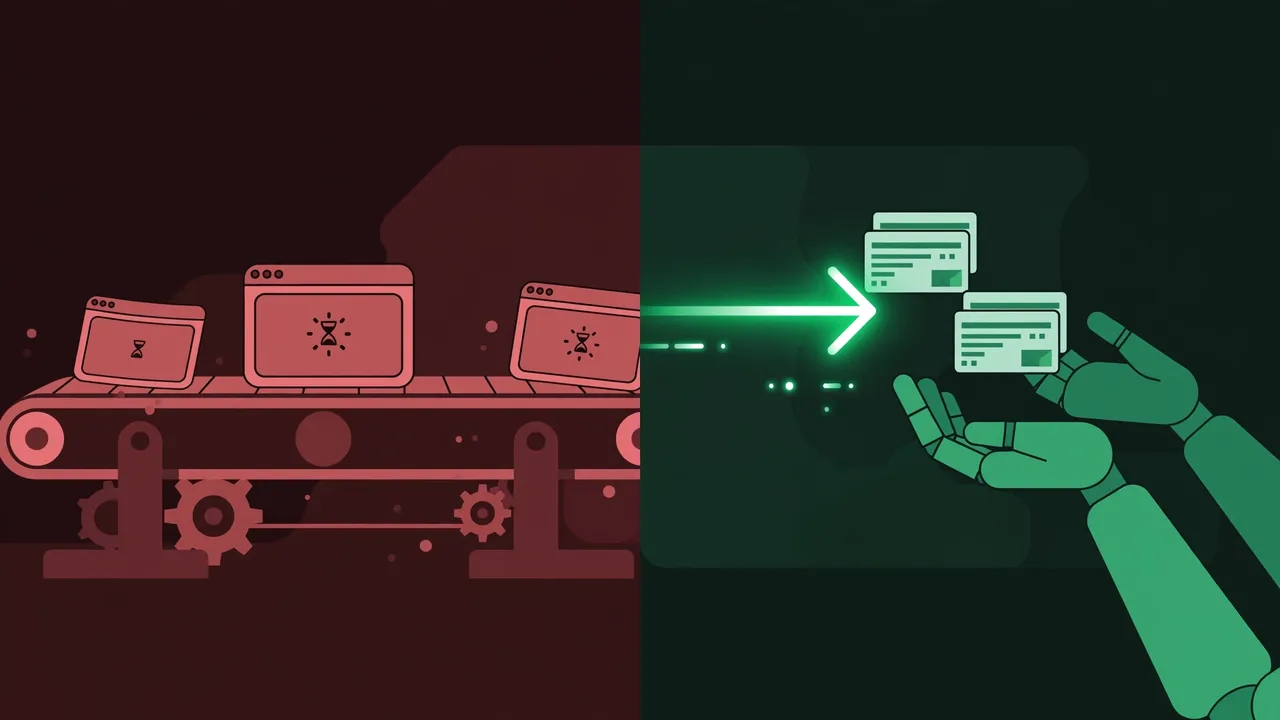
There are two ways your coding agent reads the web right now. One: it drives a headless browser — loading the full page, scrolling, screenshotting, clicking through cookies — burning tokens and seconds on every lookup. Two: it calls an API that was designed for machines. The problem is that most of the web's useful sites — Goodreads, flight search, profile pages — don't have an API, or only a broken one.
API Anything (goodnight000/api-anything, MIT) sits between those two options. It watches a site's own page make a request, learns which parts of that request are your inputs, and saves the result as an operation. Your agent then calls that operation with new inputs over MCP, the CLI, or TypeScript, and gets JSON back over plain HTTP. Teach it a website once; after that it calls the site like an API instead of driving a browser.
In this tutorial you'll install it, run a bundled operation, wire it into your coding agent over MCP, and teach it a site of your own — following the exact flow from the project's README and quickstart docs.
api-anything add.- Project:
goodnight000/api-anything— MIT licensed, created 2026-09-27, with 1,051 stars on GitHub as of 2026-10-17. - Install: requires Node 22.13+; the package is not on npm yet — build it from the repo. A Chromium browser is needed only when teaching new operations.
- Ships with 22 read operations across 9 sites (Google Flights, Hacker News, X/Instagram profiles, YouTube/Airbnb/Amazon search, LinkedIn, Goodreads), callable over CLI, TypeScript, or MCP with four tools:
list_sites,list_operations,call_operation,login. - Benchmarks (project's own, recorded 2026-09-28): an agent using it answered Google Flights queries 1.5–2× sooner on roughly half the tokens at the same or lower cost; all 20 answers correct.
- Goodreads from scratch: one agent run took 6.3 minutes and $1.19 to produce working search, book details, author lists, and reviews operations — and all 146 calls went over plain HTTP.
- Limits: it's a local tool (your machine, your network, your sessions); no CAPTCHA solving; no bundled write operations; you are responsible for reading each site's terms.
What you'll need
- Node 22.13+ and git on your machine.
- A Chromium browser — Google Chrome by default; Brave, Edge, Chromium, Vivaldi, or Arc work via the
API_ANYTHING_BROWSERvariable. You only need it when teaching new operations; calls themselves go over plain HTTP. - A coding agent (Claude Code, Codex, or similar) if you want the MCP path — the CLI works standalone too.
- The README open in a tab at
github.com/goodnight000/api-anything— every command below comes from it.
Step 1 — Install api-anything from source
The package isn't on npm yet, and the docs warn against npm install -g github:... because it fails under npm 11. Build it by hand:
git clone https://github.com/goodnight000/api-anything.git && cd api-anything
npm ci && npm install -g "$(npm pack --silent)"
Easiest path: paste Set up API Anything for me: https://github.com/goodnight000/api-anything/blob/main/INSTALL.md into Claude Code or Codex — the agent checks Node, builds and installs the api-anything command, confirms a call works, and connects the MCP server itself.
Step 2 — Make your first call with a bundled operation
Before teaching it anything, check the install works with a bundled operation:
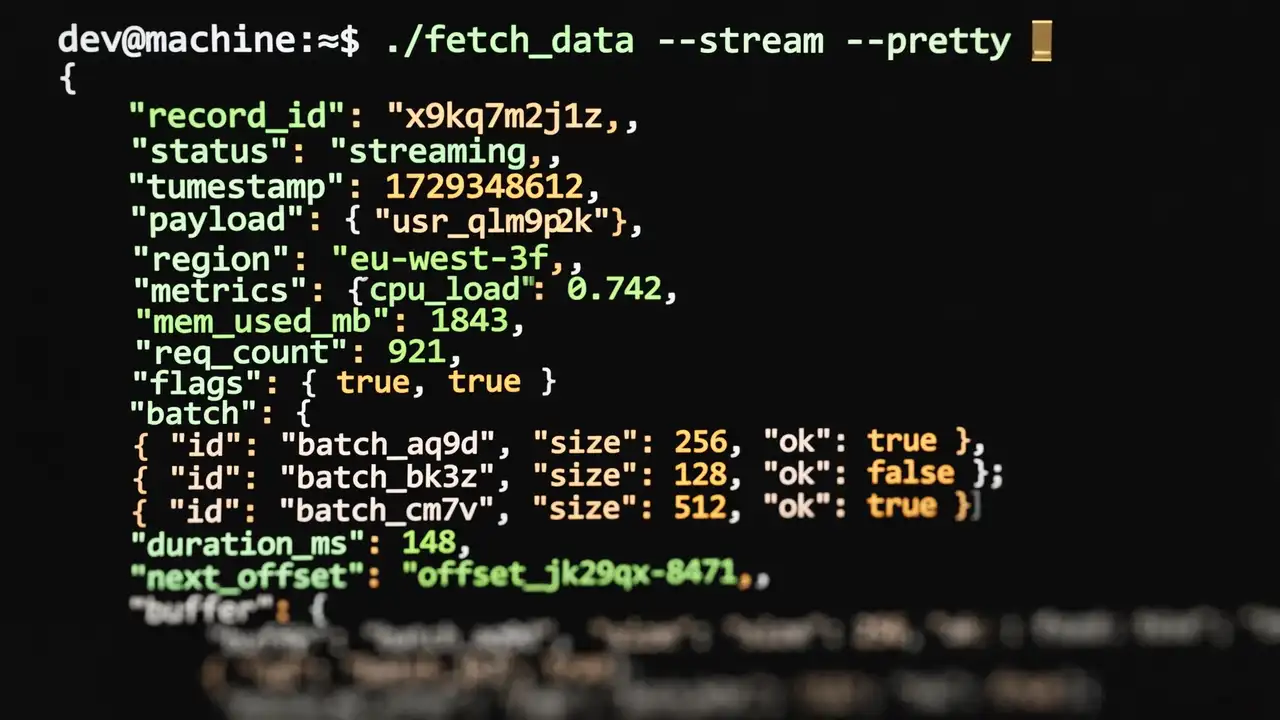
api-anything call hacker-news search query=sqliteYou should get back JSON like {"ok":true,"class":"ok","tier":1,"data":[...],"ms":111}. The tier field tells you how the call was served: tier 1 is plain HTTP with no browser involved. If a plain-HTTP call fails, API Anything falls back to fetching from inside a browser page, and as a last resort runs the page itself and reads its own response. A failure returns ok:false with a class, a reason, and a next step.
Step 3 — Plug it into your coding agent over MCP
Over MCP, an agent calls operations with four tools: list_sites, list_operations, call_operation, and login. Register the server:
claude mcp add --scope user api-anything -- api-anything mcp
# or for Codex:
codex mcp add api-anything -- api-anything mcp
Or add the MCP entry by hand:
{ "mcpServers": { "api-anything": { "command": "api-anything", "args": ["mcp"] } } }Restart the agent, then ask it something like "What does Goodreads rate Piranesi?" Creating operations still needs a shell and the project's skill (skills/api-anything/SKILL.md in the repo) — MCP is the call path, the shell is the teach path.
Step 4 — Teach it a new site
This is the heart of it. Give the page URL with a placeholder and two example inputs — the project's own example teaches a Hacker News links operation:
api-anything add hn-demo links \
  --trigger 'https://news.ycombinator.com/from?site={domain}' \
  --example domain=github.com --example2 domain=github.io --match path=/from \
  --html '{"items":"tr.athing","fields":{"title":".titleline > a","url":".titleline > a@href"}}'

api-anything call hn-demo links domain=arxiv.org      # 30 arxiv.org stories, tier 1
What happened: the headless browser loaded the page once per example, recorded the requests the page made, and found the one that changed with the input. The part that changed becomes a parameter; everything else is stored as a template. The agent (or you) picks the request and the fields — API Anything builds the template without an LLM. Now call hn-demo links domain=arxiv.org hits the site over plain HTTP with a fresh input and returns JSON.
Step 5 — Map a whole site from an intent
For a full site, the repo's skill makes an agent work in a fixed order:
- Ask about whatever the request leaves unclear.
- Propose operations and wait for your approval.
- Scout each page with
capture --outline— a summary of what each request returns, so the agent never reads full responses. - Build each operation and verify it with an input that wasn't one of the examples.
The proof case in the README: Goodreads has had no public API since 2020. One run took 6.3 minutes and $1.19 and produced working operations for search, book details, an author's books, and reviews. The authors then tested on 30 books nobody had touched during development — every checked field (title, rating, ratings count, pages) matched the page Chrome rendered, and all 146 calls went over plain HTTP. A plain script (examples/reading-list.mjs in the repo) builds the same five-book table in 16 seconds with no model at all.
What you built, and the honest limitations
You now have a local tool that turns pages into callable, self-documenting JSON operations your agent can use through MCP, the CLI, or TypeScript — with the repair loop built in: if a request stops working (a rotated id, a moved field), API Anything re-learns it and only saves the new version after a replay succeeds. Otherwise the call returns an error — never someone else's data.
The honest part:
- It's a local tool — it uses your machine, your network, your sessions. There is no hosted API to fall back on.
- It only knows what it was taught. The 22 bundled operations cover selected features, not whole sites.
api-anything ops <site>shows parameters and caveats. - Repair can fail. There is no CAPTCHA solving; if a site challenges real Chrome, you clear the challenge by hand.
- No write operations are bundled. Writes are tested only against a local fixture and need
--allow-writes. An HTTP 2xx doesn't prove a message was delivered. - Logins work via your browser.
api-anything login <site>imports cookies from a profile you're already signed in to; specs hold references to cookies and tokens, never their values, and credentials live in~/.api-anything. - Read each site's terms — you're responsible for how you use it.
Frequently asked questions
Do I need to keep a browser open while it calls sites?
No. Calls are served over plain HTTP (tier 1) whenever the site allows it — no browser involved. A Chromium browser is only needed to teach new operations, and as a fallback tier if a plain-HTTP call fails.
What happens when the site changes its layout or rotates IDs?
API Anything's repair step re-learns the operation and saves the new version only after a replay succeeds. If the re-learn fails, the call returns an error with a class, reason, and next step — not someone else's data.
Can it use sites that need a login?
Yes. api-anything login <site> imports that site's cookies from a browser profile you are already signed in to, so there is usually no password to type. Saved operations reference cookies and tokens rather than storing their values, so a refreshed session works without re-learning anything.