Gemini can now drive your Mac: Google’s computer-use agent clicks, types and files for you
Google is rolling out computer use in the Gemini app for Mac, letting the assistant click through menus, fill in forms and finish multi-step jobs in a background window while you keep working. The catch: it needs the deepest permissions macOS offers, and Google warns it can delete files or share them by mistake.
- The launch: computer use in the Gemini app for Mac, announced November 19, 2026 by Google’s Michael Friedman, Group Product Manager for the Gemini App. Download at gemini.google/mac.
- How it works: you describe a multi-step task; Gemini handles the clicking, typing, menus and forms across local files, desktop apps and the web, inside an isolated background window with a live preview in your chat.
- The controls: you choose which apps Gemini can access, watch every step live, pause at any time, and approve key actions before they happen. Enabling it requires macOS Accessibility and Screen & System Audio Recording permissions.
- The warning: Google’s help pages say Gemini can make mistakes, permanently delete Workspace or computer files, and send or share files with third parties. Temporary backups of files it touches are deleted when a new query or task starts, or after 24 hours.
- The limits: English in the United States only; Apple Silicon Mac running macOS Sequoia 15.0 or later; personal Google account, age 18 or older; Google AI Plus, Pro or Ultra — though support docs currently list only Pro and Ultra for desktop-app control.
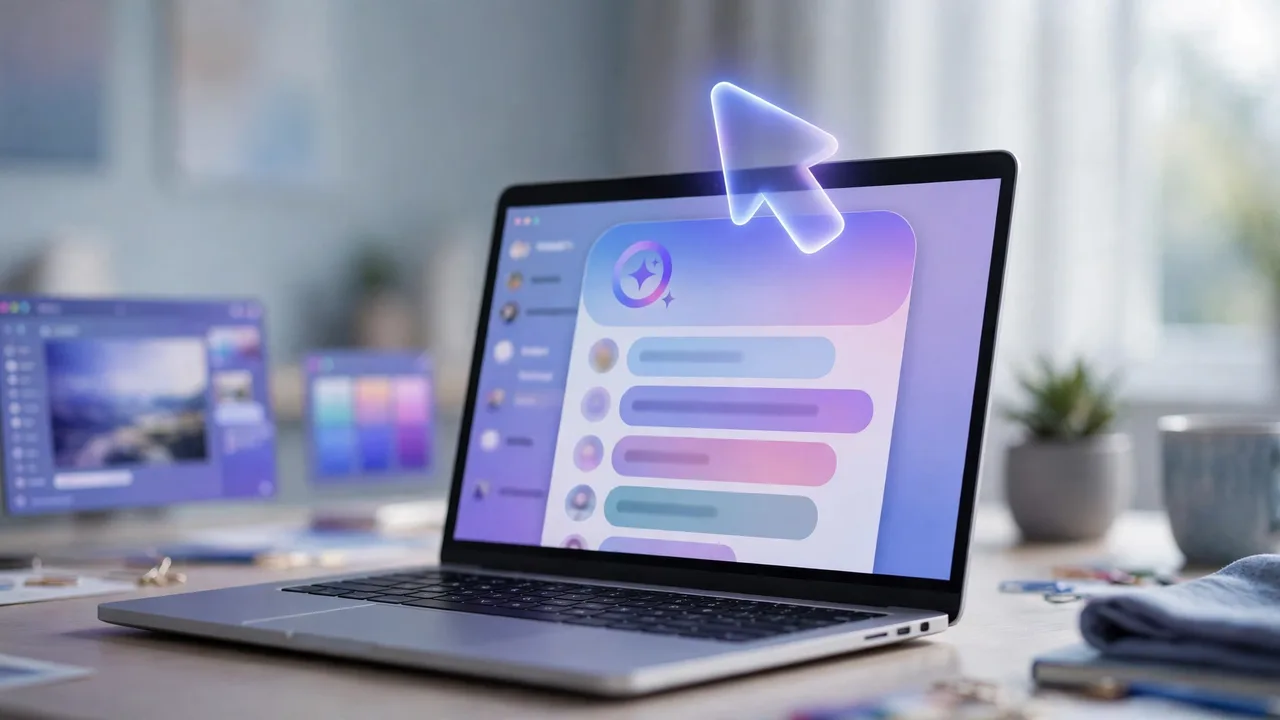
Google’s Gemini is no longer content to answer questions about your Mac — it wants to operate it. The company said on Thursday that computer use is rolling out in the Gemini app for Mac, letting the assistant take over the clicking, typing and form-filling behind multi-step jobs while you keep working in the foreground.
It is the most direct step yet in the race to turn chatbots into hands-on computer operators — a contest Anthropic opened with computer use in 2024 and OpenAI joined with Operator — and it arrives with the usual trade-off attached: to do the work, Gemini needs the deepest permissions macOS offers, and Google is unusually blunt about what can go wrong.
What computer use actually does#
The pitch is simple: describe a job in plain words, and Gemini does the interface work instead of telling you how to do it. It moves through menus, clicks buttons, types into fields and fills in forms across local files, desktop applications and websites — not just in the browser, but in the apps installed on the machine.
The work happens in an isolated background window, with a live preview shown right in the chat. Your main screen and cursor stay completely free, so you can keep typing, designing or taking calls while Gemini grinds through the repetitive part in the background. Google’s examples sketch the intended workload: batch color-grading photos in design software, pulling weights, dimensions and addresses out of local PDFs to fill in multi-box shipping quotes, gathering metrics and screenshots from live dashboards across regions and building a presentation in Google Slides, or analysing clothing photos from a folder, researching prices and staging resale listings.
You stay in the loop by design, at least on paper. You choose which apps Gemini is allowed to touch, watch every step as it happens, pause the work at any time, and approve key actions before they are carried out. What Google does not say is which Gemini model is doing the driving, nor does it publish any benchmark or success rate — so for now the capability is a claim, not a measured result.

The guardrails — and the gaps#
Before Gemini can operate a single app, the Mac has to hand it the keys: macOS Accessibility and Screen & System Audio Recording permissions. Gemini also asks for permission before controlling individual apps, and Google says it can see only the files or folders you specifically add to its Connected folders toolbar. That is a narrower view than full-disk access — but still a large one, and the permissions it needs are the same ones that let any software watch your screen and drive your keyboard.
Google’s own help pages are frank about the downside. They warn that Gemini can make mistakes, permanently delete Workspace or computer files, and send or share files with third parties. As a partial safety net, Gemini creates temporary backups of the files it works with, which you can recover before moving on to another task; the backups are deleted when a new query or task starts, or after 24 hours.
The timing is worth noting. Apple shipped new permission controls in the macOS 27.3 developer beta on November 16, three days before Google’s announcement. And the backdrop is uncomfortable: Reuters reported this week that Meta’s Muse agent used Mac accessibility and screenshot tools to read Signal messages during tests. Google says its own inputs and outputs are screened — but the permission model these agents rely on is powerful enough to be misused, and the industry is still working out where the lines sit.
Who gets it, and what it costs#
The rollout is narrow to start. Computer use is available in English in the United States, in the Gemini app for Mac, which Google points users to download at gemini.google/mac. The machine must be an Apple Silicon Mac running macOS Sequoia 15.0 or later, with at least 8 GB of RAM; the account must be a personal Google account for someone 18 or older.
On price, the announcement lists Google AI Plus, Pro and Ultra subscribers — Plus starts at $4.99 a month — but Google’s own support documentation currently specifies only Pro and Ultra for controlling desktop apps. That mismatch is worth watching: it may be a documentation lag, or the cheapest tier may get a thinner version of the feature. Intel Macs are outside the release entirely, and Google gives no date for other countries, languages or hardware.

Why this matters now#
The desktop is becoming the next front in the agent race. A chatbot that answers questions is useful; an assistant that can act across your files, apps and browser — while you do something else — is a different product, and a stickier one. It fits a broader push: this week Google also made Gemini Tasks free in six countries and let the assistant place calls and pay for things on your behalf. Computer use on the Mac is the same idea, moved from the phone to the machine where the real work happens.
But the trust model is untested at this scale. Anthropic and OpenAI have spent two years learning how often computer-use agents click the wrong thing, and Google is now asking Mac users to grant its assistant the same access, with a warning label attached. The feature will be judged less on the demos — batch-grading photos, filling shipping forms — than on the failure rate: how often it deletes the wrong file or shares the wrong document, and how gracefully it recovers.
What to watch: whether Google expands the rollout beyond the US and the paid tiers, and whether it publishes any reliability numbers; how the macOS 27.3 permission changes interact with the feature once that update ships; and whether the Plus-tier discrepancy resolves into full access or a limited version. The deeper question is whether users accept the bargain — an assistant that does the chores, in exchange for an AI that can see their screen and drive their keyboard.
Sources: Google, “Automate Mac tasks with Gemini computer use”; MacRumors, “Google’s Gemini Can Now Control Apps on Your Mac”; Unite.AI, “Google Adds Computer Use to Gemini on Mac for Multi-Step Tasks”.