Your own narration studio, offline: generate natural speech with Kokoro-82M on your CPU
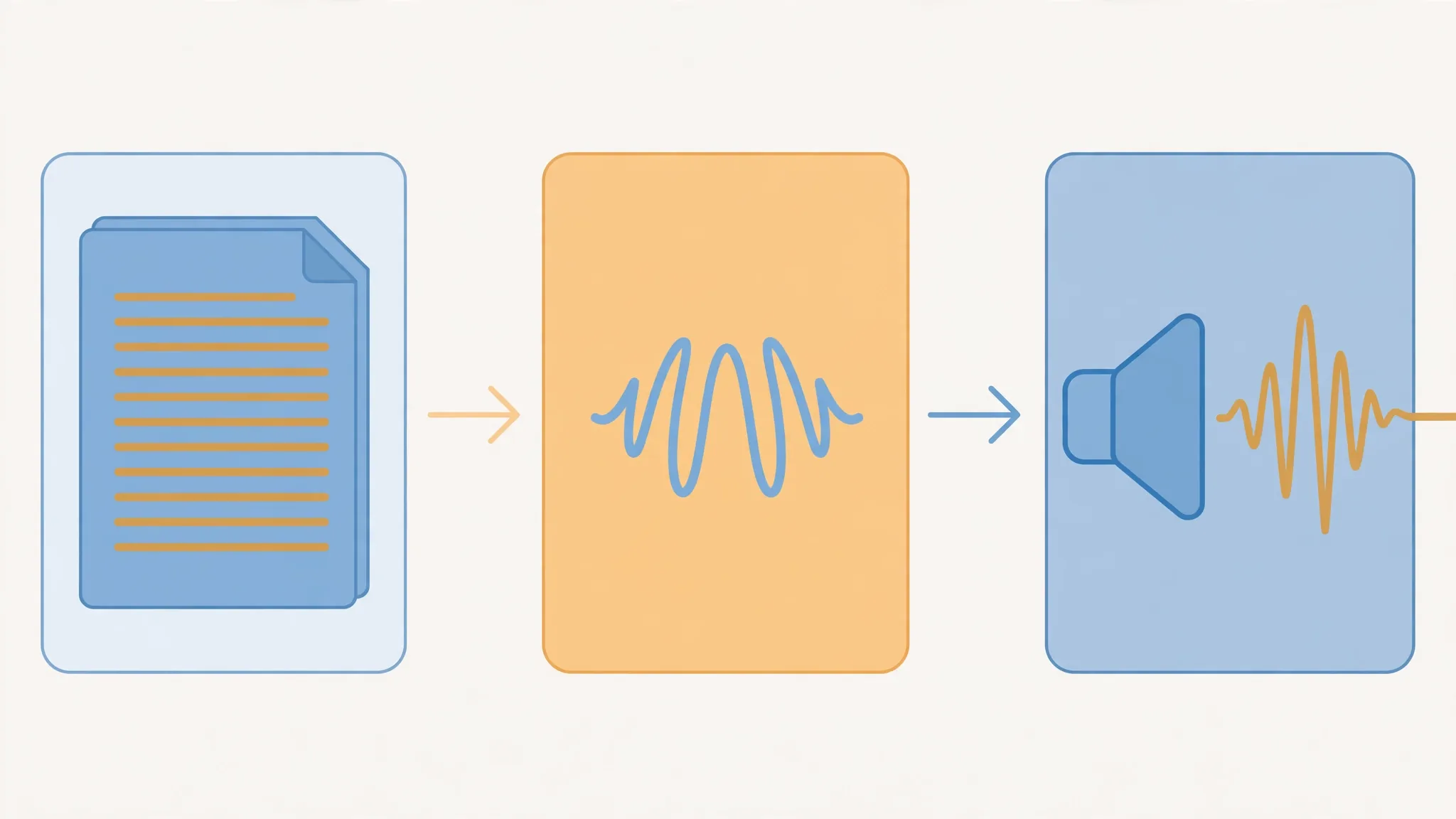
Kokoro-82M turns plain text into natural narration on your own CPU — no account, no API key, no per-character bill. This guide installs it, auditions its 54 preset voices, tunes speed and pronunciation, and batches a whole script into one WAV file.
- Who: Kokoro-82M v1.0 (hexgrad, January 27, 2025) — 82M parameters, Apache-licensed weights, 54 preset voices across 8 languages, 24,000 Hz output.
- What: first.py (one sentence), audition.py (four voices, one sentence), and narrate.py (a whole script to one WAV file with silence gaps).
- When: verified October 30, 2026: kokoro 0.9.4, misaki 0.9.4, soundfile 0.14.0, torch 2.15.0+cpu, espeak-ng 1.51, Python 3.12, on a 2-core VM with 8 GB of RAM.
- Requirement: Python 3.10+, about 1.5 GB of disk, espeak-ng. No GPU, no account, no API key.
Why this matters now
Every tutorial, video essay, and audiobook draft starts the same way: a script that needs a voice. The hosted route is easy — paste text, get audio — but it bills per character, it sends your script to someone else's server, and it stops working the moment you stop paying. For a draft, a placeholder track, or a whole series of short videos, that is the wrong trade.
Kokoro-82M is the opposite end of the spectrum: an 82-million-parameter text-to-speech model, released as open weights, that turns plain text into natural-sounding speech on your own machine. No account, no API key, no per-character bill, and your script never leaves the room. It is small enough to run on a CPU — this guide verifies it on a 2-core virtual machine with 8 GB of RAM — and its 54 preset voices cover eight languages. What it cannot do matters too: it does not clone voices. You pick from its built-in cast, and that constraint is exactly what makes it honest, fast, and free.
By the end of this guide you will have a repeatable workflow: install Kokoro once, audition voices on one sentence, tune speed and pronunciation, and batch an entire script into a single WAV file ready for an editor.
What you'll need
- A computer with Python 3.10 or newer. Verified here with Python 3.12. Linux, macOS, and Windows all work; the only platform-specific step is installing espeak-ng (below).
- About 1.5 GB of free disk. The PyTorch CPU build is the big item; the Kokoro weights add roughly 300 MB, and each voice you use downloads a small file on first use.
- No GPU, no account, no API key. Everything runs locally after the first download.
- ffmpeg (optional, Step 6). Only needed if you want MP3 instead of WAV. Any recent ffmpeg build works.
Step 1 — Install Kokoro in a virtual environment
Keep this out of your system Python. Make a folder, a virtual environment, and install into that:
mkdir kokoro-demo && cd kokoro-demo
python3 -m venv .venv
source .venv/bin/activate
pip install "kokoro>=0.9.4" soundfile
On the test machine that installed kokoro 0.9.4, misaki 0.9.4, and soundfile 0.14.0. Kokoro depends on PyTorch, and the default PyTorch wheel bundles CUDA libraries you do not need on a CPU-only machine. If you install on a machine without a GPU, install the CPU-only PyTorch build first, then Kokoro on top — pip sees PyTorch already satisfied and does not replace it:
pip install --index-url https://download.pytorch.org/whl/cpu torch
pip install "kokoro>=0.9.4" soundfile
That gave torch 2.15.0+cpu here. The second dependency is a system package, not a Python one. Kokoro's text processing needs espeak-ng:
sudo apt-get install espeak-ng        # Ubuntu / Debian
brew install espeak-ng                # macOS
Windows users can install espeak-ng from its official installer and make sure it is on PATH. Verify the install before going further:
espeak-ng --version
python -c "import kokoro; print(kokoro.__version__)"
Expected output: espeak-ng 1.51 here, and a kokoro version of 0.9.4 or newer. If espeak-ng --version fails, stop here — the pipeline will fail later with a phonemizer error that looks unrelated.
Step 2 — Generate your first sentence
Save this as first.py. It is the whole API: build a pipeline for a language, call it with text and a voice, and write each audio chunk it yields to a WAV file at 24,000 Hz.
import soundfile as sf
from kokoro import KPipeline

pipeline = KPipeline(lang_code="a")
text = "Kokoro is a small local text to speech model. It runs on your own machine, with no account and no API key."
for i, (_, _, audio) in enumerate(pipeline(text, voice="af_heart", speed=1)):
    sf.write(f"kokoro-{i}.wav", audio, 24000)
    print(f"wrote kokoro-{i}.wav: {len(audio) / 24000:.2f} seconds at 24,000 Hz")
python first.pyExpected output on the test machine:
wrote kokoro-0.wav: 7.83 seconds at 24,000 HzThree details in that script are load-bearing. First, lang_code="a" means American English, and it must match the voice: af_heart is an American voice, so the pair is consistent. Second, the pipeline yields chunks — one per text segment — so always loop and write each one; a long script will produce several files if you number them this way, which is why Step 5 joins them instead. Third, the sample rate is always 24,000 Hz. Do not write the file at 44,100 Hz or your audio will play back too fast and too high.
Two first-run downloads happen behind the scenes: the model weights (about 300 MB in total, including the voice files fetched on demand) and a small spaCy English model that Kokoro's text processing uses. Later runs reuse both and start faster.
Step 3 — Audition voices on the same sentence
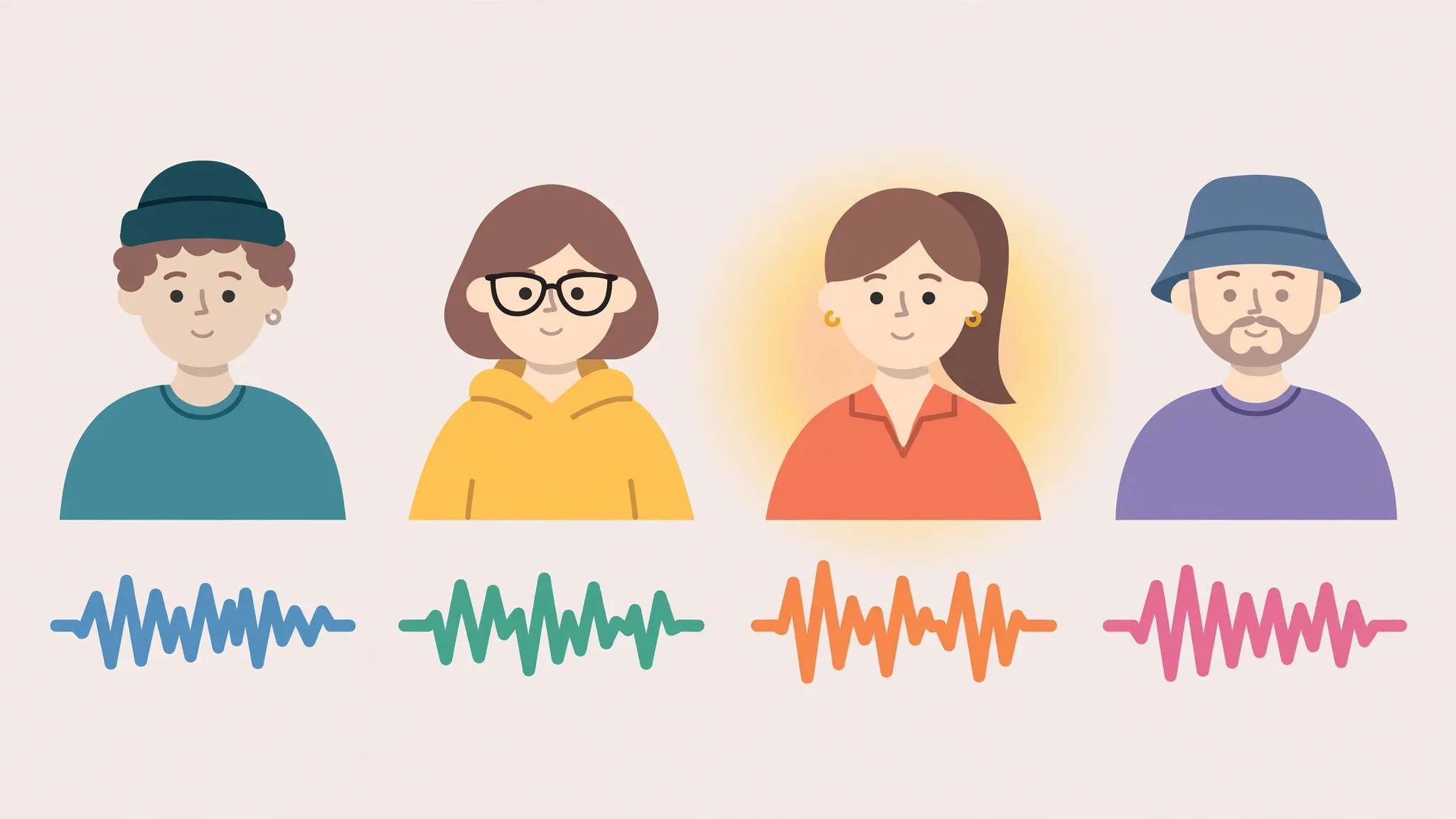
Never pick a narrator from a name. Generate the same sentence in several voices, listen to all of them, and then commit. Voice names encode what you need to know: the first letter is the language group (a American English, b British English, e Spanish, f French, h Hindi, i Italian, j Japanese, p Brazilian Portuguese, z Mandarin), the second letter is f or m, and the rest is the voice's name. The model card lists 54 voices across those eight languages.
Save this as audition.py:
import numpy as np
import soundfile as sf
from kokoro import KPipeline

pipeline = KPipeline(lang_code="a")
sentence = "Kokoro is a small local text to speech model. It runs on your own machine, with no account and no API key."
for voice in ["af_heart", "af_bella", "am_adam", "bm_george"]:
    chunks = [np.asarray(audio) for _, _, audio in pipeline(sentence, voice=voice, speed=1)]
    audio = np.concatenate(chunks) if len(chunks) > 1 else chunks[0]
    sf.write(f"audition_{voice}.wav", audio, 24000)
    print(f"{voice}: {len(audio) / 24000:.2f} seconds")
python audition.pyMeasured on the test machine, same sentence, same settings — durations differ because voices speak at different natural paces:
| Voice | What it is | Duration |
|---|---|---|
af_heart | American English, female | 7.83 s |
af_bella | American English, female | 8.15 s |
am_adam | American English, male | 7.45 s |
bm_george | British English, male | 8.60 s |
Note that bm_george is a British voice used here with the American pipeline — it still produced clean audio in this test, but as a rule, match the pipeline's language code to the voice's language group and treat cross-group use as an experiment, not a default. On the 2-core test machine each roughly 8-second clip took 11–26 seconds to generate; a modern laptop will be faster, and generation is a one-time cost per script, not a per-listen cost.
Listen for three things, in this order: intelligibility on your hardest words, a pace you can listen to for ten minutes without fatigue, and consistency — a voice that sounds great for one sentence but wobbles on the next is worse than a slightly plainer voice that holds steady. Pick one voice per project and stick to it; swapping narrators mid-series is the fastest way to sound amateur.
Step 4 — Tune speed and fix pronunciations
Two knobs cover most of what people actually adjust. The first is speed: values below 1 slow the voice down, values above 1 speed it up. Measured on the same sentence with af_heart:
| Speed | Duration |
|---|---|
| 0.8 | 9.75 s |
| 1.0 | 7.83 s |
| 1.25 | 6.40 s |
Stay inside roughly 0.8–1.25. Beyond that range the voice starts to sound stretched or rushed, and no speed setting fixes a bad script — if a sentence sounds wrong at 1.0, rewrite the sentence first.
The second knob is pronunciation. Kokoro lets you force a reading with bracketed IPA after a word, using the form [word](/pronunciation/). The model card itself uses this for its own name:
import soundfile as sf
from kokoro import KPipeline

pipeline = KPipeline(lang_code="a")
text = "[Kokoro](/kˈOkəɹO/) is a small model."
for _, _, audio in pipeline(text, voice="af_heart", speed=1):
    sf.write("kokoro-name.wav", audio, 24000)
Verified: the bracketed form generates cleanly (2.17 s, against 2.12 s for the plain form of the same sentence). Use this sparingly — for names, acronyms, and loanwords the default reading gets wrong — and write out numbers and abbreviations in your script before you generate. "24,000 Hz" reads better as "twenty four thousand samples per second", and "Dr." reads better as "Doctor". Text-to-speech models reward scripts written to be heard, not read.
Step 5 — Batch a whole script into one file
One sentence at a time does not scale. Save this as narrate.py: it reads a script file, splits it on blank lines into paragraphs, generates each paragraph, joins them with a short silence gap, and writes one WAV file.
"""Turn a plain-text script into one WAV file with Kokoro-82M.

Usage:
    python narrate.py script.txt narration.wav --voice af_heart --speed 1.0 --gap 0.4

script.txt holds one paragraph per blank-line-separated block.
"""
import argparse

import numpy as np
import soundfile as sf
from kokoro import KPipeline

SAMPLE_RATE = 24000


def synth(pipeline, text, voice, speed):
    chunks = [np.asarray(audio) for _, _, audio in pipeline(text, voice=voice, speed=speed)]
    return np.concatenate(chunks) if len(chunks) > 1 else chunks[0]


def main():
    parser = argparse.ArgumentParser()
    parser.add_argument("script")
    parser.add_argument("output")
    parser.add_argument("--voice", default="af_heart")
    parser.add_argument("--speed", type=float, default=1.0)
    parser.add_argument("--gap", type=float, default=0.4,
                        help="seconds of silence between paragraphs")
    parser.add_argument("--lang", default="a", help="language code, e.g. a for American English")
    args = parser.parse_args()

    text = open(args.script, encoding="utf-8").read().strip()
    paragraphs = [p.strip().replace("\n", " ") for p in text.split("\n\n") if p.strip()]
    pipeline = KPipeline(lang_code=args.lang)
    gap = np.zeros(int(args.gap * SAMPLE_RATE), dtype=np.float32)

    segments = []
    for i, paragraph in enumerate(paragraphs):
        audio = synth(pipeline, paragraph, args.voice, args.speed)
        segments.append(audio)
        print(f"paragraph {i + 1}/{len(paragraphs)}: {len(audio) / SAMPLE_RATE:.2f}s")
    joined = segments[0]
    for segment in segments[1:]:
        joined = np.concatenate([joined, gap, segment])
    sf.write(args.output, joined, SAMPLE_RATE)
    print(f"wrote {args.output}: {len(joined) / SAMPLE_RATE:.2f}s total")


if __name__ == "__main__":
    main()
Write a three-paragraph script.txt, one blank line between paragraphs, and run it:
python narrate.py script.txt narration.wav --voice af_heart --speed 1.0 --gap 0.4Measured output on the test machine:
paragraph 1/3: 5.30s
paragraph 2/3: 5.95s
paragraph 3/3: 5.17s
wrote narration.wav: 17.23s total
The arithmetic checks out: 5.30 + 5.95 + 5.17 = 16.42 seconds of speech, plus two 0.40-second gaps = 17.22 seconds, matching the 17.23-second file to rounding. If your total ever disagrees with that sum by more than a rounding error, a paragraph was dropped or a gap was doubled — check the paragraph count in the output first.
For long scripts, generate in chapters, not in one giant run. A failed hour-long generation wastes the whole hour; a failed chapter wastes one chapter. Keep the script file next to the audio file, under the same name, so you can regenerate any chapter after an edit without hunting for the text.
Step 6 — Use the audio: MP3, loudness, and editors
WAV is the right archival format and the wrong delivery format. For a podcast feed, a video editor, or a phone, convert to MP3 with ffmpeg:
ffmpeg -y -i narration.wav -codec:a libmp3lame -q:a 2 narration.mp3Check the result before you publish anything built on it:
ffprobe -hide_banner narration.wav 2>&1 | grep -E "Duration|Audio:"Expected: a 24,000 Hz mono stream and a duration matching Step 5. Then listen to the whole file once, at normal speed, with no other audio playing. Automated checks catch silence and clipping; only listening catches a misread name in paragraph 14, a sentence that runs two thoughts together, or a gap that lands mid-thought because a paragraph break was in the wrong place. Fix the script, regenerate that chapter, and re-join — never patch a misread word by editing the waveform.
Which approach should you use?
Three ways to get narration, and the honest trade for each:
| Approach | Use it when | Watch out for |
|---|---|---|
| Kokoro, local (this guide) | Drafts, explainers, audiobooks, and anything where privacy, zero marginal cost, and offline work matter | Preset voices only — no cloning, no dramatic acting range |
| Hosted TTS API | You need a specific cloned voice, the most expressive performance, or scale beyond one machine | Per-character billing, your script leaves your machine, and quality depends on the provider |
| A full voice studio app | You want a visual workflow — cloning, dubbing, transcription — without writing code | A bigger install and a learning curve for features you may not need |
The pattern that works best in practice is hybrid: draft and iterate locally with Kokoro, where regenerating a chapter costs nothing, and only pay for a hosted voice when a finished piece genuinely needs a performance Kokoro cannot give. Most pieces never reach that bar.
The takeaway
Kokoro-82M is not the best-sounding speech model you can buy. It is the best-sounding one you can own: 82 million parameters, Apache-licensed weights, 54 voices, one Python API, and audio that never leaves your machine. Install it once, audition on a single sentence, fix pronunciations in the script rather than in the audio, and batch by chapter. The voice in your next video, tutorial, or audiobook draft can be generated before your coffee cools — and regenerated, free, as many times as the script changes.