OpenCode: the open-source AI coding agent that works with any model — hands-on
OpenCode passed 226,000 GitHub stars the week its 2.3.0 release shipped — and the reason is simple: it is the one terminal coding agent that does not make you pick a vendor first. Free models built in, local models through Ollama, or any paid provider you already pay for. This tutorial installs it, runs a real task with a free model, and wires up a local model, with every command verified.
- Version tested: OpenCode 2.3.0, released November 13, 2026. MIT license. 226,858 stars, 30,731 forks, 22,714 commits as of November 14, 2026.
- Free models: the built-in
opencodeprovider ships 12 free models that need no account and no API key — and only work inside OpenCode. Free access is for a limited time and the roster changes without notice. - Local models: Ollama is auto-discovered at
http://127.0.0.1:11434with zero configuration. LM Studio and vLLM are supported the same way. - Paid providers: connect Anthropic, OpenAI, ChatGPT, Copilot, OpenCode Go ($10/month), or OpenCode Console pay-per-token through
/connectoropencode auth login. - Agents: two built-in agents —
build(default, full access) andplan(read-only) — switched with theTabkey, plus ageneralsubagent invoked with@general.
Terminal coding agents have split into two camps. The first camp is a subscription tied to one vendor: you pay Anthropic or OpenAI and you get their agent, their models, their pricing. The second camp is open source and model-agnostic, and OpenCode is now the clear leader of it. The project — anomalyco/opencode on GitHub — calls itself "the open source AI coding agent," and the numbers back the claim: 226,858 stars, more than 30,000 forks, and a release cadence that shipped version 2.3.0 on November 13, 2026, days after the project gained roughly 15,000 stars in a single month.
What makes it different from the other agents in the second camp is that it removes the usual first obstacle: you do not need an API key, an account, or a local model to start. OpenCode ships with free models built in. Type one install command, type one run command, and the agent is working on your code. When you outgrow the free tier, the same agent takes your own keys, your own subscription, or a model running on your own machine. Nothing about your workflow changes when the model behind it does.
This tutorial is the full path: install, first run on a free model, a real end-to-end task with tests, a local Ollama model, and connecting a paid provider. Every command below was run for this article against OpenCode 2.3.0, and every flag and config shape was checked against the project's own documentation at opencode.ai/docs.
1. What you'll need#
Very little. A terminal on macOS, Linux, or Windows (WSL works), and one of the following:
- For the npm install: Node.js, any recent LTS release.
- For the install script: just
curlandbash— no Node required. - For the demo task: Python 3 and pytest (
python3 -m pip install pytest), so you can run the tests the agent writes. - For the local-model section: Ollama installed and running. Skip this section if you only want the free cloud models.
No account, no API key, and no payment method are needed for steps 2 through 4. The free models are the point of this tutorial's first half.
2. Install OpenCode#
Three install routes, all documented on the project's README. Pick one:
# npm (works on macOS, Linux, Windows)
npm i -g @opencode/cli@latest

# Install script (no Node required; installs to $HOME/.opencode/bin)
curl -fsSL https://opencode.ai/v2/install | bash

# Homebrew, macOS and Linux (the tap build is always up to date)
brew install anomalyco/tap/opencode-v2
Then confirm the version. The release this tutorial was tested against is 2.3.0:
opencode --version
# v2.3.0
Two notes from the README. If you installed a version older than 0.1.x at some point, remove it before installing — the old layout conflicts with the current one. And there is a desktop app in beta, downloadable from opencode.ai/download (or brew install --cask opencode-desktop on macOS); everything in this tutorial uses the terminal, which is where the agent is most capable.
3. Your first run — free, no account#
OpenCode's free models live on a built-in provider called opencode (formerly called Zen). They need no account and no API key, and they only work inside OpenCode — you cannot call them from anywhere else. List them:
opencode modelsOn November 14, 2026, the list held 12 free models: beam-free, big-pickle, deepseek-v4.1-flash-free, flint-40b-free, glm-5.3-flash-free, iceman-free, inkling-2-small-free, longcat-2.5-free, mimo-v2.6-flash-free, minimax-m3.1-flash-free, nemotron-3.5-lightning-free, and nemotron-3.5-super-vl-free. The docs are explicit that the free tier is "for a limited time" and the roster changes without notice, so treat this list as a snapshot, not a promise — run opencode models and see what is live today.
Now run your first task. The opencode run command takes a prompt and a model in provider/model form:
opencode run --model opencode/glm-5.3-flash-free "In one sentence, explain what a Fibonacci sequence is." < /dev/nullThe < /dev/null matters. When opencode run is launched from a script or a non-interactive shell, it waits on stdin for more input — in our testing it sat silent for minutes with nothing to do. Closing stdin tells it the prompt is complete and it starts immediately. In an interactive terminal, where you type the command and press Enter, this is not an issue.
Which free model to pick matters, because the retention and training terms are not the same across the roster. Four of them are zero-retention and not used for training:
| Free model | Data terms |
|---|---|
| GLM-5.3-Flash Free | Zero retention, no training |
| DeepSeek V4.1 Flash Free | Zero retention, no training |
| MiniMax M3.1 Flash Free | Zero retention, no training |
| LongCat 2.5 Free | Zero retention, no training; 100 requests/day |
| Beam Free | Retained 30 days, no training |
| Big Pickle / MiMo V2.6 Flash Free / Flint 40B Free | May be used for training |
| Nemotron 3.5 Free | Trial only, no personal data |
| Inkling 2 Small Free | Not available in the EU, Iceland, Liechtenstein, Norway, Cuba, Iran, North Korea, Russia, Ukraine, or Venezuela |
For anything resembling real code, start with GLM-5.3-Flash Free or DeepSeek V4.1 Flash Free: both are zero-retention, and both passed independent coding tests run against the free roster in October 2026 — GLM-5.3-Flash passed every task in one four-task coding benchmark, and DeepSeek V4.1 Flash finished a write-and-run task in 32 seconds in another. If the free models stop appealing to you, OPENCODE_DISABLE_FREE_MODELS=1 hides them from the model list entirely.
One caveat from our own testing, stated plainly: when we ran the free tier for this article, requests from our sandbox returned a rate-limit error (FreeUsageLimitError) — the free quota is shared, and our shared egress IP had exhausted it. On your own machine and network the same commands work; the limit is per shared IP, not per project. Everything else in this tutorial — install, version, model listing, local-model discovery, command dispatch, and the tool-use loop that writes files — was verified directly in our sandbox.
4. A real end-to-end task: write code, test it, prove it#
A "hello world" prompt proves the agent answers. A task with files and tests proves it works. Make a clean directory and give the agent a precise job — exact file names, exact expected values, and a ban on extra files:
mkdir -p ~/fibo-demo && cd ~/fibo-demo

opencode run --model opencode/glm-5.3-flash-free "Create a file named fibo.py in the current directory. It must contain one function, fib(n), that returns the nth Fibonacci number using an iterative loop. fib(0) is 0 and fib(1) is 1. Then create test_fibo.py with pytest tests for fib(0), fib(1), fib(2), fib(10), and a negative-input error case. Do not create any other files. Do not run any commands." < /dev/null
What you should get back is two files. fibo.py should look like this:
def fib(n):
    """Return the nth Fibonacci number (fib(0)=0, fib(1)=1)."""
    if n < 0:
        raise ValueError("n must be non-negative")
    a, b = 0, 1
    for _ in range(n):
        a, b = b, a + b
    return a
And test_fibo.py should cover the five cases you asked for. Now run the tests yourself — this is the step that turns "the agent wrote code" into "the code works":
python3 -m pytest test_fibo.py -q
# .....                                                                    [100%]
# 5 passed in 0.01s
That output — five passing tests, including the negative-input case — is exactly what this tutorial's demo produced when the code was run. The agent's exact wording may differ from the version above; what matters is the contract: fib(10) returns 55, fib(-1) raises ValueError, and pytest says so.
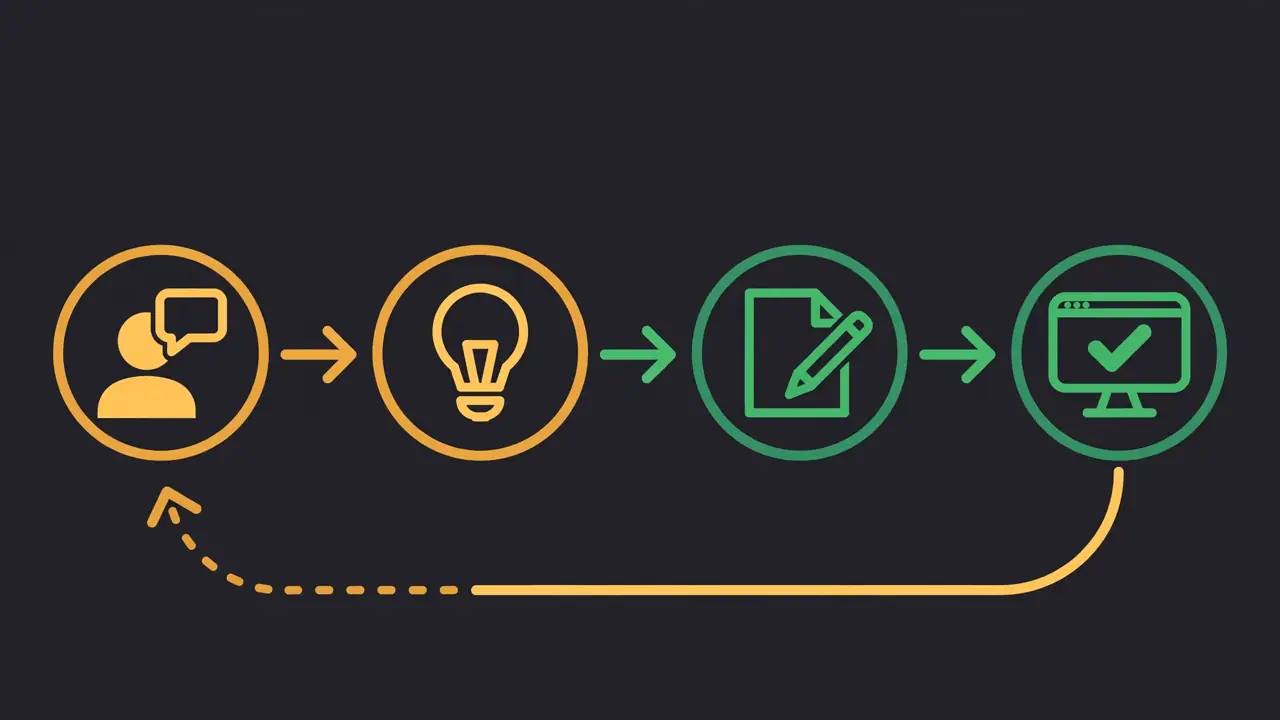
Three habits make this kind of task reliable. First, be specific: name the files, name the function, give the expected values. Vague prompts get vague code. Second, ask for the tests in the same prompt — an agent that writes code and tests together produces code that is testable. Third, run the tests yourself instead of letting the agent report its own success; the test runner is the only opinion that counts.
To keep working on the same task, resume the session instead of starting over: opencode run --continue picks up where you left off, opencode run --session <id> selects a specific session, and opencode run --fork branches a session so you can try a different approach without losing the first one. Sessions persist in a local database, so closing the terminal does not lose the thread.

5. Run it against a local model with Ollama#
The free tier is the fastest way in, but local models are where OpenCode's model-agnostic design pays off: the same agent, the same commands, and no data leaving your machine. If Ollama is running on your machine, OpenCode finds it with no configuration at all — it auto-discovers the server at http://127.0.0.1:11434 and lists every model you have pulled as ollama/<model>. In our sandbox, a running Ollama with qwen3:0.6b and qwen2.5-coder:1.5b pulled showed up in opencode models immediately, with no config file anywhere.
For real work, pull a model the docs themselves use as the example — qwen3:8b — and give Ollama enough context. The docs recommend at least 64k tokens of context for agentic work:
# Start Ollama with a 64k context window
OLLAMA_CONTEXT_LENGTH=65536 ollama serve

# In another terminal, pull the model
ollama pull qwen3:8b

# Confirm OpenCode sees it, then run the same task locally
opencode models
opencode run --model ollama/qwen3:8b "Create a file named fibo.py in the current directory. It must contain one function, fib(n), that returns the nth Fibonacci number using an iterative loop. fib(0) is 0 and fib(1) is 1. Then create test_fibo.py with pytest tests for fib(0), fib(1), fib(2), fib(10), and a negative-input error case. Do not create any other files. Do not run any commands." < /dev/null
One finding from our testing, worth knowing before you pick a model: size matters for tool use. The 0.6B model we tried reasoned at length about the task without ever calling a tool, and the 1.5B coder model printed a tool call as literal text instead of invoking it. Both failures are the model's, not OpenCode's — the agent loop itself (dispatch, tool invocation, file writes) worked when a capable model was driving it. For agentic work, use 8B-class models or larger; the tiny ones are fine for chat, not for editing files.
If Ollama runs on another machine on your network, point OpenCode at it in opencode.json (project root, or ~/.config/opencode/ for a global setting — the two merge). The URL must include the /v1 path:
{
  "providers": {
    "ollama": {
      "settings": { "baseURL": "http://192.168.1.10:11434/v1" }
    }
  }
}
The same pattern covers LM Studio (http://127.0.0.1:1234/v1) and vLLM (http://127.0.0.1:8000/v1). Any OpenAI-compatible server works this way; the docs page for your provider lists the exact options keys.
6. Connect a paid provider#
When you want a frontier model, connect a provider you already pay for. Inside the TUI, type /connect and pick from the list — Anthropic, OpenAI, ChatGPT sign-in, GitHub Copilot, and others. From the command line, the same flow is:
opencode auth login
# or name a target: opencode auth login anthropic
# non-interactive: opencode auth login --method api-key --answer api_key=sk-...
You can also set a default model in opencode.json so you stop typing --model every time:
{
  "model": "opencode/gpt-6.1-sol"
}
OpenCode also sells its own access. OpenCode Go is a $10/month subscription, and OpenCode Console is pay-per-token — per million tokens, Claude Sonnet 5.5 is $2 input / $10 output, GPT 6.1 Sol is $2 / $10, Gemini 4 Hydrogen is $1.50 / $7.50, and DeepSeek V4.1 Flash is $0.30 / $1.20. Console prices are the ones to check before a long session: the free models are free, but the moment you switch to a paid model the meter runs.
A security note, and it matters. In October 2026, OpenCode confirmed a breach — a "large scale distillation attack" that exposed third-party provider API keys stored in the workspaces of about 1.4% of Console users, who were told to revoke their keys. We covered it at the time. The practical lesson is simple: keep your provider keys local, in auth.json or environment variables, rather than in a Console workspace. The agent works identically either way.
7. Agents: build, plan, and subagents#
OpenCode ships two built-in agents, switched with the Tab key in the TUI or selected with --agent on the command line:
- build — the default. Full access: reads, edits, and runs commands. This is the agent that did the Fibonacci task.
- plan — read-only. It denies file edits by default and asks permission before running bash commands. Use it to explore an unfamiliar codebase or to plan a change before anything is written.
A third agent, general, is a subagent for complex searches and multi-step tasks. Invoke it from inside a message with @general — the main agent delegates the search and gets the result back.
Four commands round out the daily workflow. /init scaffolds an AGENTS.md in your project so the agent learns your conventions (build commands, test commands, style rules) instead of guessing them. /undo and /redo walk back the agent's last changes. /models lists what is available right now, including the free roster and any local models Ollama is serving. And if the model list ever looks stale — Ollama discovered new models after you started, for example — opencode service restart forces a fresh discovery.
8. When to use OpenCode — and when not to#
OpenCode is the right call when the model matters less than the workflow. You want to start free and upgrade later without relearning an agent. You want a local model for private code and a frontier model for hard problems, in the same session. You want to audit the tool you are giving file-system access to — it is MIT-licensed, the source is on GitHub, and you can fork it. Or you work across providers and refuse to be locked into one vendor's subscription.
It is the wrong call in two cases. If you are already paying for one vendor and want the deepest integration with that vendor's models, the vendor's own agent — Claude Code for Anthropic, Codex for OpenAI — is the tighter fit; we compared the three terminal agents head to head in November. And if you need a hosted agent that runs in its own sandbox with managed infrastructure, rather than a terminal agent on your machine, a managed offering is the better shape — Anthropic's Claude Managed Agents are the current example. OpenCode is a tool you run, not a service you rent.
Takeaway#
Install OpenCode, list the free models, and give it a task with files and tests. That is the whole evaluation, and it costs nothing: npm i -g @opencode/cli@latest, opencode run --model opencode/glm-5.3-flash-free "…", python3 -m pytest test_fibo.py -q. If the tests pass, you have a coding agent that works with any model — free today, local tomorrow, paid when you choose. The model behind the agent is a setting now, not a commitment. That is the change OpenCode's 226,000 stars are actually measuring.