
A paper asks you to hold its whole argument in your head while you read it one paragraph at a time. PaperFold holds the argument for you. PaperFold (chenxiachan/paperfold, Apache 2.0) is a local reading tool that opens any paper — arXiv, PubMed Central, bioRxiv, medRxiv, Wikipedia, a GitHub README, or your own Markdown file — and lets you zoom it through five levels: full text, brief, key, takeaway, and topic. It went from zero to nearly 100 GitHub stars in its first five days. This walkthrough takes it from a fresh clone to a paper you actually understand.
The design is the whole pitch: AIHOT treats source curation as a knowledge-management problem. Six source types — RSS, web lists, JSON APIs, X accounts, WeChat public accounts, and content pushed in by your own scripts — are split into three tiers (official first-party, official accounts and quasi-official, media and individuals), each with its own admission threshold, and scrape frequency adjusts automatically with output. A story that survives pre-screening gets scored twice against the same rubric, gets a rewritten title and summary, and is clustered with other coverage of the same event: an LLM decides whether two stories are the same story, a follow-up, or two different things, with a second model able to re-review the decision (GROUP_REVIEW_MODEL). Heat is computed per event, not per article: each independent source counts once inside a 48-hour window, halving after 24 hours, so one outlet publishing ten takes on the same story does not move the needle — what ranks is what a lot of people are actually talking about.
Before touching your machine, open the PaperFold gallery: folded papers from different fields, a Wikipedia article, and a GitHub README, nothing to install. Pinch, ⌘-scroll, or drag the level bar to zoom; press 1 through 5 to jump levels. It shows you what it feels like when the tool holds the argument instead of you.
git clone https://github.com/chenxiachan/paperfold.git
cd paperfold
python3 -m pip install -r requirements.txt
python3 -m adr serve
Open http://localhost:3017 — the last command prints the address. That is the whole install: no account, no signup, no API key required yet.
The first time it starts, PaperFold looks for a model you already have. If it finds none, the first page offers the ways in:
Paste the link or DOI of a paper on arXiv, PubMed Central, bioRxiv, or medRxiv, a Wikipedia article in any language, or a GitHub repository (its README) — or drag in a Markdown file of your own — and pick a language. Twelve are supported, translated sentence by sentence, with every formula as typeset. Then zoom. Every document gets the same five levels:
The honesty mechanism is typographic: the authors’ words are set in a serif, AI’s in a sans serif, and every paragraph is colored by its role in the argument. At levels 1 and 2 you are reading exactly what the authors wrote — nothing is paraphrased.

1–5 jump levels; click a paragraph to open just that paragraph; click a figure to see it enlarged.L for the next language.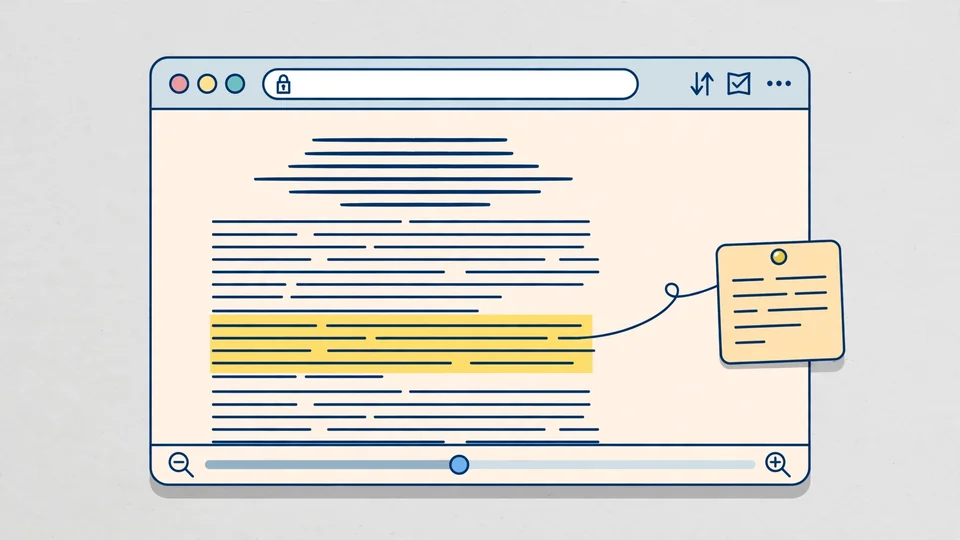
python3 -m adr export 2201.11903This writes one self-contained HTML file to out/2201.11903/ that opens anywhere without a server — handy for sharing a reading with a colleague. One caveat the README is explicit about: PaperFold’s Apache 2.0 license covers its code, not the papers. The levels and translations stay under the license the paper’s authors chose (shown under every title); most arXiv papers allow reading but not redistribution, so share a page only when the license allows, as Creative Commons licenses do.
Your agent writes more than you have time to read. TextFold — a Claude Code plugin from the same author — puts the five levels on every reply: press 5 for the answer in one sentence, 3 for the point of every paragraph, 1 for every word. It needs Claude Code 2.1.287 or later, in the terminal or in the Code tab of the Desktop app:
claude plugin marketplace add chenxiachan/paperfold
claude plugin install textfold@paperfoldA local zoomable-paper reader: any paper, README, or document at five zoom levels, evidence-cited Q&A over the full text, margin notes that travel with you as you zoom, sentence-by-sentence translation into twelve languages, and one-command export of a self-contained reading page — plus the same five levels for your Claude Code replies, if you want them.
Still: reading a paper the old way means building the map in your head as you go. PaperFold hands you the map first and lets you unfold only the part you care about. For anything you read more than once — the papers that matter — that is a fair trade of fifteen minutes.