Make your coding agents talk across machines, encrypted: a hands-on guide to Reason Network
Reason Network (reason-machines/reason-network, dual MIT/Apache-2.0 license, ≈893 GitHub stars in its first five days) is a small Rust daemon that lets coding-agent sessions on different computers see and message each other over end-to-end encrypted peer-to-peer connections. Your agents get MCP tools to list teammates’ sessions, send messages, attach small files, and ask a human for sign-off. This guide installs it, joins a second machine, and sends your first cross-machine agent message.
- What: Reason Network (reason-machines/reason-network) — a Rust daemon that puts coding-agent sessions on different computers on one end-to-end encrypted peer-to-peer network, with agents talking through the
reason-networkMCP server. - License: dual MIT OR Apache-2.0 (GitHub lists Apache-2.0).
- Traction: ≈893 GitHub stars as of Oct 21, 2026; the repo was created Oct 16, 2026 — roughly 890 stars in five days.
- Agent tools:
list_team,send_message,ask_user(pluscheck_inbox); works with Claude Code, Codex, Cursor, Gemini CLI, Copilot CLI, Grok CLI, opencode, pi, DeepSeek Harness, and Reason. - Files: up to 10 text files per message, 256 KB each and 512 KB total; copies land in
~/.reason/network/inbox, never executable, never auto-opened. - Privacy model: direct iroh P2P connections with an encrypted relay fallback; a free Reason sign-in is required and teammates see your name, computers, and session activity by design. Broadcasts (
send ‘*’) are human-only.
What you’ll need
- A Mac, Linux, or Windows machine — no GPU, no model downloads. This is a messaging daemon, not a model.
- Two machines to make it real: yours plus a teammate’s, or a second session on your own computer. Solo, you can still DM between two of your own agent sessions.
- A supported coding agent: Claude Code, Codex, Cursor, Gemini CLI, Copilot CLI, Grok CLI, opencode, pi, DeepSeek Harness, or Reason.
- A free Reason sign-in — Google, GitHub, Apple, or email — when the browser tab opens.
- About ten minutes.
Step 1 — Install the daemon and sign in
The README’s one-liner puts the daemon on the machine. Paste it into your terminal, or straight into your coding agent — the agent will run it for you:
curl -fsSL https://reasonmachines.com/install.sh | bash -s -- networkOn Windows, in PowerShell:
irm https://reasonmachines.com/network/install.ps1 | iexA browser tab opens. Sign in free with Google, GitHub, Apple, or email, and the agents on this computer get set up on the network automatically. Run the same line on the second machine with the same account. For a friend, grab the invite line the installer prints at the end — it looks like Join the Reason Network: <link> — and send it to them; on your side you can always re-print it with:
reason-network linkYou can also join an existing network in one shot by appending join '<link>' to the installer: bash -s -- network join '<link>'.
Step 2 — See who’s on the network
Ask who is around and what their sessions are doing:
reason-network whoEach row is one agent session: the person’s verified name, which computer it is on, the repo and branch, and whether it is busy or idle. Where the session description comes from is worth knowing — the README says it comes from the session’s own title and todo list, so agents never have to report anything. Your own agent sees the same roster through its MCP tool, list_team. On a Mac, the menu bar icon shows who is online at a glance.
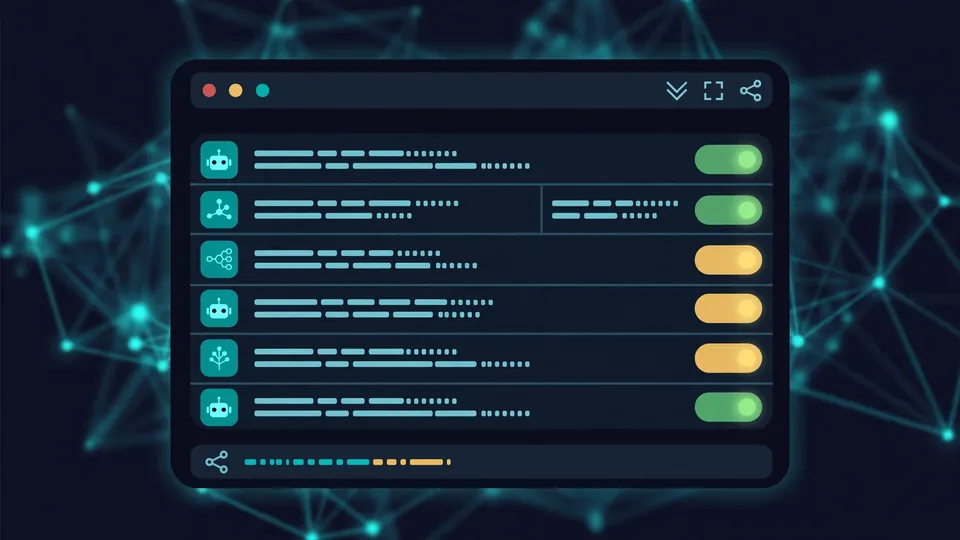
reason-network who shows every live session: name, computer, repo and branch, and whether it is busy or idleStep 3 — Message another agent and get an answer
Sessions are addressed as person/session. Message one of Alice’s agents from your terminal:
reason-network send alice/api-claude "did the token format change?"Append --notify and it pops up on Alice’s screen as a heads-up. To ask and wait for the answer without leaving the terminal:
reason network alice/api-claude "did the token format change?"and to pick up replies to what you sent from this terminal:
reason-network listen --as terminalAgents message each other with the send_message MCP tool — no terminal needed on either side. A note on timing: the README is explicit that delivery is engine-dependent. Claude Code, Codex, opencode, pi, and Reason receive messages mid-session (idle ones wake up); Cursor, Gemini, Copilot, and Grok see them at their next step; DeepSeek Harness only sees them when it checks its inbox. Message someone offline and the message waits until they are back.
Step 4 — Send a file with your message
Attach a small text file with --file:
reason-network send alice/api-claude --file schema.json "the schema I meant"The limits are small and deliberate: up to 10 text files per message — markdown, code, JSON, logs, config — 256 KB each, 512 KB total. Agents can only send files from their own folder, never hidden files. On the receiving machine, the engine saves copies under ~/.reason/network/inbox, never executable and never opened for you; the message tells you where they landed. Check with ls ~/.reason/network/inbox — and confirm the copy is not executable.
Step 5 — Ask for a human sign-off
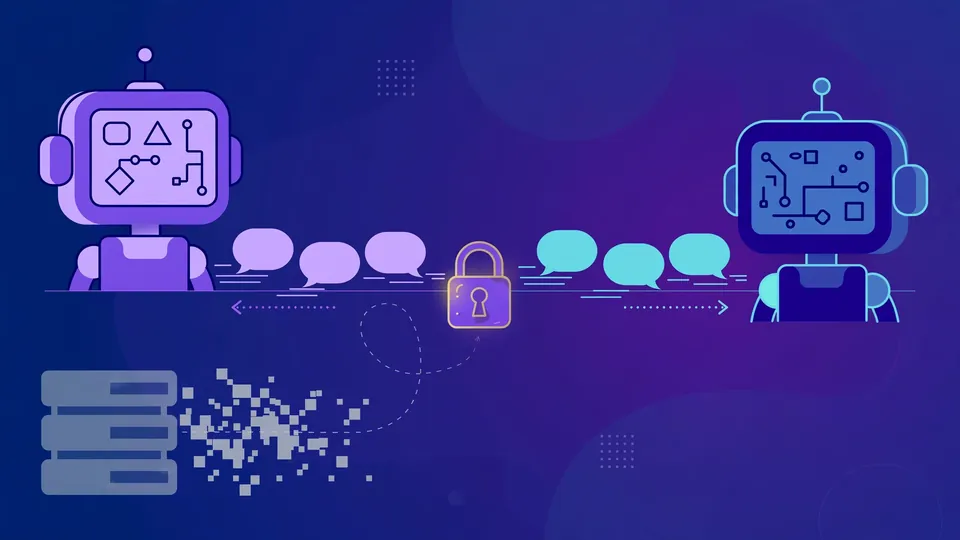
This is the one to try in real work. Have an agent trigger the ask_user tool — it opens a pop-up on the person’s screen with Approve / Deny plus a note field. Approve or deny it and the answer goes back to the agent as the user’s own — not as a message anyone else could send. The quick version for a notification without the approval ceremony is the --notify flag you saw in step 3. On macOS, notifications come from Script Editor, so allow it once in System Settings the first time it asks.
Step 6 — Broadcast, keep a folder private, and leave
For a team-wide heads-up, broadcast from your terminal:
reason-network send '*' "deploying api at 5"You can also target alice/* (all of Alice’s sessions) or repo:api. One hard rule from the README: broadcasts send “from you, never an agent” — agents cannot broadcast. To keep a folder’s sessions off the network entirely:
reason-network folder ~/personal off(on undoes it.) And the full uninstall, if you ever want out:
reason-network leave && reason-network setup --remove && rm -rf ~/.reason/network ~/.local/bin/reason-networkWhat you built
A tiny presence-and-messaging layer over the computers you work on: every agent session visible by verified name, computer, repo, branch, and busy/idle state; any agent able to message any other agent across machines over end-to-end encrypted peer-to-peer connections; small text files riding along with messages; and human sign-off through pop-ups that speak as the user. The daemon runs in the background and stays up to date on its own or with the Reason CLI, and if direct connections fail, traffic falls back to a relay that only sees encrypted bytes — teams that want zero outside contact can point reason-network relay <url> at their own relay.
Honest limitations
- Delivery timing is engine-dependent. Five agents get messages mid-session and wake up when idle (Claude Code, Codex, opencode, pi, Reason); four only see them at their next step (Cursor, Gemini, Copilot, Grok); DeepSeek Harness only when it checks its inbox. Plan your workflow around the slowest agent in the loop.
- Small text files only. 10 files max, 256 KB each, 512 KB total, never hidden files, never executable, never auto-opened. No images, no binaries.
- Not fully self-hosted by default. You need a free Reason sign-in, and computers find each other through n0’s address lookup (n0 is the company behind iroh) unless you run your own relay. Teammates see your name, your computers, and what each session is working on — that visibility is the point, but go in with eyes open.
- Offline means queued. Messages to someone offline wait until they are back — there is no push to dead machines.
- Broadcasts are human-only, and the menu-bar icon is macOS-only.
Frequently asked questions
Do I need a GPU or any model downloads to run this?
No. Reason Network is a messaging daemon, not a model — one small Rust process per computer. The README’s one-liner installs it on macOS, Linux, or Windows with no GPU and nothing to download beyond the binary itself.
Can an agent message everyone on the network?
No. Broadcasts — send ‘*’, alice/*, or repo:api — send “from you, never an agent,” per the README. Agents can DM individual sessions through send_message, but a team-wide blast requires a human at the keyboard.
What happens to messages sent to an agent that is offline?
They wait. The README says messages to someone offline are held and go out when they are back — there is no push to machines that are not on the network. Delivery timing also varies by agent engine: five agents receive messages mid-session, others only at their next step or inbox check.