Tencent's WeKnora: turn your documents into a RAG knowledge base, agent, and wiki — hands-on
Tencent's WeKnora went from roughly 26,700 GitHub stars on September 18 to 30,743 by the time I checked on September 28 — about 1,100 new stars a day, enough to top GitHub's weekly trending chart for open source. The reason is simple: it is not another chatbot wrapper. WeKnora is a full knowledge platform — document ingestion with hybrid retrieval, a RAG Q&A layer, an agent runtime, auto-generated wikis, and an MCP server — in one MIT-licensed codebase. I built it from source, wired it to local models, ingested real documents, and got cited answers back. Here is the whole thing, hands-on.

Why this is blowing up now#
Three Tencent repositories trended on GitHub the same week — WeKnora, Tencent/BrowserSkill, and TencentCloud/Octop — but WeKnora is the one with staying power. The numbers when I read the repository on September 28, 2026: 30,743 stars, 4,112 forks, 3,265 commits, 40 releases, created July 22, 2025. The latest release, v0.8.2, shipped September 24, four days before this article.
The star velocity tells the story. Between September 18 and September 28 the project gained roughly four thousand stars — that is not bot traffic, that is developers cloning it. Why? Because the "private knowledge base" problem is still unsolved for most teams. NotebookLM showed everyone what document-grounded Q&A should feel like, but it is closed and Google-hosted. The open-source alternatives each cover part of the problem: AnythingLLM does chat-over-docs, RAGFlow does deep document parsing, Dify does agent workflows. WeKnora is the first Tencent-scale attempt to ship all of it — ingestion, retrieval, agents, wikis, and MCP exposure — as one deployable system, with an explicit Lite mode for running it on a single machine.
The license matters too. The core is MIT (I read the LICENSE file in the repo), with only some third-party components under their own licenses — so teams can actually build on it.
What WeKnora actually is#
Think of WeKnora as four products sharing one engine:
- Knowledge bases — upload documents (PDF, Word, Markdown, spreadsheets, EPUB, and more), get them parsed, chunked, embedded, and indexed. Retrieval is hybrid: dense vectors plus full-text search plus reranking, with a question-rewriting step before retrieval.
- Q&A and agents — ask questions over a knowledge base with cited answers, or switch to agent mode (
builtin-smart-reasoningis the built-in agent) for multi-step reasoning with tools. - Wikis — generate a browsable Markdown wiki from a knowledge base asynchronously, with editing, version history, and rollback.
- MCP server — expose any knowledge base as a scoped Streamable HTTP MCP endpoint (
/mcp/<endpoint_id>) with its own token, rate limits, and tool groups, so Claude Code or any MCP client can query your docs directly.
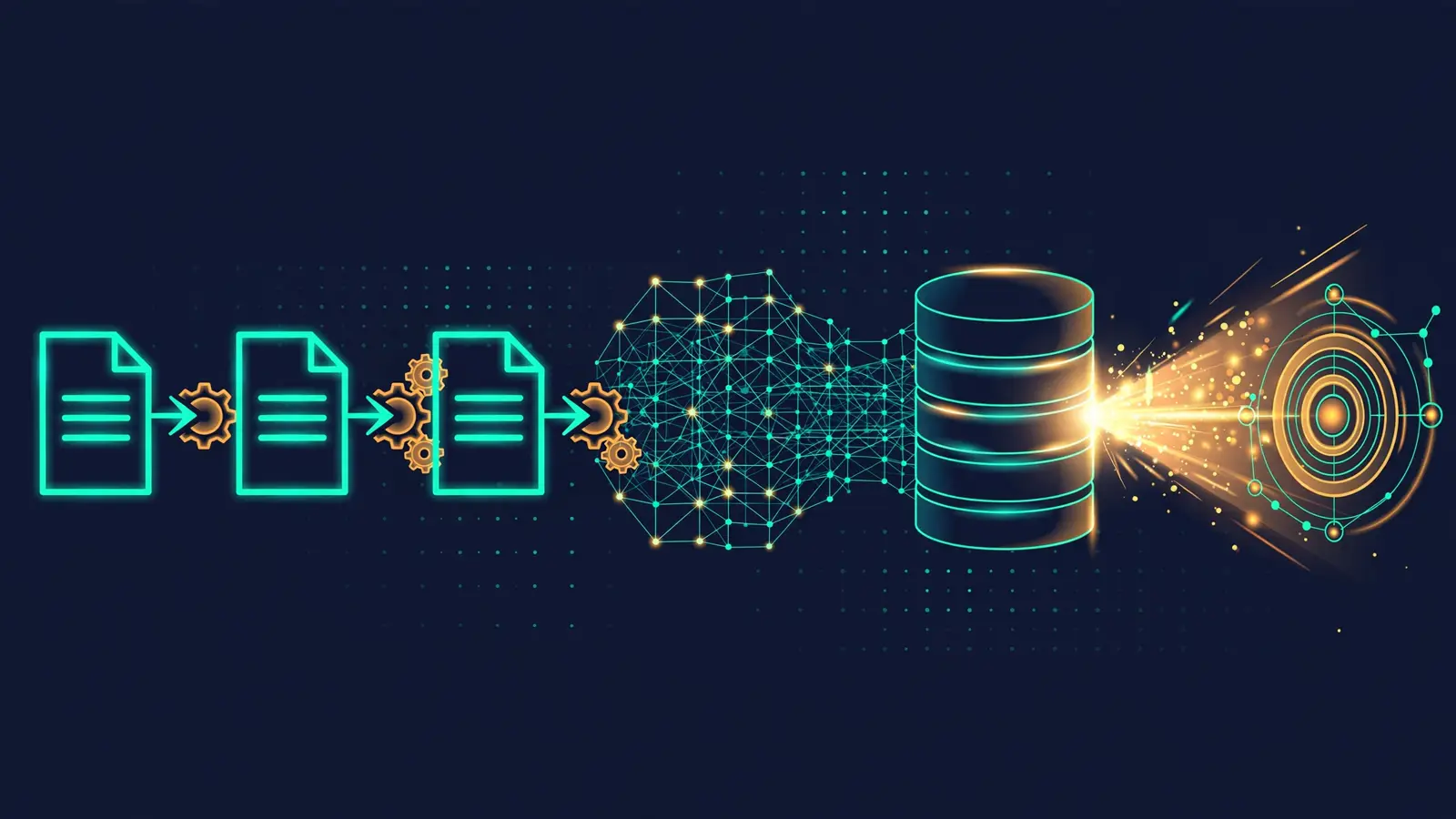
Under the hood it is a Go backend with a React frontend. The standard deployment runs PostgreSQL (pgvector) for vectors, Elasticsearch for full-text, Redis for queues, and a dedicated document-parsing service. The Lite deployment collapses all of that into one binary: SQLite with FTS5 and sqlite-vec for search, an in-memory task queue, and a built-in parsing engine. Model support is broad — I counted 27 built-in vendors in the source (OpenAI, Anthropic, Gemini, DeepSeek, Moonshot, SiliconFlow, Alibaba, Volcano, Azure, Ollama, and more), plus any OpenAI-compatible endpoint.
Pick your deployment: standard vs Lite#
| Standard (Docker Compose) | Lite (single binary) | |
|---|---|---|
| Shape | 6 services: app, frontend, Postgres, Elasticsearch, Redis, doc parser | One WeKnora-lite binary |
| Storage | PostgreSQL + pgvector, Elasticsearch | SQLite (FTS5 + sqlite-vec) |
| Queue | Redis | In-memory |
| Parsing | Dedicated parsing service (OCR, complex layouts) | Built-in simple engine |
| Users | Multi-workspace teams | Single user / local |
| Best for | Team deployment, production | Trying it, personal KB, this tutorial |
This tutorial uses Lite because every step is verifiable on one machine — I built the binary from source and ran the full document-to-answer flow against it. I will also give you the standard Docker Compose path, which is the project's documented route to a team deployment.
Path A: standard deployment with Docker Compose#
This is the project's official multi-service deployment, straight from the WeKnora README. You need Docker with the Compose plugin and a machine with enough RAM for Postgres, Elasticsearch, and Redis side by side.
git clone https://github.com/Tencent/WeKnora.git
cd WeKnora
cp .env.example .env
docker compose pull
docker compose up -d
Then open http://localhost for the web UI and check the backend at http://localhost:8080/health — it should return {"status":"ok"}. The compose file wires up the app, the frontend, Postgres, Elasticsearch, Redis, and the document parser, with MinIO-compatible object storage available for attachments.
localhost — use http://host.docker.internal:11434 as the Ollama base URL. This is the single most common "it doesn't connect" issue.Path B (hands-on): build and run the Lite binary#
This is the path I verified end to end. You need Go 1.26, a C compiler with libsqlite3-dev (CGO is required for SQLite), and — only if you want the web UI — Node.js with npm for the frontend build.
git clone https://github.com/Tencent/WeKnora.git
cd WeKnora
make build-lite
./weknora-lite
Two notes from my build. First, the build needs the SQLite development headers — without libsqlite3-dev installed, compilation dies in the sqlite-vec CGO bindings with fatal error: sqlite3.h: No such file or directory. On Debian/Ubuntu: apt-get install libsqlite3-dev. Second, the frontend's npm ci is the flaky part — a tarball download died once on a socket hang-up. If you only want the API (which is what this tutorial drives), skip the frontend entirely:
SKIP_FRONTEND=1 make build-liteOn a small 2-vCPU machine, give the compile time — the DuckDB and SQLite CGO dependencies are heavy; the final link alone takes a while. What comes out is a single WeKnora-lite binary (about 274 MB).
Second, if you would rather not run the full build, the project ships a packaging script (scripts/package-lite.sh) that assembles the binary with its config and systemd unit (deploy/weknora-lite.service) for installing under /opt/weknora.
Configure and start it. Lite reads its settings from .env.lite — copy the example and generate the two secrets the docs call out (openssl rand -hex 32 for JWT_SECRET, openssl rand -hex 16 for SYSTEM_AES_KEY):
cp .env.lite.example .env.lite
# edit .env.lite: set JWT_SECRET and SYSTEM_AES_KEY
./WeKnora-lite &
curl http://127.0.0.1:8080/health{"status":"ok"}That {"status":"ok"} is the sound of the whole stack — HTTP server, SQLite, the in-memory queue — coming up inside one process. The binary registers 479 routes and listens on port 8080; the log line to look for is Server is running at 0.0.0.0:8080.
Give it a brain: connect embedding and chat models#
A knowledge base needs two models: an embedding model (turns text into vectors) and a chat model (writes the answers). WeKnora speaks to them through configurable model providers — Ollama for local, any of the 27 built-in vendors for remote, or any OpenAI-compatible endpoint as a custom provider.
For this tutorial I ran two tiny local models behind OpenAI-compatible endpoints and registered them as custom remote providers: an embedding server for nomic-embed-text-v1.5 (768 dimensions) and a chat server for Qwen3-1.7B. If you have Ollama running, the documented equivalent is simpler — the project's quickstart uses qwen3:8b for chat and bge-m3 for embeddings with source: "local".
Model wiring happens per knowledge base, through the initialization API. You will see the exact call in the next section — the key fields are source ("remote" for any OpenAI-compatible endpoint, confirmed in the source), modelName, baseUrl, and for embeddings the vector dimension.
http://127.0.0.1:8081/v1 returns 400: SSRF validation failed: hostname 127.0.0.1 is restricted. For local endpoints, start the binary with the address whitelisted: SSRF_WHITELIST=127.0.0.1 ./WeKnora-lite (comma-separated; CIDR ranges work too). In Docker, point at http://host.docker.internal:11434 instead, which is the documented Ollama address.qwen3:8b + bge-m3) wants roughly 8–10 GB of RAM or a modest GPU. No API keys, no cloud bills.Your first knowledge base, end to end#
Everything below is the exact sequence I ran against the Lite binary. Set a base URL once:
BASE=http://127.0.0.1:8080/api/v11. Register and log in
curl -s -X POST $BASE/auth/register \
  -H "Content-Type: application/json" \
  -d '{"username":"tutorial","email":"[email protected]","password":"tutorial123"}'

curl -s -X POST $BASE/auth/login \
  -H "Content-Type: application/json" \
  -d '{"email":"[email protected]","password":"tutorial123"}'
Lite allows self-registration out of the box (the example config ships with DISABLE_REGISTRATION=false). Login takes email and password — the password needs 8–32 characters with letters and numbers. Save the JWT from the login response; mine was 275 characters:
TOKEN=$(curl -s -X POST $BASE/auth/login \
  -H "Content-Type: application/json" \
  -d '{"email":"[email protected]","password":"tutorial123"}' \
  | python3 -c "import json,sys; print(json.load(sys.stdin)['token'])")
2. Create the knowledge base
curl -s -X POST $BASE/knowledge-bases \
  -H "Authorization: Bearer $TOKEN" \
  -H "Content-Type: application/json" \
  -d '{"name":"Tutorial KB","type":"document","description":"My first WeKnora knowledge base"}'
{
"success": true,
"data": {
"id": "15293680-7581-4f28-9775-c4452172c283",
"name": "Tutorial KB",
"type": "document"
}
}3. Attach the models
This is the initialization call — it creates the chat and embedding model rows, binds them to the knowledge base, and stores the chunking config (chunkSize 100–10000 is required, plus at least one separator):
curl -s -X POST $BASE/initialization/initialize/$KB_ID \
  -H "Authorization: Bearer $TOKEN" \
  -H "Content-Type: application/json" \
  -d '{
    "llm":       {"source":"remote","modelName":"qwen3-1.7b","baseUrl":"http://127.0.0.1:8082/v1"},
    "embedding": {"source":"remote","modelName":"nomic-embed-text-v1.5","baseUrl":"http://127.0.0.1:8081/v1","dimension":768},
    "documentSplitting": {"chunkSize":512,"separators":["\n\n"]}
}'{"success":true,"message":"知识库配置更新成功"}The response message is Chinese for "knowledge base configuration updated successfully" — the API is bilingual in places. Verify what stuck with GET /initialization/config/$KB_ID, which echoes the stored model names, sources, and base URLs.
4. Upload a document and watch it index
I uploaded a small Markdown file of fictional product notes (Lite's built-in parser handles Markdown and plain text directly; PDF and Office formats go through the parsing engine). WeKnora tracks every document's parse_status through pending → processing → finalizing → completed:
curl -s -X POST $BASE/knowledge-bases/$KB_ID/knowledge/file \
  -H "Authorization: Bearer $TOKEN" \
  -F "file=@./northwind-notes.md"
{
"success": true,
"data": {
"id": "8e000fa2-3012-42a3-9330-0731f9377069",
"title": "northwind-notes.md"
}
}Poll the document list until parse_status reads completed — parsing, chunking, embedding, and an LLM-generated document summary all happen in the background queue:
curl -s $BASE/knowledge-bases/$KB_ID/knowledge \
  -H "Authorization: Bearer $TOKEN" \
  | python3 -c "import json,sys; print([ (k['title'], k['parse_status']) for k in json.load(sys.stdin)['data'] ])"
[('northwind-notes.md', 'processing')]
[('northwind-notes.md', 'finalizing')]
[('northwind-notes.md', 'completed')]Mine sat in finalizing for a couple of minutes while the chat model wrote the document summary — on CPU with a 1.7B model, that is the slowest step. The summary itself becomes a searchable chunk, which is a nice touch: the index contains both the raw text and the model's distilled version.
5. Retrieve: prove the index works
Before generating any answer, hit the search endpoint directly. This is the honest test — it returns the raw chunks and their scores, no LLM involved:
curl -s -X POST $BASE/knowledge-search \
  -H "Authorization: Bearer $TOKEN" \
  -H "Content-Type: application/json" \
  -d '{"query":"What is the default TCP port for the MeridianDB server?","knowledge_base_ids":["'$KB_ID'"],"match_count":3}'
{
"success": true,
"data": [
{
"score": 0.9999999999999998,
"knowledge_title": "northwind-notes.md",
"chunk_index": 0,
"content": "# Northwind Traders — Internal Product Notes (Q3 2026) ## Overview Northwind Traders is a fictional sample company used in this tutorial..."
},
{
"score": 0.9838709677419354,
"knowledge_title": "northwind-notes.md",
"chunk_index": 3,
"content": "# Summary MeridianDB's features, deployment options, and support tiers are outlined in this internal product note..."
}
]
}Two hits, both from the uploaded file: the raw document chunk at near-perfect similarity, and the LLM-generated summary as the second hit. Retrieval works — and notice the summary chunk pulling its weight.
6. Ask: the cited answer
Create a chat session, then stream the answer over SSE:
curl -s -X POST $BASE/sessions \
  -H "Authorization: Bearer $TOKEN" \
  -H "Content-Type: application/json" \
  -d '{"title":"Tutorial Q&A"}'

curl -N -X POST $BASE/knowledge-chat/$SESSION_ID \
  -H "Authorization: Bearer $TOKEN" \
  -H "Content-Type: application/json" \
  -d '{"query":"What is the default TCP port for the MeridianDB server?","knowledge_base_ids":["'$KB_ID'"]}'
The SSE stream narrates the whole pipeline as it happens — agent_query, tool_call / tool_result (a query_understand step), references, then the answer events and complete. The final answer, verbatim:
The default TCP port for the MeridianDB server is **7432**. This information
is explicitly stated in the reference material:
- **"The default TCP port for the MeridianDB server is 7432."** (chunk c2)

No conflicting or missing information is present in the provided sources.
Correct, grounded, and quoted back to the chunk it came from. (One honest artifact of my tiny model: Qwen3 is a thinking model, so the stream also carries its <think> reasoning block before the answer. With a larger chat model you won't see that rough edge.)
That is the full loop: document in, chunks indexed, retrieved by hybrid search, answered with citations — all on one machine, no cloud.
Going further: agents, wikis, and MCP#

Once the knowledge base works, three extensions are worth your time:
Agent mode. The same session API serves agent answers — the built-in builtin-smart-reasoning agent does multi-step reasoning with tool calls, and the SSE stream carries thinking, tool_call, and tool_result events alongside the answer. Use it when the question needs more than one retrieval pass.
Wiki generation. WeKnora can generate a whole Markdown wiki from a knowledge base asynchronously, then let you edit pages with version history and rollback. This is the "publish my docs as a site" button — the generated wiki is the artifact your team actually reads.
The MCP server. The built-in MCP server mints scoped endpoints — /mcp/<endpoint_id>, each with its own token, knowledge-base scope, rate limit, and tool group. Point Claude Code or any MCP client at it and your editor can search the knowledge base without copy-pasting. For a team, this is arguably the killer feature: the docs become a tool the agent can call.
When to use WeKnora — and when not to#
Use WeKnora when you want a deployable knowledge platform, not a coding project: team docs Q&A, customer-support knowledge bases, internal wikis that stay in sync with source documents, or an MCP endpoint that gives your coding agents access to private docs. The Lite binary is genuinely the fastest path from "a folder of PDFs" to "an API that answers questions about them."
Consider alternatives when your needs are narrower. AnythingLLM is simpler for pure chat-over-docs. RAGFlow goes deeper on complex document parsing. Dify is stronger if your core need is agent workflow building rather than knowledge management. And if you are building RAG into your own product with custom retrieval logic, a library (LangChain/LlamaIndex) still gives you more control than any platform.
Do not use it when you need multi-tenancy with hard isolation guarantees on day one (Lite is single-user by design; the standard deployment's workspace model is where teams live), or when your documents are mostly scanned images — budget for the OCR-capable parsing service in the standard deployment.
The takeaway#
WeKnora earned its 30,000 stars the boring way: it solves an unfashionable problem — private documents, searchable and answerable — with unusual completeness. One binary takes you from a Markdown file to a cited answer; the same system scales to a team deployment with agents, wikis, and MCP endpoints. The rough edges are where you would expect in a fast-moving project: the frontend build is heavy, the docs are bilingual and occasionally inconsistent, and you will live in the API for anything the UI does not expose yet.
But the core loop works, I ran it, and it is MIT-licensed. If your team has a folder of documents that people keep asking questions about, this is the fastest credible path from that folder to an answer engine. Start with the Lite binary, prove the retrieval quality on your own docs, and only then decide whether you need the full Docker deployment.
Links: Tencent/WeKnora on GitHub · releases · I verified this tutorial against v0.8.2 (released September 24, 2026), built from source and run as the Lite binary with local models.