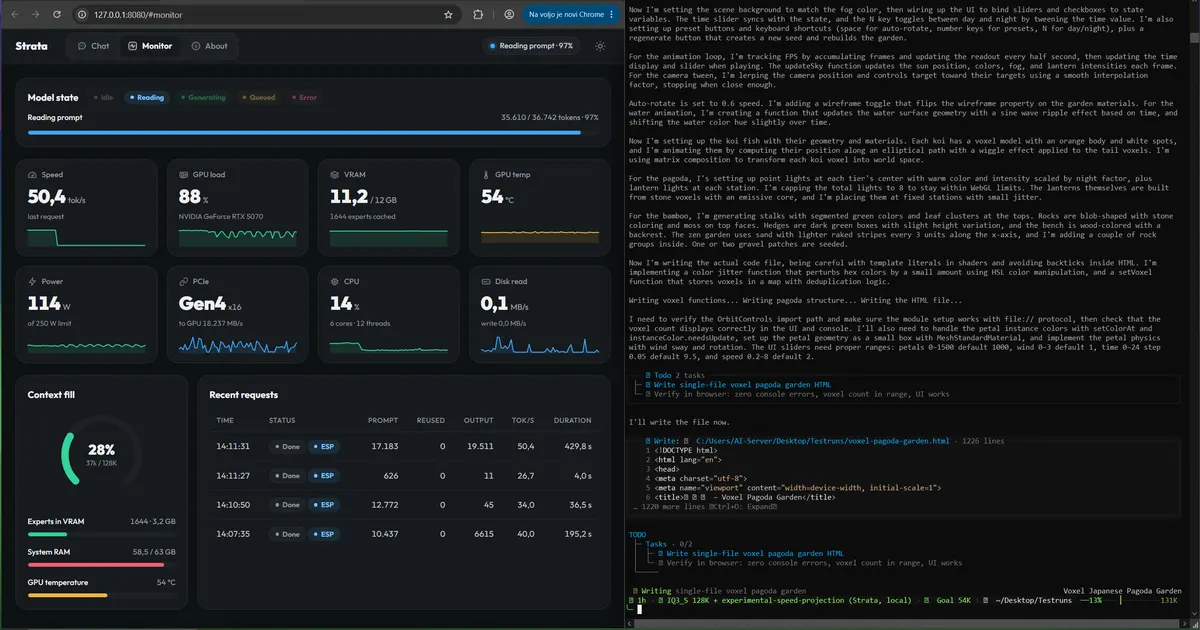
A 125-billion-parameter model is not supposed to run on a gaming PC. Models this size normally live on servers — racks of enterprise GPUs with hundreds of gigabytes of VRAM, and a power bill to match. Strata says that's overkill: one repo, 11,000+ stars in ten days, MIT-licensed, and it runs Qwen3.8-Flash-Next — a real 125B-parameter open model — on a PC with 12 GB of VRAM and 32 GB of RAM. On an RTX 5070 it writes at about 53 tokens per second, faster than you can read.
The trick is architectural, not magic. Qwen3.8-Flash-Next is a mixture-of-experts model: 24,576 small specialist "experts", and each token only needs 10 of them. Strata spreads the work across your whole PC — your GPU keeps the few thousand busiest experts, your RAM holds all of them, your SSD holds a lookup table — and a small helper model guesses the next few words while the big model checks them all at once (the classic speculative-decoding playbook, worth 1.6–1.8× on top). The build leans on llama.cpp/ggml parts and GGUF quants compressed by ISTA-DASLab, UkisAI and Unsloth.
What you get at the end: a private 125B-class model behind an OpenAI-compatible API on your own machine, that your coding agents can call like any other provider — with nothing leaving your PC. Here's the whole thing, hands-on.
Strata has no installer wizard and no Python environment to babysit — it's a repo plus a setup script:
git clone https://github.com/Niko1221/Strata
cd Strata
On Windows, double-click START-HERE.bat. On Linux:
./setup.shThe script finds your card, sets up the right engine, then asks three questions: which model size, how much context, whether it should read pictures. Press Enter three times for the recommended answers. It downloads about 70 GB of model — if the download stops, run the script again and it resumes where it left off. When it's done, your browser opens the Strata app at http://127.0.0.1:8080.
Feeling lazy? Paste this into Claude Code, Cursor, Codex or Copilot:
Set up Strata on this PC for me: https://github.com/Niko1221/Strata - follow docs/AI_SETUP.md in that repository.Your assistant checks your GPU, RAM and disk, picks the model that fits, installs it, starts it, and tells you how to connect your apps. Agents can also install, start and stop Strata through its own MCP server (docs/MCP_SERVER.md).
The installer recommends one, but it helps to know the menu — the same model ships in several compression levels. Smaller is faster; larger is a bit smarter:
To add another model later, run SETUP.bat (Linux: ./setup.sh --setup).
While the model starts, your PC can be slow or stop responding for 1–3 minutes — longest the first time. Strata loads 35–55 GB into RAM and locks part of it for the graphics card. This is normal: wait, don't close the window, and the window shows what it's doing. Still frozen after 10 minutes? Restart the PC, close other programs, or pick a smaller size. After the first start, running START-HERE.bat (or ./setup.sh) again starts it right away — nothing downloads twice. UPDATE.bat (./update.sh) updates without starting.
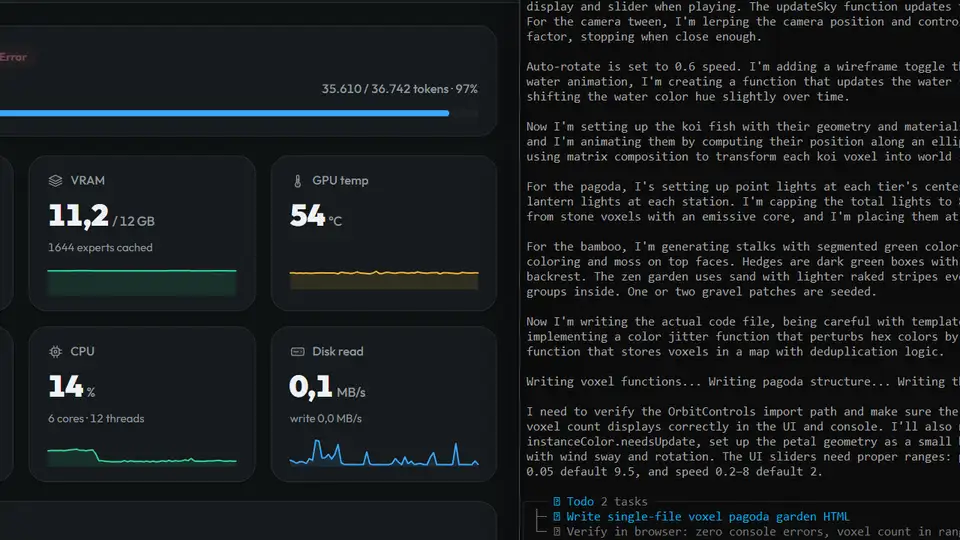
Open http://127.0.0.1:8080. You get Chat, a live Monitor (token speed, GPU/VRAM/CPU/RAM, experts in VRAM, context fill, recent requests), and About with the settings and addresses.
Before trusting it, measure it. The README publishes measured numbers — on an RTX 5070 (12 GB) the IQ3_S size writes 53 tokens/s and reads your prompt at 1,620 tokens/s (a 32K document); the lightest Q2_0 size writes 94 tokens/s. The authors project an RTX 3090 (24 GB) at roughly 100–140 tokens/s. Watch your own Monitor tab during a long answer and you'll know exactly what your card does.
In the chat menu you can set the thinking effort — off, low, medium, high. Off is the fastest; high is best for hard questions. If you answered yes to images in setup, click Picture to attach one (one caveat: on Windows, AMD cards can't process pictures yet).
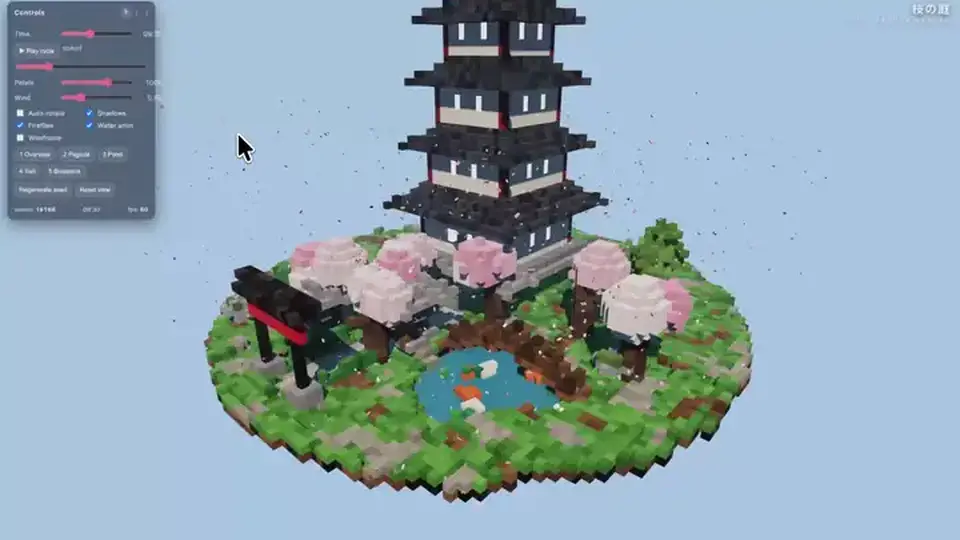
This is the real payoff. Strata exposes an OpenAI-compatible API, so every app that speaks OpenAI can talk to your local 125B model:
http://127.0.0.1:8080/v1. Any API key and any model name work.http://127.0.0.1:8080/v1/messages (e.g. ANTHROPIC_BASE_URL=http://127.0.0.1:8080)./v1/responses.Smoke-test it from a terminal:
curl -s http://127.0.0.1:8080/v1/chat/completions \
  -H "Content-Type: application/json" \
  -d '{"model":"strata","messages":[{"role":"user","content":"Write a haiku about GPUs."}]}' \
  | python3 -m json.tool
Want it reachable from your phone or another PC? START-HERE.bat --setup --host 0.0.0.0 --api-key <secret> — and always set a key when you do that.
A 125-billion-parameter model running on your desk, behind the same API surface as the cloud providers: chat in the browser, live hardware monitoring, and an endpoint your coding agents can call for code, reasoning and document work — with zero per-token cost and nothing leaving your PC. For offline work, travel, or just keeping your prompts out of someone else's logs, this is the whole package in one afternoon's setup.
"parallel": 2 (docs/BATCHING.md), but on a 12 GB card each answer gets slower.