Give your AI agent eyes on the whole internet: hands-on with Agent Reach, the 89K-star toolkit
Agent Reach (89K+ stars, MIT) gives any AI coding agent read-and-search access to X, Reddit, YouTube, GitHub, Bilibili, and more — one CLI, zero API fees. Install it, run agent-reach doctor, and put the social internet behind a single command.

Your coding agent can call any API on the planet and still be blind where the signal lives. The sharpest take on a new model lands in an X thread, the honest review of a tool lives in a Reddit comment chain, the tutorial that actually works is a YouTube video, and entire product categories get debated on Xiaohongshu. Your agent sees none of it. And wiring it up by hand is a gauntlet: the Twitter API bills roughly $215 a month for moderate use, Reddit 403s server IPs, Xiaohongshu demands a login, and Bilibili blocks overseas IPs outright.
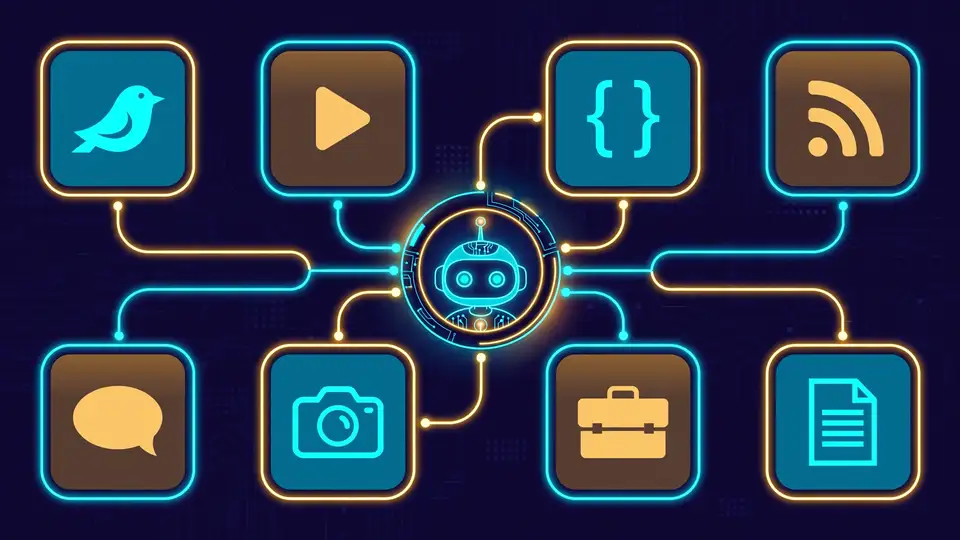
There is an 89,000-star open-source project that treats this as an install problem. Agent Reach (MIT, from Panniantong) gives your AI agent one CLI that reads and searches X, Reddit, YouTube, GitHub, Bilibili, Xiaohongshu, Facebook, Instagram, RSS, and the open web — free, with no API keys for the channels that work out of the box. It works with Claude Code, OpenClaw, Cursor, Windsurf, or anything else that can run shell commands. Every command below is from the project's own README.
What you'll need
- A computer with Python 3.10+ (macOS, Linux, or Windows)
- An AI agent that can run shell commands — Claude Code, OpenClaw, Cursor, Windsurf — or just your own terminal
- A browser, only if you want to unlock X search or Reddit (a two-minute cookie export)
1. Install it — let the agent do the work
The project's onboarding is a single prompt. Paste this to your agent:
Install Agent Reach: https://raw.githubusercontent.com/Panniantong/agent-reach/main/docs/install.mdIt installs the Python package, checks your environment, and tells you what is ready. Prefer doing it by hand?
pip install https://github.com/Panniantong/agent-reach/archive/main.zip
agent-reach install --env=auto
Two things worth knowing. First, the install is safe by default: agent-reach install inspects your machine without installing system packages or writing configuration. Only reach for --system after you explicitly approve the changes. Second, if your agent supports skills, there is a one-liner: npx skills add Panniantong/Agent-Reach@agent-reach — the agent then auto-detects and installs the CLI whenever it needs it. (OpenClaw users: enable the exec tool profile first with openclaw config set tools.profile "coding", or the agent cannot run the shell commands the install needs.)
2. Run the health check
agent-reach doctorThis is the command that sold me. doctor prints a per-channel status board: what works, what needs a cookie, what needs a key, and how to fix it. On a fresh install it typically shows six channels already live — GitHub repos and code, YouTube subtitles, Bilibili search and video detail, RSS feeds, and web pages — before you have configured anything. It never uploads anything; cookies and credentials stay on your machine.

3. Use the zero-config channels
Five channels need no credentials at all. Drive them yourself or let the agent pick the tool — its SKILL.md tells it which one fits the ask:
# Read any web page as clean Markdown
curl https://r.jina.ai/https://www.example.com/article

# GitHub: repos, code, search
gh repo view Panniantong/Agent-Reach
gh search repos "LLM framework"

# YouTube: pull subtitles and metadata from any video
yt-dlp --dump-json "https://www.youtube.com/watch?v=VIDEO_ID"
RSS and Atom feeds parse through feedparser, and V2EX — the Chinese tech community — works over its public JSON API with no auth at all. In practice, asking an agent "what are people saying about this repo?" makes it reach for gh search and the Jina Reader without you naming a single command.
4. Unlock X/Twitter with a cookie export
Reading and searching X is the one everyone wants and the one platform that charges real money for API access. Agent Reach routes around it with twitter-cli plus your own login cookies: export them with the Cookie-Editor browser extension (your agent walks you through it), then put them in the environment:
export TWITTER_AUTH_TOKEN="..."
export TWITTER_CT0="..."
twitter tweet "https://x.com/username/status/1234567890"
That unlocks search, timelines, tweet reading, and articles. Nothing leaves your machine — doctor checks only that the credentials exist.
5. Unlock Reddit, Bilibili, and Xiaohongshu
Each platform's barrier gets its own tool:
- Reddit — there is no zero-config path (anonymous endpoints are blocked). On desktop, Agent Reach rides your existing logged-in Chrome session through OpenCLI, or you log in once with
rdt loginand userdt-cli. - Bilibili — search and video details work with zero login through
bili-cli; subtitles go through OpenCLI. This is the project's fallback design in action: when Bilibili started 412-blocking yt-dlp in June 2026, the tool switched to bili-cli and nobody had to do a thing. - Xiaohongshu — notes, search, and comments through OpenCLI on your existing Chrome session, or a manual cookie export. Agent Reach never logs you in itself.
Facebook and Instagram work the same OpenCLI way — desktop only, through your own browser session. LinkedIn is simpler: public pages through the Jina Reader, and the agent can walk you to full profiles and company data.
6. Turn on web search and podcast transcription (free keys)
Two channels need a free key, and the install wires up the plumbing:
- Web search — semantic search through Exa, free key from exa.ai, configured through mcporter.
- Podcasts — Xiaoyuzhou podcast audio transcribed to full text through a free Groq Whisper key.
And when a backend changes, updating is the same one-prompt pattern as the install:
Update Agent Reach: https://raw.githubusercontent.com/Panniantong/agent-reach/main/docs/update.mdWhat you built
An agent with one internet interface: one CLI, one health check, one skill file, and readable access to the platforms where technical culture actually happens. "Find the Reddit consensus on this tool." "Summarize what people are saying about this release on X." "Get the transcript of that Bilibili talk." It picks the right backend, you pay nothing, and no credential leaves your machine.
Honest limitations
- Logins are unavoidable for some channels. Reddit, Facebook/Instagram, and Xiaohongshu comments all need your login or browser session — there is no zero-config path, because the platforms do not offer one.
- Bilibili subtitles still need OpenCLI, and web search plus podcast transcription need free keys from Exa and Groq. Free here means no paid tiers — not zero signup.
- On restricted networks (notably mainland China) you may need a ~$1/month proxy; the project recommends Webshare, and the agent saves it and exports the proxy variables for you.
- Backends rotate. The primary-plus-fallback design means a tool you used yesterday can quietly change underneath you — that is the feature, but expect the occasional surprise when a platform hardens its defenses.
- Scam warning, straight from the README: Agent Reach has no official token, coin, or fee-claim program. Anything crypto trading on its name is not affiliated — do not connect a wallet.