Stop queueing your agents' commits: a hands-on guide to gitai, Git rebuilt for AI agents
feder-cr/git-ai (2,321 stars in its first four days, MIT) is an open-source implementation of Anthropic's Scion design: a server-centric Git where coding agents land changes with compare-and-swap instead of merge queues — 1,862–2,544 lands per minute in its benchmark versus 240–272 the classic way. Hands-on: the build, the quickstart demo, landing changes as two agents with a policy denial, and reading history without cloning.
- Repo: feder-cr/git-ai — “Git designed for AI agents”, created 2026-10-15, 2,321 GitHub stars four days later (2026-10-19)
- License: MIT; vendor-neutral — the server never calls a language model, and every AI feature works with any provider, or none
- Version: 0.2.0 — everything documented is implemented and tested; interfaces may still change before 1.0
- Design: implements Anthropic’s Scion ideas (server-centric, compare-and-swap landing, changeset log, server-side history, sparse workspaces) with normal Git repositories underneath
- Benchmark (50 agents × 5 changes on one branch, 20% conflicting, 16-core machine): gitai landed 200 changes at 1,862–2,544 lands/min, p99 latency 1.5–1.8 s — versus ~100 changes at 240–272 lands/min, p99 6.3–7.0 s the classic way; with the deterministic resolver all 250 land
- Fork origin: started as a fork of GitLab’s Gitaly (the Git RPC server); every upstream Gitaly RPC keeps working
Classic Git hosting was built for humans: you clone a repository, work for hours, and push once. Coding agents work nothing like that — thousands of short-lived tasks, each touching a few files, each wanting to land in seconds, all on the same branches. Full clones, merge queues, and client-side history walks become the bottleneck.
Anthropic described its answer in the engineering post Redesigning source control: Scion, a server-centric system built for hundreds of agents that read, write, and land code at the same time. Scion is internal and not public — so developer feder-cr built gitai (the code calls it Graft), an open-source implementation of the design that anyone can run, and that hit 2,321 stars in four days. Here is how to run it yourself.
What you’ll need
- Linux or macOS
- Go 1.26, a C toolchain, Meson and Ninja — the build compiles a bundled Git
openssl,git, andcurl(optional, for cache statistics)- About ten minutes by hand — or one command via the quickstart script
Step 1 — Clone the repo and build it
git clone https://github.com/feder-cr/git-ai.git
cd git-ai
make build
./_build/bin/graft   # the CLI and its commands
make build puts the server, CLI, and tools into _build/bin. One gotcha from the README: a plain go build ./cmd/gitaly is not enough — the Makefile also builds the bundled Git and embeds gitaly-hooks and gitaly-ssh into the gitaly binary, so a fresh checkout fails without it. The example configuration expects the binaries under a bin_dir you set in the config.
Step 2 — Run the non-interactive quickstart
examples/graft/quickstart.sh # a server, a cache daemon, two agents and a land, in a temp dirThe script runs the same walkthrough the docs describe by hand, all inside one temporary work directory, installing nothing system-wide. Under the hood it: builds the binaries, writes per-agent tokens for planner and builder, adapts examples/graft/config.toml to the work dir, starts Gitaly in standalone mode (gitaly serve config.toml — no GitLab URL or secret needed), seeds a bare demo.git with a main and a feature/demo branch, and starts the graft-cache daemon in front of it. Then it acts out the whole story: the planner clones and lands, the builder lands a feature, the builder gets denied on main, and history is read through the cache.
Watch the log lines as it runs — each one maps to a step below.
Step 3 — Clone and commit as the planner
The CLI reads its settings from the environment. Set GRAFT_USER to your agent’s name — it names the temporary branches of commits (graft/<user>/...). With an agent token, the server uses the agent name as the user ID of every request, whatever GRAFT_USER says, and the policy decides on the agent of the token.
export GRAFT_ADDRESS=unix:$WORK/run/cache.sock
export GRAFT_STORAGE=default
export GRAFT_TOKEN="$(cat $WORK/tokens/planner)"
export GRAFT_USER=planner
export GRAFT_AUTHOR="planner <[email protected]>"

graft clone "$GRAFT_ADDRESS" demo.git ./demo --branch main
cd ./demo
printf 'hello graft\n' > README.md
graft commit -m "Add README" --land main
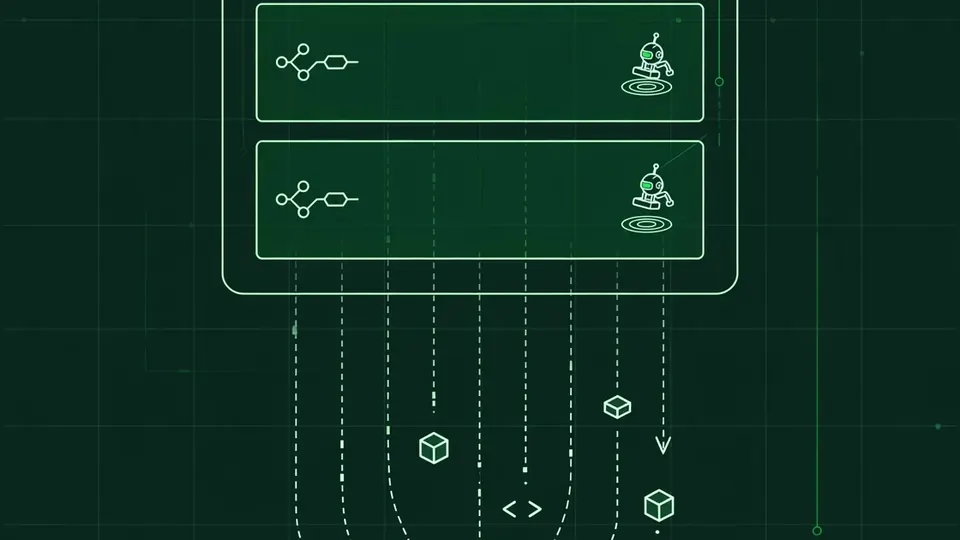
graft commit writes the commit on a temporary branch, refs/heads/graft/<user>/<random>. The --land main flag lands it with UserLand: the server rebases the change onto the current tip and commits it with a compare-and-swap. Concurrent lands on one branch are batched into a single reference update — no merge queue. Run the same command without --land and the commit stays on the temporary branch; graft land lands it later.
Step 4 — Land as the builder — and watch the policy say no
Agents are first-class users here: per-agent tokens, an RPC allowlist, and branch policies decide what each agent may do. The example policy lets the planner land on main; everybody else may not, and every other branch is open to all callers.
export GRAFT_TOKEN="$(cat $WORK/tokens/builder)"
export GRAFT_USER=builder
export GRAFT_AUTHOR="builder <[email protected]>"

printf 'feature\n' > feature.txt
graft commit -m "Add feature" --land feature/demo    # allowed
printf 'nope\n' >> README.md
graft commit -m "Denied change" --land main          # refused by the policy
The refusal names the rule that decided it, for example policy denies "builder" to update "refs/heads/main" (rule 2). The commit stays on the builder’s temporary branch and the land is left pending: graft land --abort drops the pending commit and keeps your local changes, while graft revert README.md takes the server’s version.
Step 5 — Read history without cloning
graft status
graft log                  # changeset log: sequence, reference, OIDs, operation, actor, time
graft blame README.md      # who last changed each line
graft history README.md    # commits that changed the file
graft cat main:README.md   # a file at a revision
graft watch               # follow new changesets until interrupted
This is the Scion idea of source control as an API: blame, path history, ancestry, and code search run server-side and are memoized as derived data, computed once per commit. The changeset log lists every reference update the server accepted — including the temporary branches — and each entry names the actor: the agent that made it.
Step 6 — Go sparse and check the cache
graft sparse docs/ src/api/
graft update               # moves the base to the branch tip; refuses if local changes touch updated files
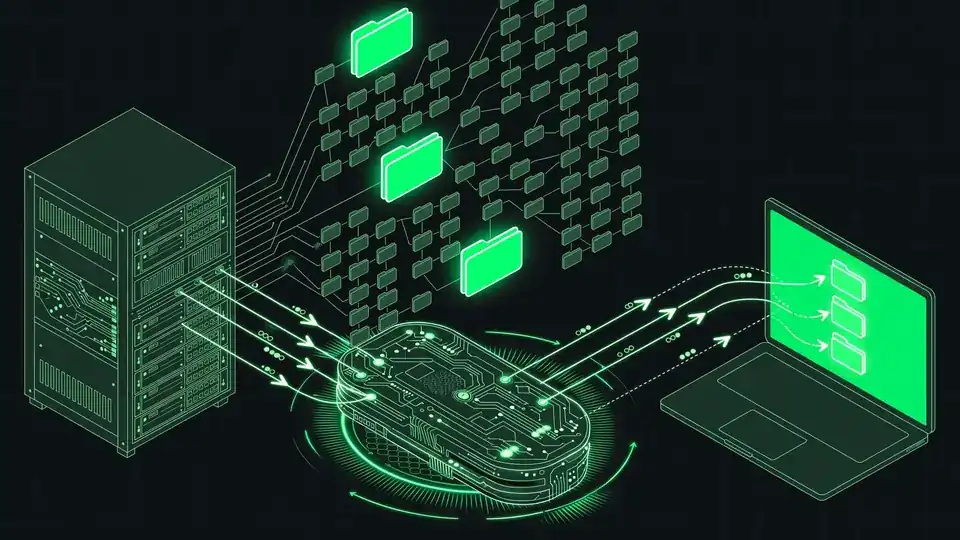
Clients stay online and fetch exactly what they need: the ObjectService serves single objects and sparse trees, so an agent materializes only the paths it was asked for instead of cloning the world. In front of the server sits the optional graft-cache daemon (with a regional on-disk tier behind it), caching immutable objects and verifying every one.
With the daemon’s --metrics-addr set, statistics are served as JSON:
curl -s http://127.0.0.1:9236/statsobject_hits grows when a read is served from memory — the quickstart’s second of two identical clones is a typical example.
What you built — and the honest limitations
You built a single-machine, agent-native version control stack: a server that lands agent changes with compare-and-swap batching instead of a merge queue, an ordered changeset log naming every agent’s changes, server-side history and search, sparse workspaces, and per-agent policy tokens. The project’s own benchmark lands 200 of 250 conflicting changes at 1,862–2,544 per minute where the classic approach lands ~100 at 240–272 — with the deterministic resolver, all 250 land.
The limitations, straight from the project’s docs: it is version 0.2.0, and interfaces may change before 1.0. It is not a hosting product — no web UI, issues, merge-request review, or CI. There is no repository create command yet; a repository is a bare Git repo under the storage path, seeded with a plain git push. Garbage collection of packs in the storage core is a known gap. The policy is local configuration, not a security boundary — whoever can edit the server config can change the rules, so protect the config and token files. And the whole design assumes always-online clients: this is Git rebuilt for agents that never disconnect, not for laptops on airplanes.
Frequently asked questions
Does gitai replace Git?
No. Normal Git repositories sit underneath it — it started as a fork of GitLab’s Gitaly, and every upstream Gitaly RPC keeps working. But it is not a hosting product either: no web UI, issues, merge-request review, or CI. It is a Git-compatible server with extra RPCs, plus a command-line client for agent workspaces.
Why was the builder’s change denied on main?
The example policy lets the planner land on main and nobody else. The refusal names the rule that decided it; the commit stays on the builder’s temporary branch with the land pending. graft land --abort drops the pending commit, and graft revert README.md takes the server’s version.
Do agents need an LLM API key to use gitai?
No. It is vendor-neutral by design: the server never calls a language model, and every AI feature works with any provider — or none. Conflict resolution uses a resolver you choose: any LLM provider, a deterministic tool, or nothing at all.