Stop your coding agent trusting stale docs: a hands-on guide to seiso
Your coding agent reads your docs as ground truth. seiso — a MIT-licensed Markdown linter with Claude Code hooks — checks that those docs follow a declared convention, so a stale link or renamed flag fails loudly instead of misleading the next change.
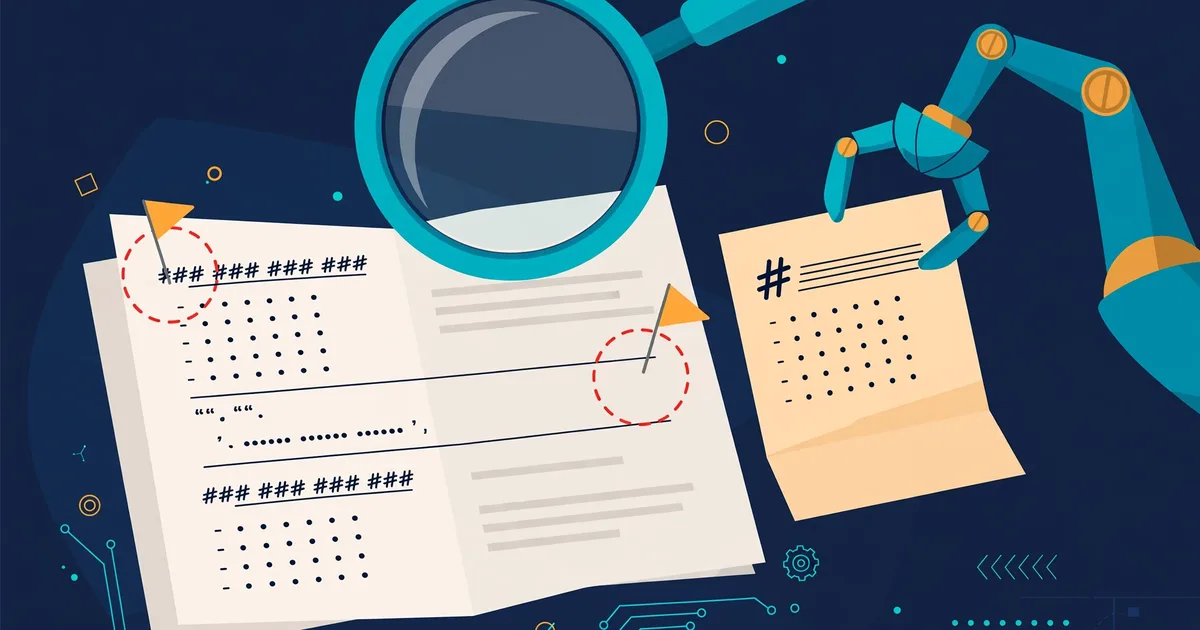
Your coding agent trusts your docs completely. It cannot do otherwise — the README, the API reference, the setup guide are all it has. So when your README says the flag is --fast and the changelog says it was renamed to --turbo two releases ago, the agent does not pause, squint, and ask which one is right. It reads one copy, believes it, and writes code against it.
Humans used to read docs skeptically. Now docs are agent context, and the most common way a stale doc fails is silently, three commits later. The fix is to treat documentation like code: lint it. seiso (MIT, ~170 stars, written in Rust by scarletkc) is a Markdown convention and linter built explicitly for this world — docs written by AI, read by humans and agents. It checks that your docs follow a declared convention: the right kind of document, links that resolve, fields that appear in one place and only one place.
This guide takes about twenty minutes. No API key, no GPU, no model downloads.
What you'll need
- A repository with some Markdown docs (a README plus two or three guides is enough)
- Python 3 with
uvorpipx— or Node.js, or a Rust toolchain. Any one of them works.
Step 1 — Install it
Pick the route that matches your machine. All four ship the same binary; the PyPI and npm packages include prebuilt binaries for macOS (Apple silicon and Intel), Linux x64 and arm64 (glibc and musl), and Windows x64 and arm64:
uv tool install seiso        # or: pipx install seiso
# or
npm install -g @scarletkc/seiso
# or
cargo install seiso
Confirm it runs: seiso --version.
Step 2 — Initialize and run your first check
From your repository root:
seiso init
seiso check
seiso init writes a seiso.toml at the repository root with suggested exclusions, kind mappings, and documentation-site entries. Read that file before trusting the results — it decides what counts as a document and what role each one plays. Then seiso check runs only the stable rules, the ones that have passed the project's promotion criteria. The rest are preview rules: experimental, prone to false positives, and only run with --preview.
Your first run will probably find something. Mine did: a link to an anchor that no longer existed after a heading was renamed weeks ago. This is the most common class of finding — docs drift while nobody is looking, and seiso notices because it checks cross-file references, not just single files.
Step 3 — Declare what each document is
The key idea in seiso is kind: every document has a role — a how-to, a reference, an explanation — declared in frontmatter:
---
kind: howto
---
Rules check whether the document behaves like its declared kind. To see this in action, run seiso rule KND001: it explains one rule with examples. And seiso parse shows you the document model seiso builds before any rule runs — useful when a finding surprises you and you want to see what the linter actually saw.
This is the part humans resist and agents love. Tagging a doc with its kind takes five seconds and turns a pile of Markdown into something a machine can reason about. Your future self — and your agent — get consistency checks that are impossible on unlabeled prose.
Step 4 — Scope checks and read the output
You rarely want to lint the whole repo while iterating. Point seiso at specific paths or rule families:
seiso check docs README.md
seiso check --select KND,LNK,SUP
seiso rule --all
--select takes rule-code prefixes (KND = kind rules, LNK = link rules, SUP = suppression-related). seiso rule --all lists every rule with its stable/preview status. Output comes in several formats: --output-format concise for humans, --output-format github for GitHub Actions annotations, and SARIF for tools that consume it.
Step 5 — Wire it into your agent's loop
This is where seiso earns its keep. Linting docs in a weekly chore is fine; linting them at the moment your agent writes them is the actual fix. seiso ships a Claude Code adapter. Add this to .claude/settings.json:
{
  "hooks": {
    "PostToolUse": [
      {
        "matcher": "Write|Edit",
        "hooks": [
          { "type": "command", "command": "seiso hook claude-code" }
        ]
      }
    ]
  }
}
After every file write or edit, the hook checks the saved Markdown file and sends concise diagnostics to stderr. Violations return exit code 2, which Claude Code turns into feedback to the model — the agent sees its own doc mistake and fixes it in the same session. Non-Markdown paths pass through silently with no output.
Two honest caveats from the docs: PostToolUse runs after the edit, so it cannot undo anything — it reports, the agent repairs. And the Write|Edit matcher does not cover files written by shell commands, so run seiso check once more before you commit.
For the repo level, add it to pre-commit (set rev to a real seiso release tag) and to CI:
# .pre-commit-config.yaml
repos:
  - repo: https://github.com/scarletkc/seiso
    rev: <release-tag>
    hooks:
      - id: seiso
# CI gate
seiso check --output-format conciseKeep preview rules out of every gate — run them locally with --preview until they stabilize.

What you built
A documentation pipeline with the same discipline as your code pipeline: a declared convention (kind frontmatter, one seiso.toml), a fast local check, an agent hook that catches mistakes in the session they were made, and a CI gate that stops drift from merging. Your agent now reads docs that fail loudly when they lie.
Honest limitations
- It is young. seiso was created in late September 2026 and has ~170 stars. The rule set is small; preview rules exist precisely because the maintainers know which ones are not ready. Expect the occasional false positive.
- It lints convention, not truth. seiso catches stale anchors, broken links, and kind violations. It will not tell you that the API endpoint your agent invented does not exist. Structure, not facts.
- The Claude Code hook is advisory. It reports after the edit and relies on the model to self-correct. A sloppy agent can acknowledge the feedback and move on.
- Convention requires buy-in. Kind frontmatter and a reviewed
seiso.tomlonly work if the humans on the team keep them accurate. The linter enforces the convention; somebody still has to mean it.
But that is the point: for the first time, "keep the docs accurate" is a checkable property of your repository instead of a New Year's resolution. Install the linter, tag your docs, hook up your agent — and the next time a doc drifts, you will hear about it before your agent builds on it.