T3 Code: drive Claude Code, Codex and Cursor from your phone
The project's FAQ puts it plainly: its author runs less than 5% of his prompts on his laptop. The rest go out from his phone — to coding agents running on his own machines. T3 Code is the free, open-source control surface that makes that possible: one server on your computer drives Claude Code, Codex, Cursor and more, and your phone, browser, or desktop app is just the remote.
t3 up, and your agents keep working while you walk away from your desk.- What: T3 Code is a free, open-source (MIT) control surface that lets you drive coding agents — Claude Code, Codex, Cursor, Grok Build, OpenCode, Antigravity, and fx — from a phone, browser, or desktop app.
- Project: pingdotgg/t3code — 54,126 stars on GitHub as of November 9, 2026; MIT license; created February 8, 2026; latest release v0.1.8, published November 9, 2026; more than 16,000 stars gained in a single week in early November.
- How it works: A server on your machine starts the provider CLIs and normalizes their events into one interface. Remote access runs over T3 Connect (
t3 up), LAN pairing (t3 pair), or Tailscale. - Requirements: A machine that stays on; at least one provider CLI installed and authenticated on it (
claude auth login,codex login, and so on); Node.js 22.16+ for thenpx t3@latesttrial. - Cost: $0 for T3 Code itself — you bring your own provider subscription. T3 Connect is free and links up to 3 machines; a paid T3 Chat plan raises it to 10 with Pro or 100 with Premier.
- Verified: November 9, 2026 — the README, install, remote-access, background-service, and FAQ docs, plus the release list, were read the same day; every command is quoted from those docs.
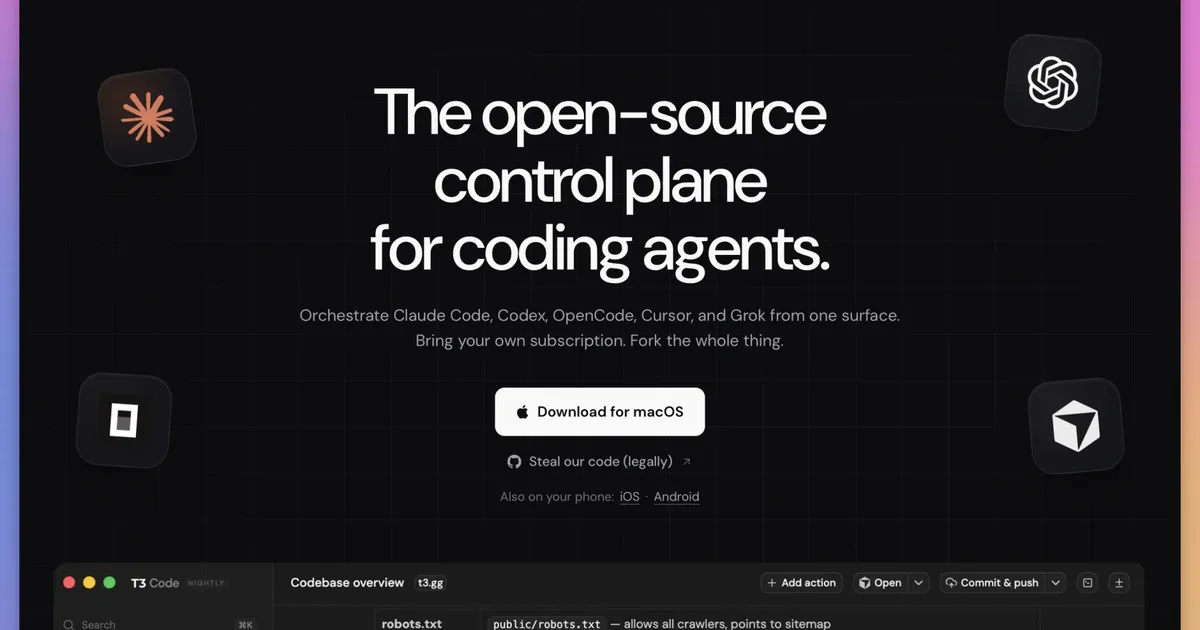
The project's FAQ puts it plainly: its author runs less than 5% of his prompts on his laptop. The rest go out from his phone — to coding agents running on his own machines. T3 Code is the free, open-source control surface that makes that possible: one server on your computer drives Claude Code, Codex, Cursor and more, and your phone, browser, or desktop app is just the remote.
It is the fastest-growing AI project on GitHub right now — it added more than 16,000 stars in a single week in early November, passing 54,000 total. The growth is not mysterious. Everyone running two or three coding agents has the same problem: each one lives in its own terminal, with its own way of showing progress. T3 Code gives them one control surface, and then gets out of the way.
How T3 Code works#
T3 Code is not an agent and not a model. It is a control surface — one layer above the tools that actually do the work. A server runs on your machine. It starts the provider CLIs you already use, owns the project state, runs Git commands and terminals, and turns each provider's different event stream into one interface. The browser, desktop, and mobile apps are views of that server. As the project puts it: the client shows the work, the environment performs the work.
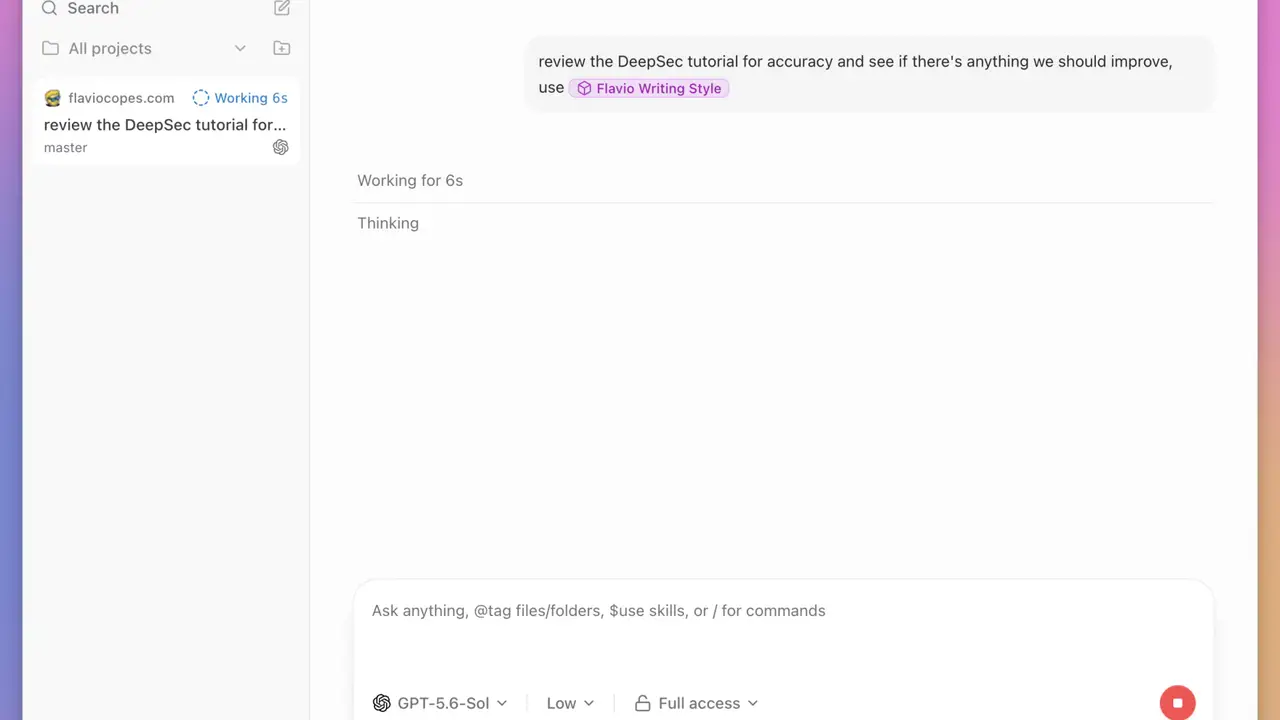
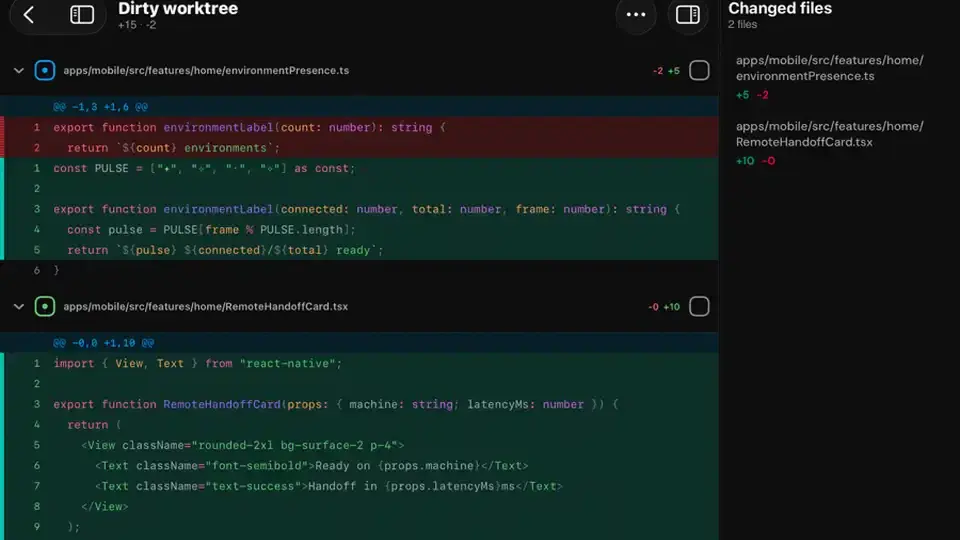
One loop, end to end, looks like this. You are at a café. On your phone you type "fix the login bug on the auth branch" into a thread for your project. The phone sends it to your home machine over T3 Connect. The server starts Claude Code in a worktree of your repo. Claude reads the code, edits it, runs the tests. Every step streams back — thinking, file edits, a diff — and when it needs a decision, an approval request pops up on your phone. You approve, it commits and pushes. You never opened a laptop.
| Piece | Where it runs | What it does |
|---|---|---|
| T3 Code server | Your machine | Starts the provider CLIs, owns projects, threads, and settings, runs Git and terminals |
| Provider (Claude Code, Codex, Cursor…) | Your machine, inside the server | The actual agent runtime — reasons, uses tools, edits files |
| Client (mobile, web, desktop) | Your phone or browser | Sends prompts; shows threads, diffs, and approval requests |
Nothing here is a cloud IDE. The server runs on a machine you control, and that machine must hold the repository, the provider tools, the credentials, and the dependencies. Close the laptop and the server stops — the work stops with it. And what leaves your machine is the same as always: prompts and code context go to your provider in the normal way. A local control plane does not turn a cloud model into a local one.
What you'll need#
Three things, and the third is optional. A machine that stays on — a desktop, a laptop that stays awake, or a small server. At least one provider CLI installed and authenticated on that machine: Claude Code, Codex, Cursor, Grok Build, OpenCode, Antigravity, or fx (Kiro, Pi, and Muse Code also work). And, if you want the no-install trial first, Node.js 22.16 or newer in the 22.x line, 23.11 or newer in 23.x, or 24.10 or newer. T3 Code itself is $0 and MIT-licensed — you bring your own subscription.
Step 1 — Install T3 Code#
One command on macOS or Linux; one line in PowerShell on Windows. The installer puts t3 in ~/.local/bin and tells you if that folder is not on your PATH yet.
curl -fsSL https://t3.codes/install.sh | shirm https://t3.codes/install.ps1 | iexPrefer the desktop app? On Windows it is winget install T3Tools.T3Code; on macOS, brew install --cask t3-code; on Debian or Ubuntu, sudo apt install ./T3-Code-*.deb; on Arch, yay -S t3code-bin. The desktop app includes the t3 command — enable it in Settings → About. Then start the server and open the web app with t3. t3 serve starts it without opening a browser, and t3 --help lists the full reference. One gap: there is no t3 binary for Intel Macs, so use the desktop app there.
Step 2 — Install and authenticate a provider#
T3 Code drives the CLIs you already pay for. Install and log in on the host machine — not on your phone, which is only a remote. Two examples cover most setups:
claude auth login   # Claude Code
codex login         # Codex
The full set, from the install guide: Codex (codex login), Claude (claude auth login), Cursor (agent login), Grok Build (grok login), OpenCode (opencode auth login), fx (fx login), Kiro (kiro-cli login), Pi (pi, then /login), Muse Code (muse login), and Antigravity, which signs in with Google from T3 Code's provider settings and needs no CLI. If T3 Code cannot find a CLI, set its Binary path in provider settings — version managers are the usual culprit. If Claude Code is your provider, our claude-mem guide shows how to give it persistent memory for your project.
Step 3 — Start your first thread#
Open a project directory in the web or desktop app, pick a provider and model, and describe the task. Then choose the workspace: the current checkout, or a fresh Git worktree so the agent gets its own files and branch without touching yours. T3 Code takes a checkpoint around each turn, so you can see the diff for one turn and revert to a single message if the agent went the wrong way.
What you built: a thread — a durable conversation that remembers the provider, model, workspace, messages, and source-control context. Close the client and the server keeps the thread. Reopen it from any device and pick up where you left off.
Step 4 — Drive it from your phone#
Install the mobile app from the App Store or Google Play. Then, on the host, run:
t3 upChoose T3 Connect and follow the sign-in: the CLI prints a browser link and a short code. Open the link on any device, confirm the code matches, and approve. On your phone, sign in to the same T3 Connect account and choose the environment. On Linux and macOS, t3 up also installs the background service, so the host keeps working after you close the terminal.
Prefer your own network? Run t3 up --lan to expose the server on your LAN, then t3 pair prints a QR code — scan it from the phone. Tailscale users can run t3 serve --tailscale-serve and pair with t3 pair --tailscale. Either way, the rule from the FAQ holds: the phone is a remote. Your computer does the work and needs to stay on.
Step 5 — Keep it running in the background#
On Linux and macOS, install the service so the server survives logout and starts at boot:
t3 service install
t3 service status
t3 update
t3 status shows how your devices reach the host; t3 update moves to the newest release — v0.1.8 landed November 9, 2026, five days after v0.1.7. Windows has no background service: keep the desktop app running with its local environment on, or keep t3 serve in a terminal. Closing the desktop app's last window stops its local server.
Every provider, one interface#
The point of the control surface is that every harness feels nearly identical inside it. The providers T3 Code can drive, with the login each one needs on the host:
| Provider | Install | Authenticate |
|---|---|---|
| Claude | Claude Code | claude auth login |
| Codex | Codex CLI | codex login |
| Cursor | Cursor CLI | agent login |
| Grok Build | Grok Build CLI | grok login |
| OpenCode | OpenCode | opencode auth login |
| Antigravity | Built in | Sign in with Google in Settings → Providers |
| fx | curl -fsSL https://fx.sh/setup.sh | bash | fx login |
Kiro (early access), Pi, and Muse Code round out the list. Two honest notes from the project: switching providers is not like changing a theme — the underlying agent still behaves differently, in models, reasoning controls, and permission behavior. And T3 Code warns you when a provider version has known compatibility problems with your release; check Settings → Providers for the recommended version. If you want several agents working in parallel instead of one at a time, our Orca guide covers running CLI agents in parallel git worktrees — and for how the providers themselves compare, see our AI coding assistants test.
What it costs#
Nothing. T3 Code is free and MIT-licensed; there is no way to pay for it. You bring your own subscription — Claude, Codex, whatever you already have installed — and you keep paying that provider like you already do. T3 Connect is free too, for now: each account links up to 3 machines, and phones and browsers that connect to them do not count. A paid T3 Chat plan raises the limit to 10 machines with Pro, or 100 with Premier. The project is blunt about the future: "We don't want to charge for this, but if the bill gets unacceptable we may have to change course." If that day comes, the MIT license means you can always fork it and self-host.
The catch#
Four things to weigh before you install. First, this is an alpha that says so itself: "We are very very early in this project. Expect bugs." Releases land fast — v0.1.7 shipped November 4 with 659 changes from 160 contributors, and v0.1.8 followed five days later. Second, Claude's 5-hour limit drains faster through T3 Code than through Claude Code directly. The project confirmed it is a real bug on Anthropic's side in the Agent SDK, reported it, and says weekly limits are unaffected. Third, the limits are architectural: no local models — "Locally runnable models are not capable of meaningful engineering work," per the FAQ — no t3 binary for Intel Macs, no background service on Windows, and the host must stay on. Fourth, the security model is yours to get right: a LAN pairing code is all that keeps other devices on your network out, and full-access permission mode means full access on the server machine. Worktrees can also eat your disk — one user cleared 500 GB — so turn on automatic worktree cleanup in Settings → Worktrees → Cleanup.
None of that is a reason to skip it. It is a reason to install it on a machine you control, with a provider you already pay for, and a permission mode you chose deliberately. The upside is the one the project's own author lives: less than 5% of his prompts run on his laptop.
Frequently asked questions
Do I need to pay for T3 Code?
No. T3 Code is free and MIT-licensed, and there is no way to pay for it. You bring your own provider subscription — Claude Code, Codex, Cursor, or another — and keep paying that provider. T3 Connect is free too, for now, and links up to 3 machines per account.
Does my code go to T3 Code's servers?
No. Your code and prompts go from your machine to your provider (Anthropic, OpenAI, and so on), not to T3. With T3 Connect, traffic rides a Cloudflare tunnel; the relay sets up the link but does not proxy your sessions. T3 Code does send basic usage events — provider, model, token totals — with no prompts or file contents; set T3CODE_TELEMETRY_ENABLED=false to turn that off.
Why does my Claude 5-hour limit drain faster in T3 Code?
T3 Code drives Claude through Anthropic's Agent SDK, and the project confirmed that all Agent SDK usage drains the 5-hour limit faster than using Claude Code directly. It is a bug on Anthropic's side, already reported. Weekly limits are not affected.
Verification note#
Verified November 9, 2026: the T3 Code README, install guide, remote-access guide, background-service guide, and FAQ were read the same day, along with the release list (v0.1.8, November 9, 2026) and the GitHub repo page (54,126 stars). Every command in this guide is quoted from those docs. I did not run the setup end to end — it needs a machine with a provider subscription and a phone to pair — so the remote steps follow the project's own docs, not a local test run.
Sources#
- T3 Code README — what it is, install commands, providers, cost; read November 9, 2026.
- T3 Code install guide — CLI, desktop, mobile, and provider setup; read November 9, 2026.
- T3 Code remote access guide — T3 Connect, LAN pairing, and Tailscale; read November 9, 2026.
- T3 Code background service guide — service install, status, and updates; read November 9, 2026.
- T3 Code FAQ — cost, limits, telemetry, and the Claude limit bug; read November 9, 2026.
- T3 Code releases — v0.1.8, November 9, 2026.
- Flavio Copes, "A deep dive into T3 Code" — mental model, screenshots, and 0.1.7 notes; updated November 4, 2026.