One plugin collection for every coding agent: hands-on with wshobson/agents
wshobson/agents packs 93 plugins, 199 agents, 185 skills and 103 commands into one Markdown source that installs into Claude Code, Codex, Cursor, OpenCode and more. The skills-only path is fully run-verified — no account, no API key.
- Verified versions:
wshobson/agentsat commit51b9ae3(marketplaceclaude-code-workflows1.7.1),skillsCLI 1.9.0 vianpx, Node 24.22.1, Python 3.12.3, pytest 9.2.0. - Counts checked against the clone, not the README: 91 local plugin directories, 199 agent files, 185
SKILL.mdfiles, 103 command files — the README's 93 plugins include 2 external entries. - The core loop ran end to end with zero API keys: list the repo's 185 skills, install one for Claude Code, run its pytest patterns to green, check for updates. No account, no key, no cost.
- Honest scope: the Claude Code / Codex / Cursor plugin-install commands are verified against the README and the marketplace manifest, not executed here — those need the agent and its subscription. The skills-only path is fully run-verified.
- Why now: the repo is on GitHub's daily trending for Python today, at 42,822 stars and 4,531 forks — the multi-harness idea is having its moment as developers settle on two or three agents instead of one.
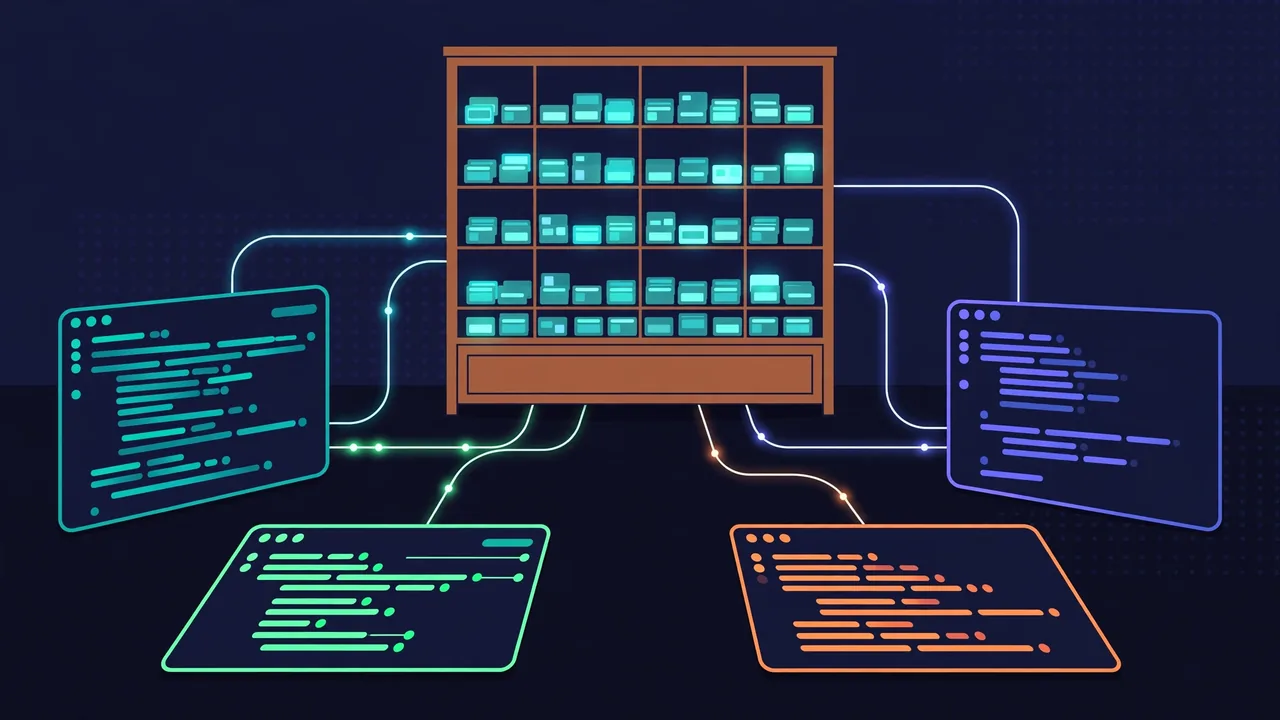
If you use one coding agent, its plugin ecosystem is a solved problem: you install the plugins written for it and move on. The trouble starts the moment you use two. Claude Code, Codex, Cursor, OpenCode, Antigravity, GitHub Copilot and Pi each have their own plugin format, their own skills directory and their own idea of what an agent is. A good Python-testing skill written for Claude Code is useless to your Codex setup; a security-review plugin for Cursor does not exist for OpenCode. So developers either re-install everything per agent, or they quietly standardize on one agent and give up the others.
wshobson/agents is the most serious attempt yet to end that tax. It is a single collection — 93 plugins, 199 agents, 185 skills and 103 commands, maintained by Seth Hobson of Major7 Apps — where every component is written once, in Markdown, in the Claude Code plugin format, and adapters generate the format each harness reads. CI regenerates those artifacts on every change, validates them, and runs the OpenCode, Antigravity and Pi artifacts through their installed CLIs. It is MIT-licensed, it needs no account, and it is on GitHub's daily trending for Python today at 42,822 stars. This tutorial opens it up, installs one skill the lightweight way, proves the skill works by running its own pytest patterns, then installs a full plugin — and marks exactly where the "write once, run everywhere" promise holds and where it bends.
Why one collection for seven agents#
The agent-skills explosion of the last six months produced thousands of skills, and nearly all of them are single-harness. That was fine while everyone lived in Claude Code. It stopped being fine when Codex, Cursor, OpenCode and the rest became daily drivers too — now the same developer maintains the same capability three times, in three formats, with three update cycles, and no record of which version is installed where.
wshobson/agents attacks the duplication at the source instead of at the install step. The source of truth is one Markdown file per component. Adapters under tools/adapters/ translate that source into each harness's format: they map model aliases (opus, sonnet, haiku, fable, inherit) to the model settings each harness understands, and translate tool permissions where the harness supports them. A plugin groups related components — python-development, for example, holds three agents, sixteen skills and a scaffolding command — and the harness loads whatever its discovery rules allow. The collection also ships its own quality checks: make validate checks plugin structure, generated artifacts and documentation, and a plugin-eval tool scores skills statically without any model calls.
Two things to understand before installing anything. First, this is a catalog, not a model: it contains instructions, not intelligence, so nothing here runs an agent or supplies a model — your agent and its subscription do that. Second, the "Verified" workflows the README mentions — measured pass rates with confidence intervals, re-run after each Claude Code release — are a separate, paid layer sold by Major7 Apps. The free catalog stays MIT and keeps getting updates; the measured scorecards are the upsell. Both facts matter for judging what you are actually getting, and neither is hidden — they are in the README, in the open.
What you'll need#
- Node.js 22.20 or newer. This walkthrough used Node 24.22.1 with npm 10.9.4. The skills-only path below runs through the
skillsCLI, which needs Node; check yours withnode --version. - No accounts, no API keys, no credit card. Everything in the core loop — listing, installing, checking, and running the pytest demo — is local. A model key only enters the picture when you run an agent that uses a skill.
- Python 3.12 or newer for the end-to-end demo in step 3 (the walkthrough used 3.12.3), plus
gitif you want to clone the repo in step 1. - Optionally, one coding agent — Claude Code, Codex, Cursor, OpenCode, Antigravity, Copilot or Pi — for step 4, where the full plugin install happens. The tutorial verifies those commands against the repo; running them needs the agent itself.
Step 1: Look inside the collection#
Before installing anything, look at what you are installing. The repo is small for what it contains — a shallow clone is about 14 MB, mostly Markdown — so clone it and count:
git clone --depth 1 https://github.com/wshobson/agents.git
cd agents
ls plugins | wc -l
# 91
find plugins -name "SKILL.md" | wc -l
# 185
find plugins -path "*/agents/*" -name "*.md" | wc -l
# 199
find plugins -path "*/commands/*" -name "*.md" | wc -l
# 103
Those numbers match the README exactly: 91 local plugin directories (the README's 93 counts 2 external entries), 199 agents, 185 skills, 103 commands. The counts matter because they are the first check that the catalog is what it claims to be — a generated-artifact pipeline that drifted from its source would show up here first.
Each plugin is a directory with the same shape: agents/, commands/, skills/, and a .claude-plugin/plugin.json manifest. Open the one this tutorial uses:
cat plugins/python-development/.claude-plugin/plugin.json{
"name": "python-development",
"version": "1.2.4",
"description": "Modern Python development with Python 3.12+, Django, FastAPI, async patterns, and production best practices",
"author": {
"name": "Seth Hobson",
"email": "[email protected]"
},
"license": "MIT"
}The marketplace itself is registered in .claude-plugin/marketplace.json at the repo root, under the name claude-code-workflows, version 1.7.1, with one entry per plugin. That file is what step 4's install commands point at. Also worth a look before you trust the collection with your agent's permissions: the docs/ directory holds the capability matrix (what each harness supports), the architecture doc, and the evaluation guide. The capability matrix is the honest document — it lists, per harness, which components install and which do not, instead of pretending all seven are equal.
Step 2: Install one skill, no plugin required#
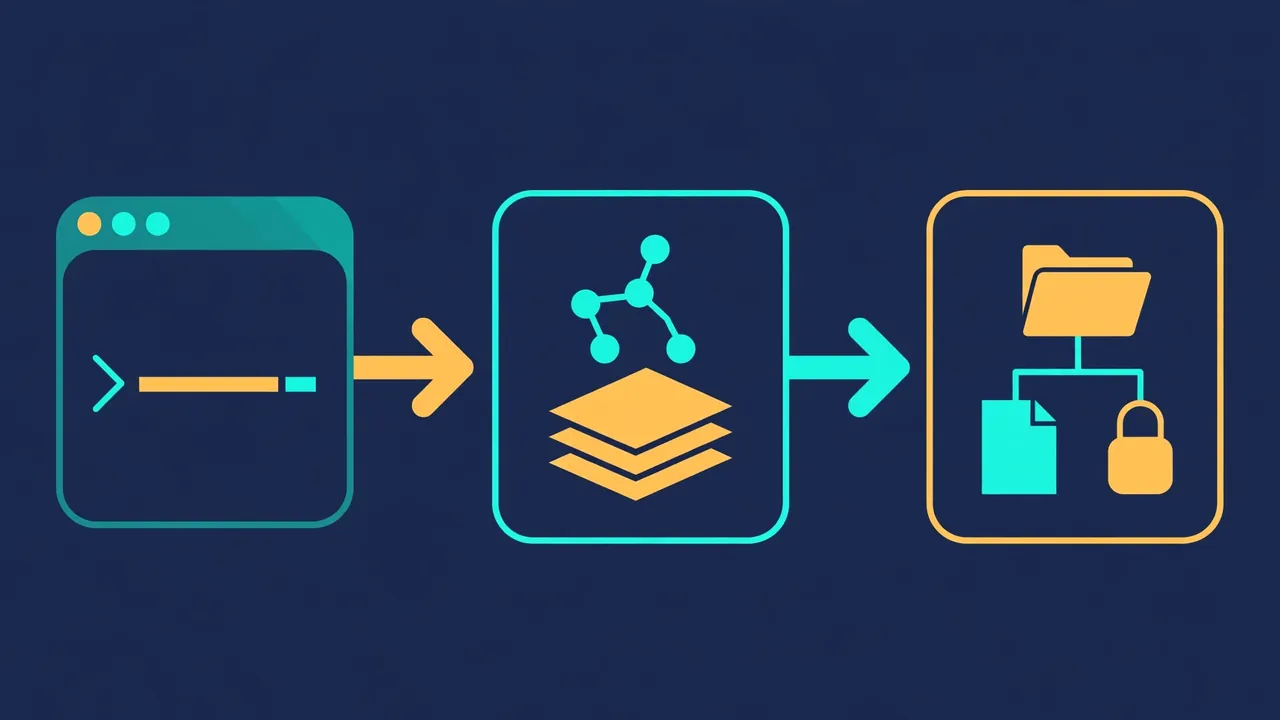
You do not need a plugin to use a skill from this collection. The skills CLI from Vercel Labs installs individual skills from any GitHub repo, and it is the lightest way in: no agent, no marketplace, no clone. Check the version first, then list what the repo holds:
npx skills --version
# 1.9.0
npx skills add wshobson/agents --list
◇ Repository cloned
◇ Discovering skills…
◇ Found 185 skills
Available Skills185 skills, as counted in step 1. The one this tutorial installs is python-testing-patterns, from the python-development plugin: pytest, fixtures, mocking and test-driven development in one skill. Install it for Claude Code, with no prompts:
mkdir skill-demo && cd skill-demo
npx skills add wshobson/agents --skill python-testing-patterns -a claude-code -y
◇ Installation complete
◇ Installed 1 skill ────────────────────────────
│ ✓ python-testing-patterns (copied)
│ → ./.claude/skills/python-testing-patterns
└ Done! Review skills before use; they run with full agent permissions.Two details in that output are the whole point of using an installer instead of copy-paste. First, the skill was copied: real files in .claude/skills/python-testing-patterns/, so the install survives deleting the clone. Second, the closing line is a genuine warning, not boilerplate — a skill runs with your agent's full permissions, so read it before your agent does. Look at what landed:
find . -type f
# ./.claude/skills/python-testing-patterns/SKILL.md
# ./.claude/skills/python-testing-patterns/references/details.md
# ./skills-lock.json
The skill is a SKILL.md plus a references/details.md with the worked examples. Its frontmatter is the contract the agent reads:
---
name: python-testing-patterns
description: Implement comprehensive testing strategies with pytest, fixtures, mocking, and test-driven development. Use when writing Python tests, setting up test suites, or implementing testing best practices.
---
The description is the trigger text: it tells the agent when to load the skill. The body then lays out the patterns — test types, the AAA (Arrange / Act / Assert) structure, coverage, isolation — and points at references/details.md for the full worked examples. The third file, skills-lock.json, is the one to commit. It records the source, the exact commit, and a hash of what was installed:
{
  "version": 2,
  "skills": {
    "python-testing-patterns": {
      "source": "wshobson/agents",
      "commit": "51b9ae3ac68d9c236549a9b57f5dca7e6c0c168c",
      "sourceType": "github",
      "skillPath": "plugins/python-development/skills/python-testing-patterns/SKILL.md",
      "computedHash": "8113c05a831d4872c9294b0df26a335c09af423ee2e23d8b9b6817b300d96796"
    }
  }
}
That commit hash matches the repo HEAD cloned in step 1, and the hash is what makes the install reproducible: a teammate can restore exactly this skill, and skills check can tell whether upstream has changed since. Confirm the install with skills list:
npx skills listProject Skills
python-testing-patterns ./.claude/skills/python-testing-patterns
Agents: Claude Code Source: wshobson/agentsOne more thing before moving on: the CLI searches an index, so you can find skills before you know their names. npx skills find python-testing searches skills.sh and returns matching skills across repos, with install counts — the useful signal for judging whether a skill is maintained or a fork with three installs.
Step 3: Put the skill to work#
A skill that only sits in a directory proves nothing. The test of python-testing-patterns is whether its guidance produces tests that pass — so this step follows it literally, using the skill's own worked examples from references/details.md. First, a module to test, taken from the skill's Pattern 1:
# calculator.py
"""Demo module: the Calculator from the python-testing-patterns skill."""

class Calculator:
    """Simple calculator for testing."""

    def add(self, a: float, b: float) -> float:
        return a + b

    def subtract(self, a: float, b: float) -> float:
        return a - b

    def multiply(self, a: float, b: float) -> float:
        return a * b

    def divide(self, a: float, b: float) -> float:
        if b == 0:
            raise ValueError("Cannot divide by zero")
        return a / b
Then the tests, following the skill's AAA structure, its fixture pattern (Pattern 2) and its parametrize pattern (Pattern 3):
# tests/test_calculator.py
"""Tests written following the python-testing-patterns skill."""
import pytest

from calculator import Calculator


@pytest.fixture
def calc():
    """Function-scoped fixture: a fresh Calculator per test."""
    return Calculator()


def test_addition(calc):
    # Arrange / Act / Assert
    result = calc.add(2, 3)
    assert result == 5


@pytest.mark.parametrize("a,b,expected", [
    (2, 3, 5),
    (-1, 1, 0),
    (0, 0, 0),
    (100, 250, 350),
])
def test_addition_parameterized(calc, a, b, expected):
    assert calc.add(a, b) == expected


def test_division_by_zero(calc):
    with pytest.raises(ValueError, match="Cannot divide by zero"):
        calc.divide(6, 0)
Install pytest and run it:
python3 -m venv .venv
.venv/bin/pip install pytest
.venv/bin/python -m pytest tests/ -v
============================== test session starts ==============================
platform linux -- Python 3.12.3, pytest-9.2.0, pluggy-1.7.0 -- /tmp/skill-demo/.venv/bin/python
cachedir: .pytest_cache
rootdir: /tmp/skill-demo
collecting ... collected 6 items
tests/test_calculator.py::test_addition PASSED [ 16%]
tests/test_calculator.py::test_addition_parameterized[2-3-5] PASSED [ 33%]
tests/test_calculator.py::test_addition_parameterized[-1-1-0] PASSED [ 50%]
tests/test_calculator.py::test_addition_parameterized[0-0-0] PASSED [ 66%]
tests/test_calculator.py::test_addition_parameterized[100-250-350] PASSED [ 83%]
tests/test_calculator.py::test_division_by_zero PASSED [100%]
============================== 6 passed in 0.02s ===============================6 passed in 0.02s. That is the whole point of this step: the skill's guidance is not aspirational prose, it is executable — the patterns it teaches (a fresh fixture per test, one assertion per case via parametrize, pytest.raises with a message match for the error path) produce a green suite on the first run. The skill's details.md goes further than this demo: session- and module-scoped fixtures for expensive setup, and mocking with unittest.mock (Mock, patch, MagicMock) for API calls, including asserting the exact URL a mocked requests.get was called with. When your agent loads this skill, that is the material it works from.
Step 4: Install the full plugin for your agent#
The skills-only route in step 2 gets you one skill. The full plugin route gets you the whole bundle — the python-development plugin's three agents, sixteen skills and scaffolding command, installed as one unit, in the format your agent reads. Which command you run depends on your agent:
Claude Code. Inside Claude Code, register the marketplace and install the plugin:
/plugin marketplace add wshobson/agents
/plugin install python-development@claude-code-workflows
Then ask Claude to use the plugin's agents, or run its scaffolding command:
/python-development:python-scaffold Create a FastAPI service with testsCodex CLI. In a terminal with a current Codex CLI:
codex plugin marketplace add wshobson/agents
codex plugin add python-development@claude-code-workflows
The native Codex manifests expose the source skills; the generated TOML agents and command-derived skills take a separate adapter path, and generated copies split oversized skill bodies into reference files to fit Codex's 8 KB budget. Read the Codex setup details in the repo before choosing a route — this is one of the places the cross-harness promise bends, and the README says so.
Cursor. Cursor uses the committed plugin marketplace registry; follow the Cursor setup instructions in the repo to add the marketplace and install the plugin. OpenCode, Antigravity, GitHub Copilot and Pi install from a clone instead. Install uv and Python 3.12 or newer, clone the repo, and run the installer for your tool:
gh repo clone wshobson/agents ~/agents
cd ~/agents
make install-opencode
make install-antigravity
make install-copilot
make install-pi
Each target generates the artifacts for that harness and links all local plugins into the tool's user configuration. Pi's agents need its reference subagent extension or a compatible one — another documented bend, not a silent failure.
One honest note on verification: the commands in this step are verified against the README, the marketplace manifest and the plugin manifests — the marketplace name, the plugin names and the versions all check out — but they were not executed here, because running them needs the agent and its subscription. If you run them, the check that matters is the one from step 1: after installing, confirm the plugin appears in your agent's plugin list and that its skills resolve. A plugin that installs silently and never loads is the failure mode to watch for, in any collection.
Step 5: Keep it updated and reproducible#
Skills change. A description gets sharper, a security fix lands in a plugin's scripts, a pattern goes stale. skills check compares your installed copies against their sources, using the lock file's hash:
npx skills checkChecking for skill updates…
Updating for: Claude Code
Checking 1 skill(s)…
Fetching 1 source…
✓ All project skills are up to dateWhen an update exists, skills update pulls the new version — optionally limited to named skills, or to global or project scope with -g / -p. The lock file is what makes the check meaningful: without a recorded hash, "up to date" would be a guess.
The lock file also makes onboarding a one-liner. A teammate who clones the repo restores the exact skills with the experimental install command:
npx skills experimental_install # alias: skills install / skills iIt restores project skills from skills-lock.json, fetching the recorded commit — not the latest on the branch — so a restore still matches the recorded hash after the source repo moves on. The command is still marked experimental, so treat it as the team's bootstrap step and keep add as the day-to-day verb.
One scope decision to make early: project vs global. Everything above installed into the project directory, which is right for skills a team shares — commit the lock file and the setup travels with the repo. For skills that are yours alone, add -g:
npx skills add wshobson/agents --skill python-testing-patterns -a claude-code -g -yA global install lands in ~/.claude/skills/ (for Claude Code) with its own global lock file. Project installs win over global ones when both exist, so a project's pinned skill always beats your personal default — the behavior you want when a repo standardizes on a particular skill version. And when a skill has served its purpose, remove it the same way you installed it — npx skills remove python-testing-patterns -y deletes the files and prunes the lock entry. (One gotcha carried over from the shared-directory design: removing with -a for one agent unlinks that agent but leaves shared files other agents still reference; omit -a when you mean the skill to be gone.)
Step 6: Trust but verify#
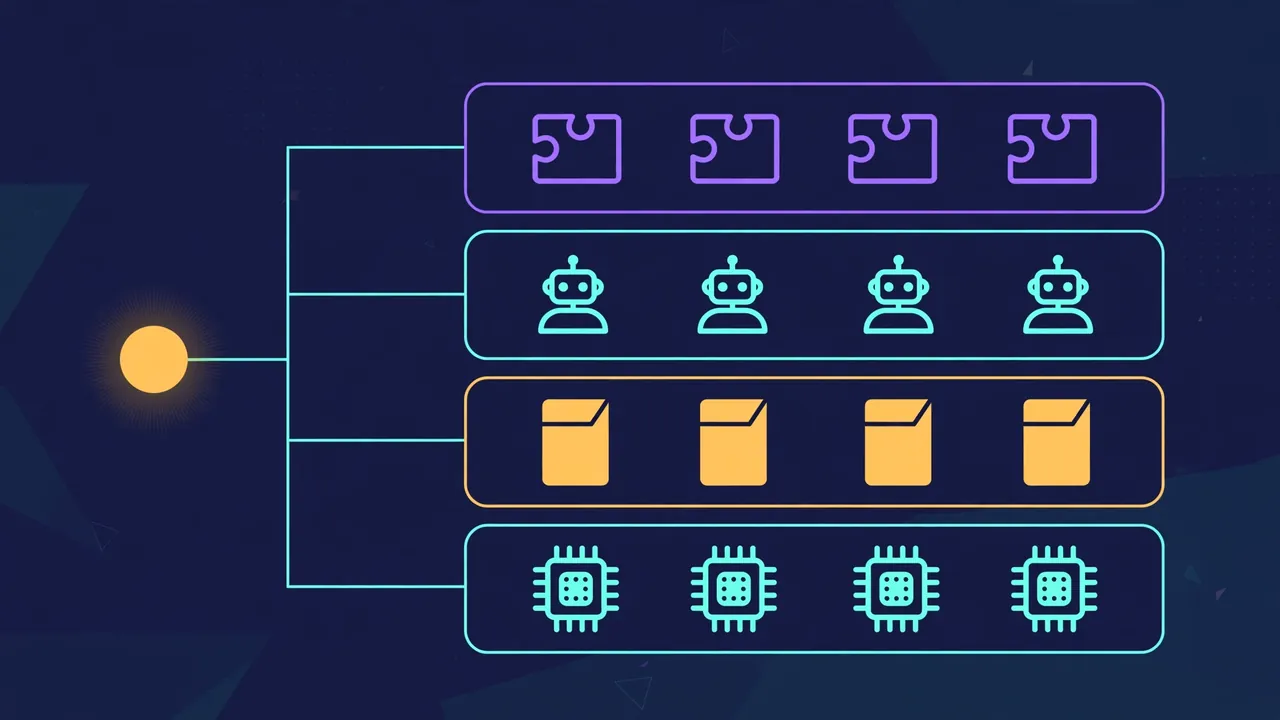
A collection this large is only as good as its checks, and this one ships them in the repo — which is rarer than it should be. Contributors can run three commands from the repository root:
make generate-all
make validate STRICT=1
make garden
make validate checks plugin structure, generated artifacts and documentation; make generate-all regenerates the per-harness artifacts from the Markdown source, so a contributor can see exactly what each harness will receive. The plugin-eval tool goes one level deeper and scores an individual skill statically, without any model calls:
uv run --project plugins/plugin-eval plugin-eval score plugins/python-development/skills/python-testing-patterns --depth quickRead the evaluation guide before trusting any score it prints. The LLM-judge and Monte Carlo layers are experimental, are not validated against human labels, and their scores describe model assessments and repeated simulations — they do not prove a task succeeds in a real project. The model calls use ANTHROPIC_API_KEY when it is set, and bill that API account; otherwise they use your Claude Code login.
The same clear-eyed reading applies to the "Verified workflows" scorecards in docs/verified. The method is sound — fixed test cases, several runs per harness and model, results published with confidence intervals, repeated after each Claude Code release — but the tuned, re-tested "Verified" versions are the paid layer, sold by the maintainer's company. The free catalog is MIT and fully usable without them. That split is not a reason to avoid the collection; it is a reason to read the scorecards as what they are (a vendor's measured claims about its own paid tier) and to run the free static checks (make validate, plugin-eval at quick depth) on anything you install. The tutorial's own verification followed the same rule: counts checked against the clone, install commands run, tests executed, and the parts that could not run labeled as such.
When to use this vs alternatives#
There are four honest ways to get agent capabilities into your workflow, and the collection is not always the answer.
| Approach | Best when | Watch out for |
|---|---|---|
| wshobson/agents | You use two or more coding agents, or you want one maintained catalog of plugins, agents, skills and commands | Adapters translate, they do not equalize: hooks are Claude-specific, Codex splits large skill bodies, Pi needs a subagent extension |
| Single-agent collections | You live in one agent and want the deepest integration for it (e.g. Anthropic's official skills for Claude Code) | Everything you install is invisible to your other agents; switching agents means starting over |
skills CLI alone | You want one skill from one repo, installed into any agent, with a lock file and an update check | It moves skill files; it does not install plugins, agents, commands or hooks |
| Copy-paste by hand | One skill, one agent, once — or a skill from a source no installer can fetch | No record of what you installed, no update check, and the agent's directory is yours to remember |
The deciding factor is how many agents you use and how much you trust a translation layer. One agent and a handful of skills: a single-agent collection or the skills CLI is simpler, and this repo is overkill. Two agents, a team, or a setup you will still be maintaining in six months: one Markdown source with generated artifacts beats three hand-maintained copies, and the lock file turns "the skills I happen to have installed" into a checked-in, reviewable part of the repo. The price is accepting the adapters' limits — read the capability matrix before you assume a plugin behaves identically everywhere, and run the repo's own checks on the pieces you install.
The takeaway#
The agent ecosystem's fragmentation problem was never going to be solved by another single-agent collection. wshobson/agents solves it one level up: write each component once, generate the rest, validate everything in CI, and let the lock file make the result reproducible. The numbers hold up — 91 local plugins, 199 agents, 185 skills and 103 commands, counted in the clone, not copied from the README — and the lightweight path genuinely works with no account and no key: one npx skills add installs a skill, its pytest patterns run green on the first try, and skills check keeps it current. Start there. Install one skill, run it, and only then decide whether the full plugin — and the multi-agent life it assumes — is worth the translation layer. If you do adopt it, commit the lock file, read the capability matrix, and run make validate before you trust a new plugin with your agent's permissions.