Claude Code, fully loaded: set up agents, commands, MCPs, and skills with claude-code-templates
claude-code-templates is #7 on GitHub’s weekly trending page with 32,000 stars: one npx command installs curated agents, commands, MCP servers, and skills into Claude Code. We installed the full stack, wired Postgres, ran the health check, and found the rough edges.

Claude Code is a great starting point and a mediocre finished product. Out of the box it ships with no specialist agents, no custom slash commands, no MCP servers, and no hooks — just a blank .claude/ directory and your own patience. Everyone ends up assembling the same kit by hand: a code-reviewer agent here, a test-generation command there, a Postgres MCP server copied from a forum post. It's the kind of repeated setup work that should be one command.
That's the bet behind claude-code-templates, the project by David Avila (davila7) currently sitting at #7 on GitHub's weekly trending page with 32,228 stars (created July 4, 2025; 1,715 commits; MIT license). It is a curated catalog of 100+ agents, commands, MCPs, settings, hooks, and skills plus a Swiss-army CLI — npx claude-code-templates@latest — that installs any of them into your project in one line, and bundles the ops tooling Claude Code itself doesn't ship: a real-time analytics dashboard, a health check that audits your whole setup, and a mobile chats monitor. We installed the full stack, wired an MCP server, ran the health check, and also found the rough edges. Every command below actually ran.
What you are installing#
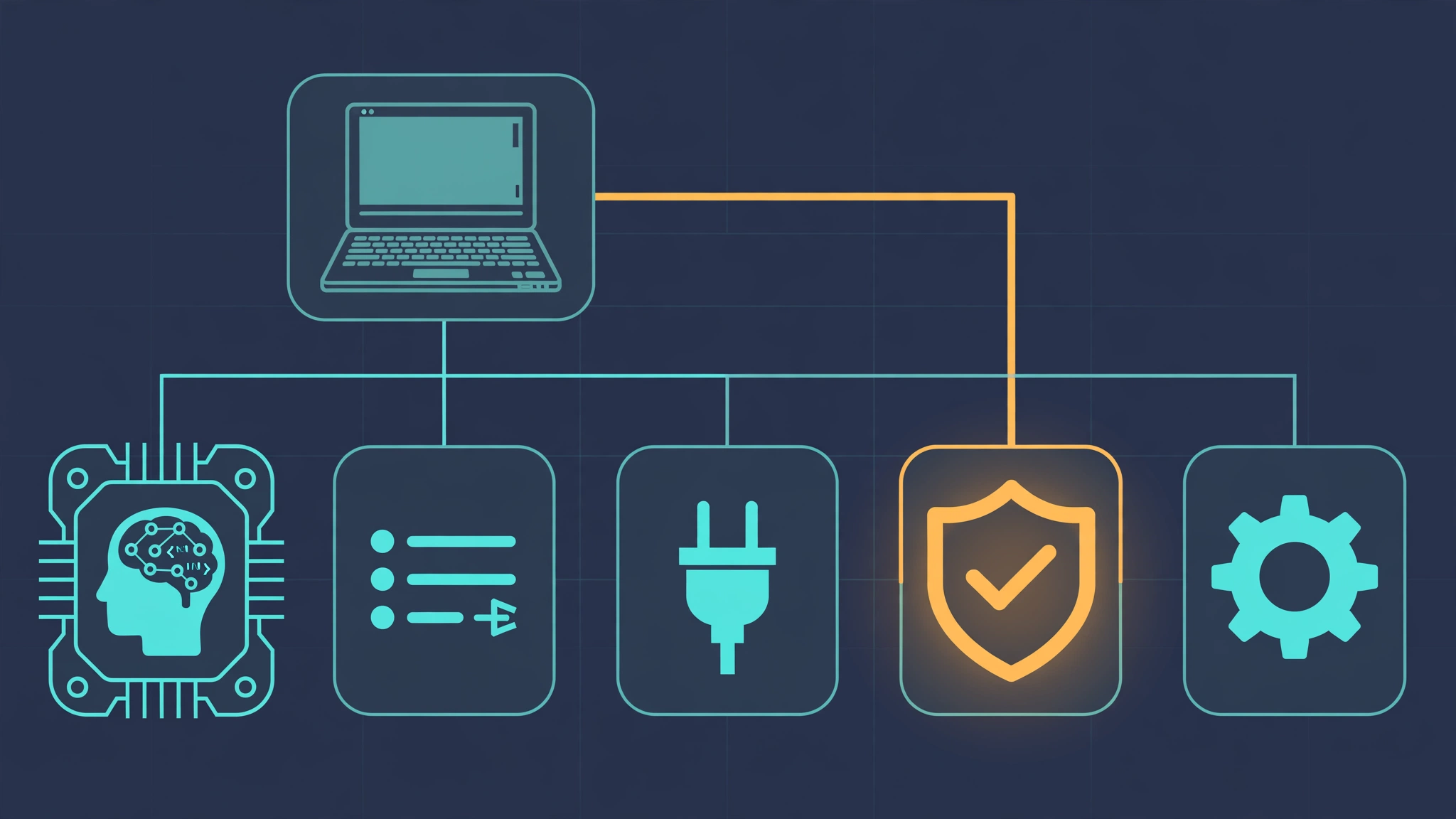
The project has two halves. First, the component catalog — ready-made Claude Code building blocks you browse at aitmpl.com or install directly by ID:
- Agents — specialist subagents (code reviewer, security auditor, database architect) that Claude Code delegates to
- Commands — custom slash commands like
/generate-testsand/optimize-bundle - MCPs — preconfigured Model Context Protocol server integrations (PostgreSQL, GitHub, Stripe, AWS…)
- Settings — opinionated Claude Code configurations (telemetry, permissions, model choice)
- Hooks — automation triggers (format on save, run tests after changes)
- Skills — reusable capabilities with progressive disclosure (PDF processing, Excel automation)
Second, the ops CLI itself: --analytics launches a live session dashboard, --chats a mobile-first conversation viewer (with --tunnel for secure remote access via Cloudflare Tunnel), --plugins and --skills-manager manage what's installed, and --health-check runs a full diagnostic of your setup. Think of it as the missing control panel for Claude Code.
What you'll need#
- Node.js 18+ (for
npx; we used Node v24 on Linux, macOS and Windows work the same) — about 15 minutes end to end - No Anthropic API key needed to install components or run the health check — though the health check will (correctly) flag that Claude Code isn't authenticated if you haven't logged in
- Free. The tool itself is MIT-licensed; anything you wire up (databases, third-party MCP servers) carries its own costs
- Version pinned: we tested 1.29.6 (npm latest at time of writing; the CLI banner prints 1.29.4 — cosmetic, don't let it confuse you)
Step 1 — Survey the tool#
Start by reading the actual option surface instead of the README. Run it with npx so nothing is installed globally:
npx -y claude-code-templates@latest --helpThe help output is the contract — and it matters, because the README is partly stale (more on that in Step 5). Component installation uses a category/name pattern for agents, commands, MCPs, and skills:
npx claude-code-templates@latest --agent development-team/frontend-developer --command testing/generate-tests --mcp development/github-integration --yes
npx claude-code-templates@latest --agent development-tools/code-reviewer --yes
npx claude-code-templates@latest --mcp database/postgresql-integration --yes
npx claude-code-templates@latest --skill document-processing/pdf --yes
Operations flags are standalone: --analytics, --chats, --plugins, --skills-manager, --teams, --health-check, and --tunnel (pairs with --analytics or --chats). Add --yes to skip the interactive prompts everywhere, and --dry-run to preview what an install would do without writing files.
Step 2 — Install a working dev stack#
Install one component of each working type into a scratch project. Components download from the repo's GitHub main branch at install time — not from a pinned release — so treat the catalog as living and re-run later for updates:
mkdir myproject && cd myproject
npx -y claude-code-templates@latest \
  --agent development-tools/code-reviewer \
  --command testing/generate-tests \
  --mcp database/postgresql-integration \
  --skill document-processing/pdf \
  --yes
Expected output for each: 📥 Downloading from GitHub (main branch)... followed by ✅ Successfully installed N components! and 📁 Components installed to: .claude/. All four of these actually installed for us. The result on disk:
.claude/agents/code-reviewer.md
.claude/commands/generate-tests.md
.claude/skills/pdf/SKILL.md
.claude/skills/pdf/reference.md
.claude/skills/pdf/forms.md
.claude/skills/pdf/scripts/...
.mcp.json
These are real, load-bearing files — Claude Code picks up .claude/agents/*.md as subagents, .claude/commands/*.md as slash commands, .claude/skills/*/SKILL.md as skills, and .mcp.json as MCP server config. Nothing else to configure; the next Claude Code session in this directory has a code-reviewer agent, a /generate-tests command, and a PDF-processing skill. The agent file ships with proper subagent frontmatter we verified — name: code-reviewer, a description with usage examples, and tools: Read, Write, Edit, Bash, Glob, Grep. That's the difference between a template and a text file: it declares its own tool budget.
Step 3 — Wire the MCP server#
The Postgres MCP install wrote this .mcp.json verbatim:
{
  "mcpServers": {
    "postgresql": {
      "command": "npx",
      "args": ["-y", "@modelcontextprotocol/server-postgres"],
      "env": {
        "POSTGRES_CONNECTION_STRING": "postgresql://user:password@localhost:5432/dbname"
      }
    }
  }
}
The installer does not and cannot know your database — replace the placeholder connection string with your own before starting Claude Code, or the server will fail to connect at session start. This is the one manual step in the whole flow, and the most commonly skipped: an .mcp.json full of placeholder credentials fails silently until you actually ask Claude to query something. If you don't have Postgres handy, skip the MCP install entirely; the other three component types work with zero configuration.

Step 4 — Run the health check#
Now the payoff — the feature Claude Code itself doesn't have. The health check audits your OS, your Claude Code install, and everything you just added:
npx -y claude-code-templates@latest --health-checkIt walks six sections: System Requirements (OS, Node version, memory, network), Claude Code Setup (CLI present, authenticated, auto-updates, directory permissions), Project Setup (project structure, config files, settings validation), Agents (scans project and personal agent dirs, validates syntax), MCP Servers (config present, syntax valid), and Custom Commands (scans and validates). On our test machine it correctly reported Linux + Node v24 as compatible, found the .claude/ directory we'd just populated, validated the agent syntax, and flagged exactly the two things that were actually wrong: the Claude Code CLI wasn't installed in this sandbox and nothing was authenticated. That's a genuinely useful diagnostic loop for onboarding a teammate: install components, run --health-check, fix what it flags.
Bonus — the dashboards (documented, not live-tested)#
Everything so far ran in a plain terminal. The CLI's other half is a set of local dashboards that open in your browser: --analytics for real-time session monitoring, --chats for a mobile-first conversation viewer, plus --plugins, --skills-manager, and --teams for managing what's installed. Add --tunnel and they go through a Cloudflare Tunnel for secure remote access — monitor your home machine's Claude sessions from your phone. We did not live-test these in this run because they need an active authenticated Claude Code session, which our sandbox doesn't have; the flags, descriptions, and tunnel behavior above come straight from the verified --help output. If you already run Claude Code daily, this is the half of the project worth exploring next.
Step 5 — The rough edges (verified)#
Two things are broken in the current release, and the README won't tell you. First, --setting and --hook installs fail — for every name we tried, including names the CLI itself lists. --setting disable-telemetry errors with Setting "disable-telemetry" not found while the available list prints disable-telemetry right above it; --hook git-add-changes fails the same way against its own listed names. Second, the README's own examples are stale: --hook git/pre-commit-validation and --setting performance/mcp-timeouts don't exist in the catalog. Use the names the CLI lists (--health-check prints available hooks and settings when an install fails) or copy IDs from aitmpl.com — not from the README.
Neither issue blocks the main workflow: agents, commands, MCPs, and skills all install cleanly, and those are what most people need. But don't build a team onboarding script around --setting until a fixed release lands.
When to use this vs alternatives#
- vs writing
.claude/files by hand: hand-writing wins when you have strong opinions about every prompt. This wins when you want a vetted starting point in one command — then you fork and edit the installed markdown, which is the intended workflow anyway. - vs Anthropic's official plugin marketplaces (we covered the knowledge-work plugins on September 27): marketplaces integrate with Claude Code's plugin system and update through it; claude-code-templates is a grab-bag installer plus ops tooling. The health check and analytics dashboards are the differentiator — no marketplace gives you a setup audit.
- vs assembling your own MCP configs: the MCP installs here are thin wrappers around standard servers with placeholder credentials. If you already maintain
.mcp.jsonfiles, this saves you the copy-paste; if your org has secret management, you'll still wire the env yourself.
The takeaway#
claude-code-templates earns its trending spot the honest way: it deletes a real, repeated chore. One npx command gets you a code-reviewer agent, test-generation command, Postgres MCP wiring, and a PDF skill; the health check then tells you whether the whole thing is actually coherent. Pin your workflow to the CLI's --help rather than the README's examples, skip --setting/--hook until the install bug is fixed, and replace MCP placeholder credentials before your first session. Fifteen minutes from a bare checkout to a fully loaded Claude Code — that, not the star count, is why 32,000 people starred it.